BeePOP 亚马逊卖家博客

BeePOP 亚马逊卖家博客

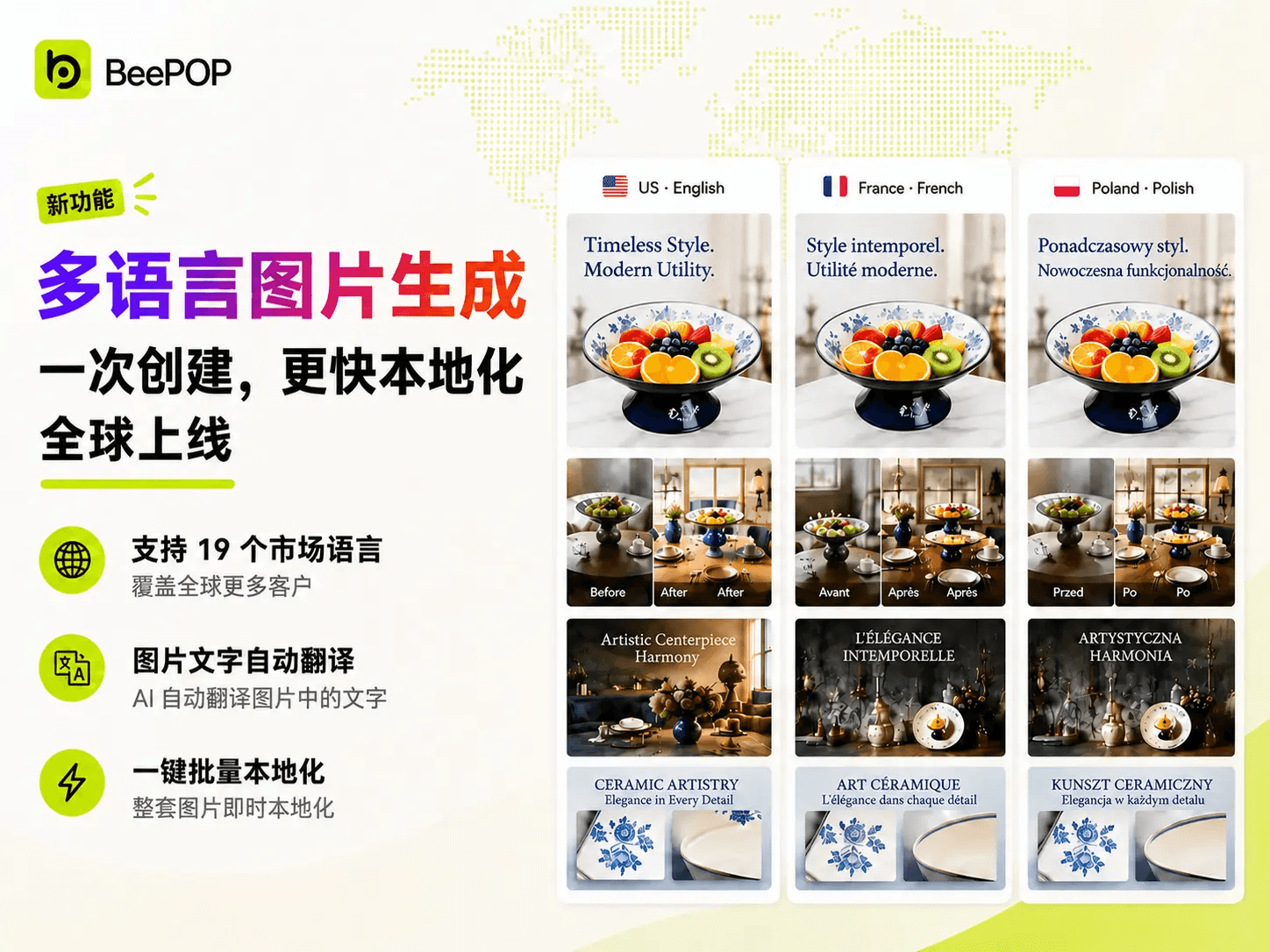
Introducing BeePOP Multi-Locale Image Generation: Create Once, Launch Globally

Ⅰ. Overview We are thrilled to announce that BeePOP now supports Multi-Locale Image Generation. Sellers can create localized versions of the same product image set for different marketplace languages in one workflow. Simply select your target markets, and BeePOP will automatically translate the text inside your images. Images without text will remain unchanged. Create once. Localize faster. Launch globally. 📍Try it now: BeePOP Ⅱ. Supported Markets and Languages The feature currently supports the following market-language combinations: Ⅲ. Two Ways to Localize Images 1. Localize the Entire Image Set After entering the Canvas, click [Localize] in the bottom-right toolbar. Then choose the target market languages and run the generation. This method localizes all text-containing images in the current image set at once. 2. Localize a Single Selected Image Select an image on the Canvas, then click [Localize] in the top toolbar to generate localized versions. This method localizes only the selected image. Ⅲ. Workflow Step 1: Create the Main Locale On the BeePOP Product Home page, upload your product images and selling points. The generated image set will become the listing’s main locale. In the current version, the main locale is fixed as US · English . 📍Try it now: BeePOP Step 2: Choose Target Languages In the Canvas, start localization from either the full image set or a selected image. When the Choose market languages panel appears, select the markets and languages you want to generate. Multiple languages can be selected at the same time. Step 3: Wait for Localization BeePOP will process the selected images automatically. If an image contains text, the text will be translated and rendered in the target language. If an image does not contain text, the original image will be kept. When localization is complete, the status will show Localization Completed . Step 4: Preview Results After localization is complete, switch to Preview mode. In Preview mode, localized images are grouped by market and language. You can review and compare different language versions before exporting. Step 5: Export Files Click [Export] and choose the export format. Available formats include: JPG / PNG : Download localized images as a ZIP file TSV / XLSX : Download a spreadsheet with localized image URLs ZIP : Download all localized images grouped by language The TSV/XLSX file can be used for bulk upload workflows, such as Amazon Seller Central. Ⅴ. FAQ Q 1: Are extra credits charged for image localization? A: Yes. Localization is charged at 20 credits per generated localized image . Images without text are kept unchanged and are not charged. For batch localization, credits used = 20 × the total number of localized images actually generated. Example: An image set contains 9 images, and you select 3 target locales: Japanese, French, and German. The AI detects that 7 images contain text and 2 images do not. Images without text are kept unchanged and are not charged. In this case, 7 × 3 = 21 localized images are generated, using 21 × 20 = 420 credits . Q 2: How many locales can I select at once? A: You can select multiple locales. BeePOP currently supports 19 market-language options , and all can be selected for batch localization. Q 3: Will localization affect the original US English version? A: No. The main Locale, US · English , always remains unchanged. Other versions are generated separately. Ready to launch your products in more markets? Use BeePOP Multi-Locale Image Generation to localize your product images faster and prepare marketplace-ready image sets in minutes. 📍Try it now: BeePOP

By BeePOP team 2026/07/14

multi-locale-cover
The Myth Doesn’t Stop Here.

Features

The Myth Doesn’t Stop Here.

The key to a great product isn’t piling up user manuals, but engineering a stratified guidance framework for users at different skill levels.

2026/06/18

Amazon AI Image Disclosure Compliance Guide

Features

Amazon AI Image Disclosure Compliance Guide

Stay compliant with the latest Amazon AI image disclosure rules. Learn how to safely list products using synthetic media and avoid account suspension.

2026/06/11

How to Use BeePOP’s Brand Kit to Create On-Brand Content?

Features

How to Use BeePOP’s Brand Kit to Create On-Brand Content?

Learn how to use BeePOP Brand Kit to create consistent, on-brand content. Streamline your brand identity, logos, and colors for effortless visual marketing.

2026/06/10

You’re Not Losing on Amazon Because Your Images Look Bad.

Features

You’re Not Losing on Amazon Because Your Images Look Bad.

Ugly photos aren't killing your sales. Discover why a broken content delivery pipeline, not your design quality, is the real reason you're losing on Amazon.

2026/05/28

100 Models, 1 Complete Pipeline: The Ultimate Template Pack We Kept Under Wraps.

Features

100 Models, 1 Complete Pipeline: The Ultimate Template Pack We Kept Under Wraps.

Scale your Amazon A+ content instantly with 100 models and 1 complete pipeline. Get the ultimate product image template pack to supercharge throughput.

2026/05/28

The ultimate template pack is now open source. Grab yours.

Features

The ultimate template pack is now open source. Grab yours.

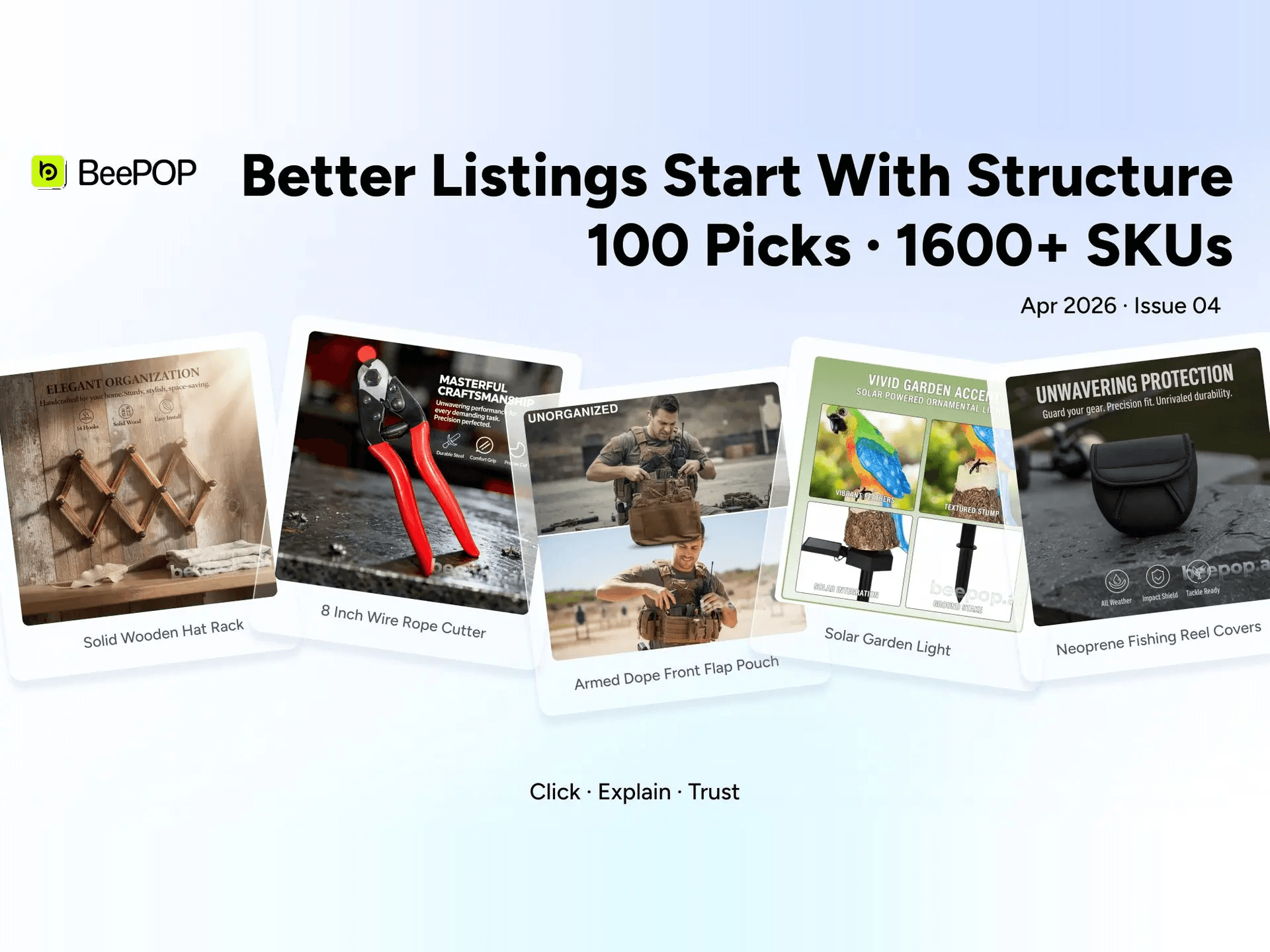
Stop tweaking individual images. Learn how a structured content pipeline allows you to manage 1600+ SKUs and build better Amazon listings at scale.

2026/05/28

Most Sellers Don’t Need Better Designers.

Features

Most Sellers Don’t Need Better Designers.

Chasing pixel-perfect design is burning your budget. Find out why Amazon sellers need scalable content systems, not better graphic designers, to win.

2026/05/28

Beepop Launches to Revolutionize Amazon’s Industrial E-Commerce and Long-Tail Markets

Features

Beepop Launches to Revolutionize Amazon’s Industrial E-Commerce and Long-Tail Markets

Discover why BeePOP is a game-changer for Amazon FBA sellers. Automate your product image workflows, scale your listing content, and explode conversions.

2026/05/28

免费生成 Amazon Listing 上架素材集

上传一张产品图,几分钟生成主图、卖点图、场景图、对比图、尺寸图、清单图与 A+ 内容模块,适合新品上架和多 SKU 铺货。