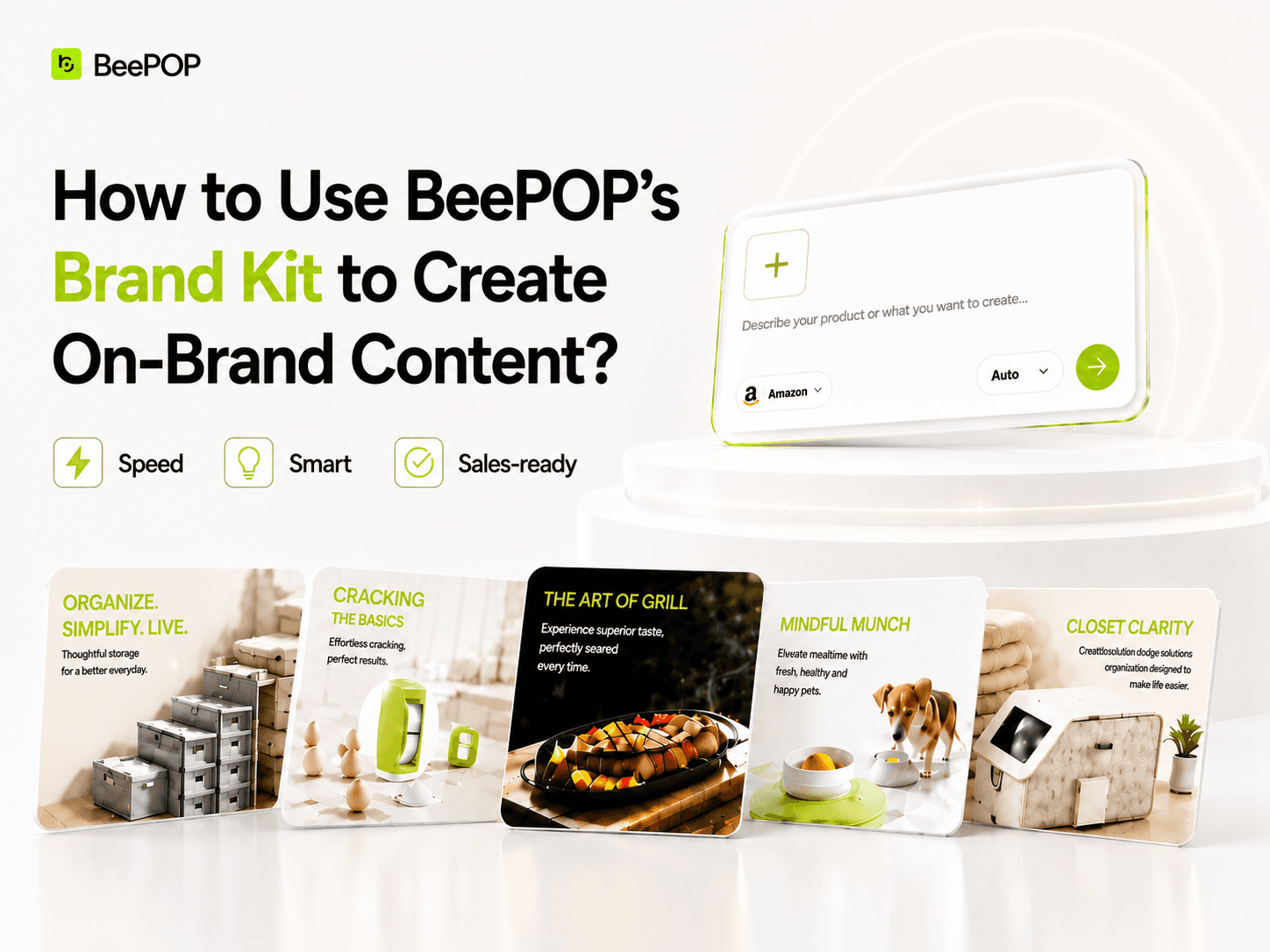
A Brand Kit is a central hub for your business’s visual identity, including logos, colors, fonts, icons, and brand voice, so your team can create consistent, high-quality content faster. BeePOP can turn brand rules into generation constraints, so every new image stays on-brand by default. That means less time repeatedly explaining your style and hunting for assets, and more consistent results across SKUs and channels.
Follow the steps below to set up and use your Brand Kit effectively:
1. Set up your Brand Kit
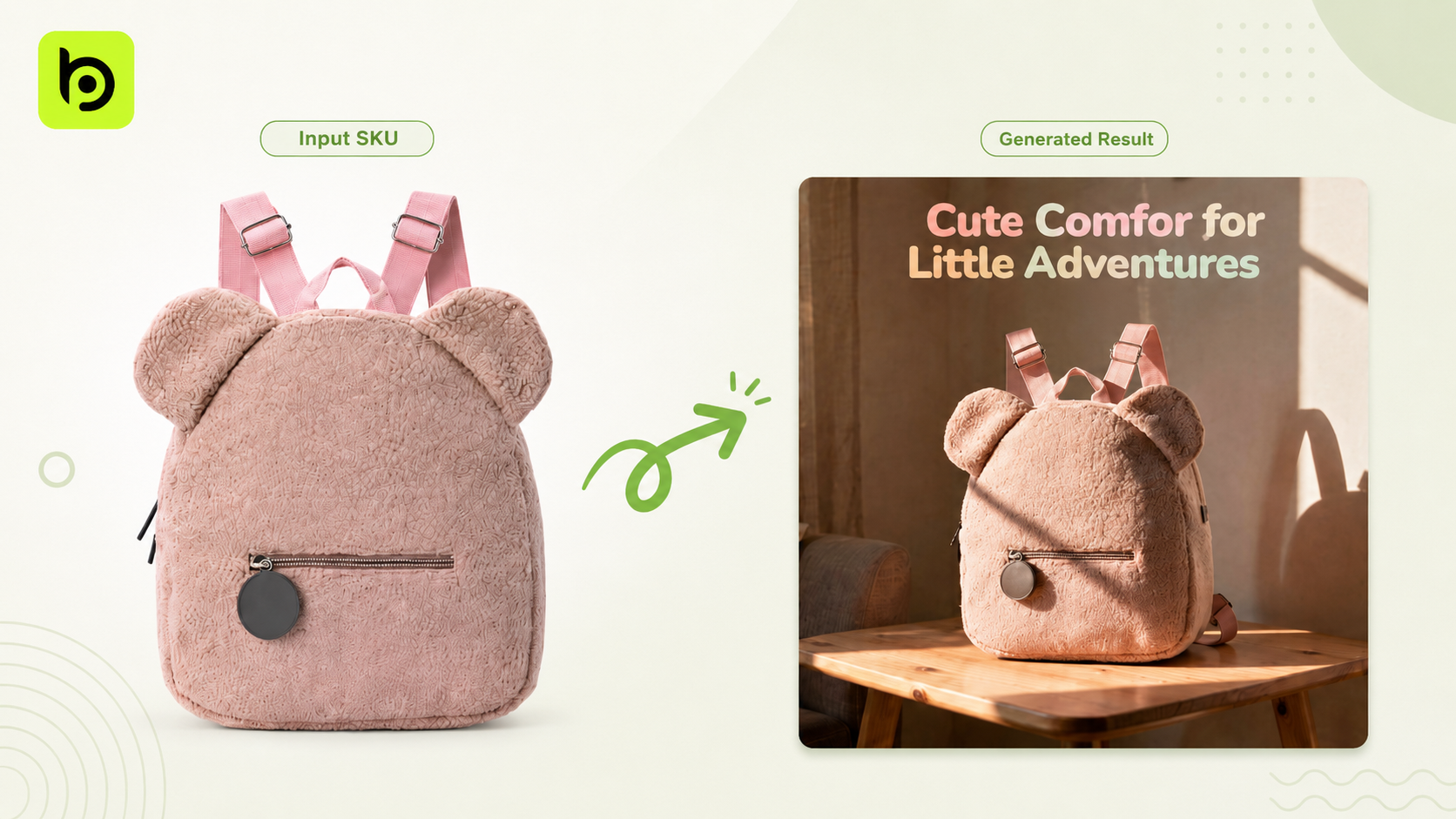
First, upload one SKU photo to your Brand Kit dashboard. This gives BeePOP a clear visual anchor—so you don’t have to rewrite style rules every time.
🖼️ Example: A children’s backpack
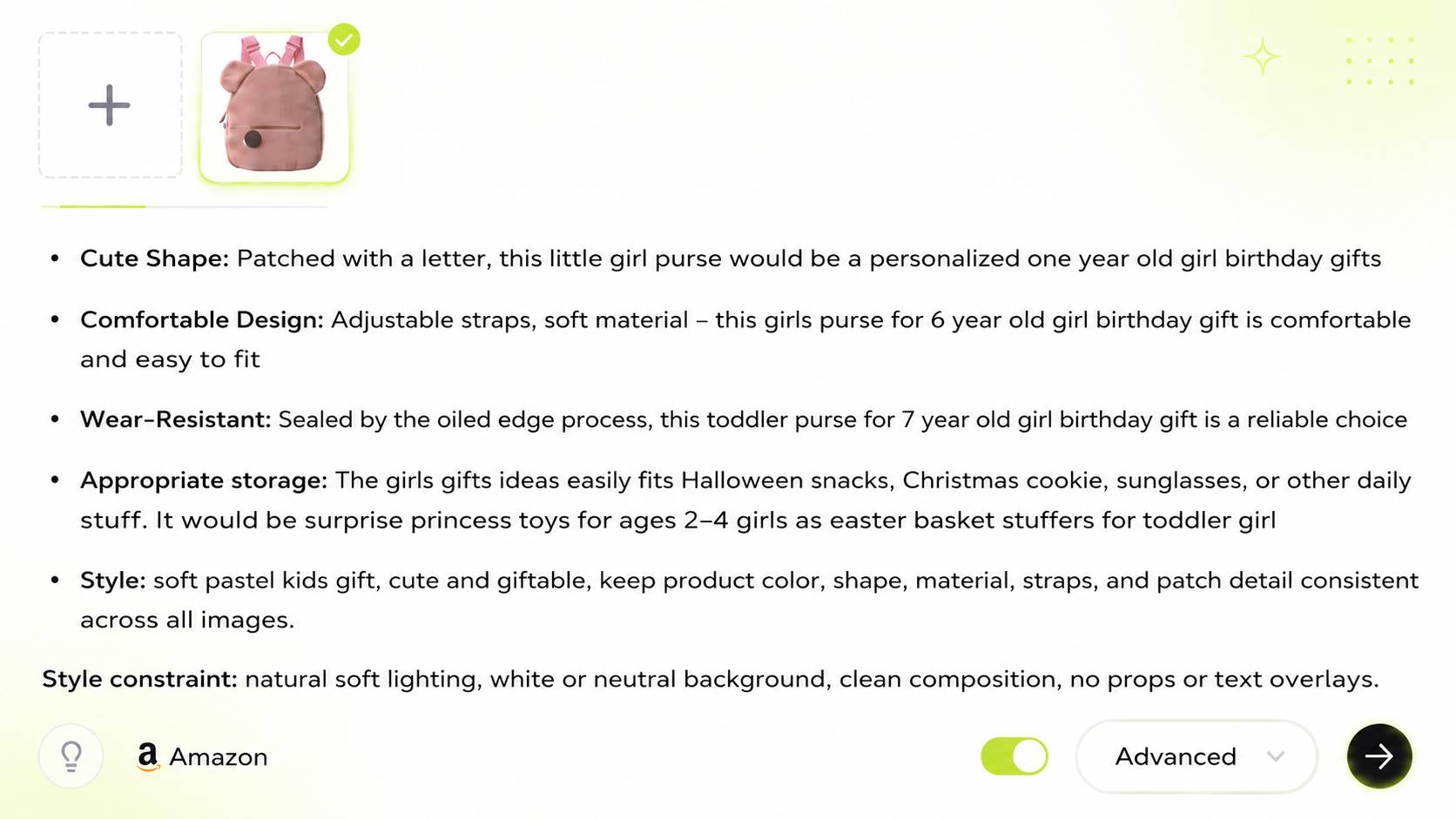
Input: Add the five bullet points plus any style constraint keywords.
Brand Kit turns those visual constraints into pixels, rather than simply “polishing” with your brand colors.
Colors: Culinary Hearth Shadow || [Primary] Charred Ember (#BD1E24) || [Secondary] Deep Silver (#A0A0A0)
Fonts:
- Category: Sans-serif
- Weight: "Heavy"
- Character: Compressed tracking and thick strokes to reflect industrial density
- Color Logic: Derived from Secondary anchor
Lighting:
- Quality: Hard-edged
- Direction: High-angle rim lighting to define the vertical handle volume
- Color: 6000K Neutral key with Warm Amber (2700K) accent tints
- Effect: Specular glints on the handle vertex and grazing light on the mold rim
Core Style: High-contrast linear shadows against sharp specular highlights, emphasizing heavy structural repetition and circular geometry.
2. Lock in consistency
At generation time, Brand Kit applies a constraint set over brand-critical variables (logo position, palette, type). [fixed brand background parameters] receive high prompt weights to lock background settings, optimize file size, and scale consistently across SKUs.
Generation process
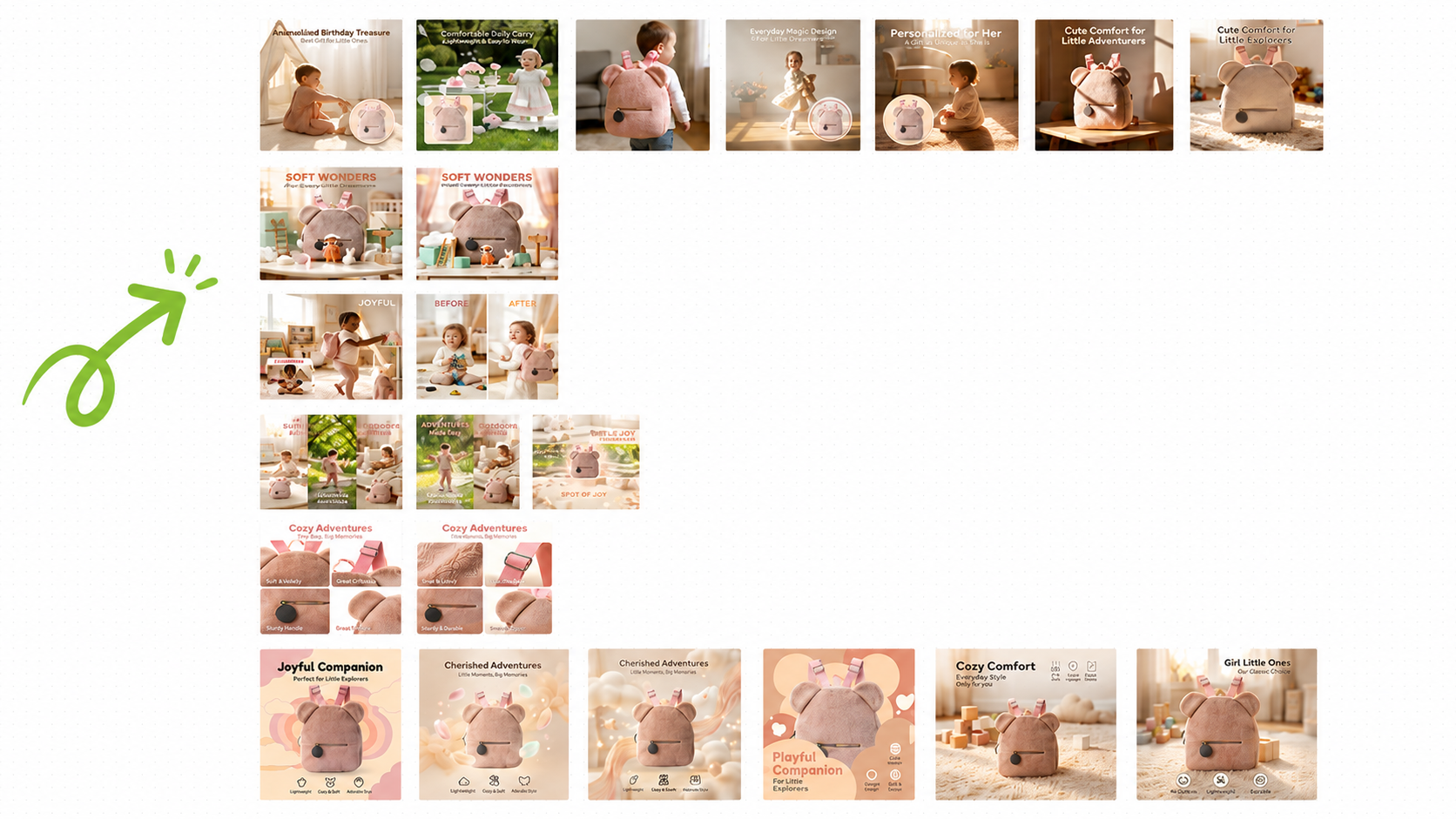
Turn a single SKU photo into a complete set of Amazon listings within 1 minute.
Result: You save time, avoid hunting for brand assets, and keep your visual system locked in. Define your rules once in Brand Kit settings, and BeePOP applies them consistently across the entire set.
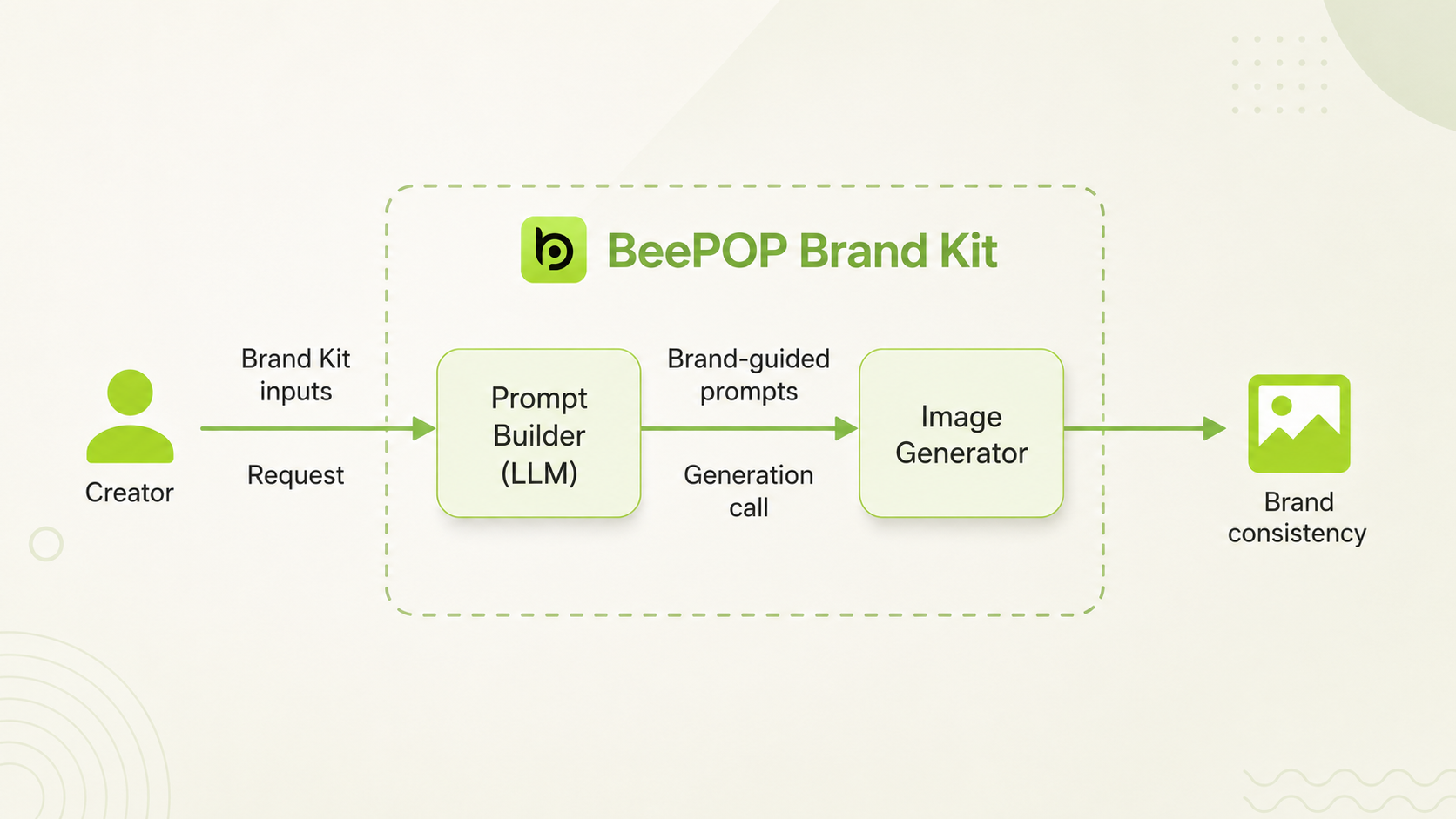
BeePOP Brand Kit concepts and methodology
3. Generate Multi‑SKU Sets
Once your assets are uploaded, BeePOP keeps key visual variables consistent so every image stays clean, coherent, and evenly lit, including grayscale, contrast, saturation, and more.
This same setup scales effortlessly across SKUs, including multi-SKU generation.
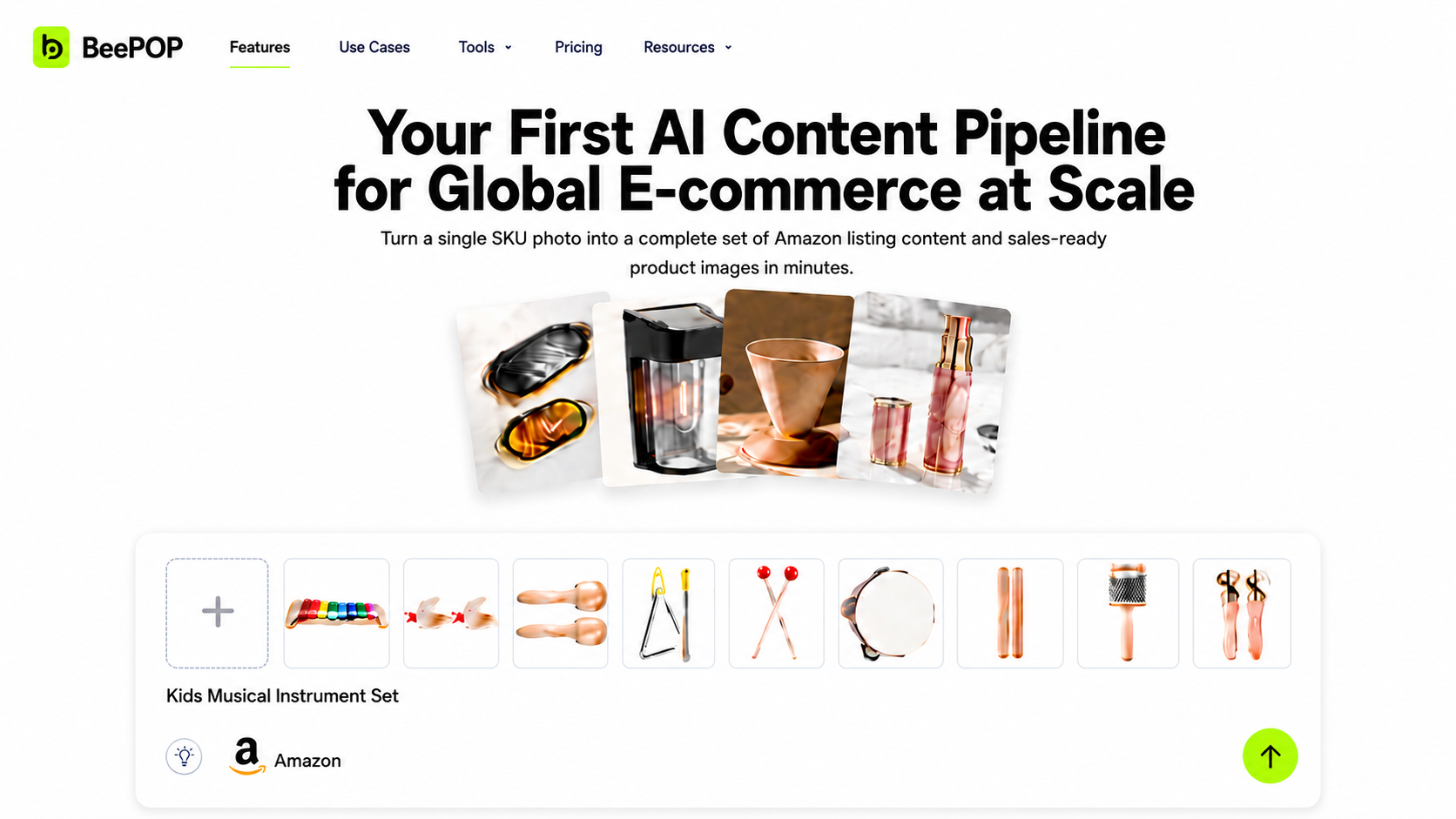
Process overview
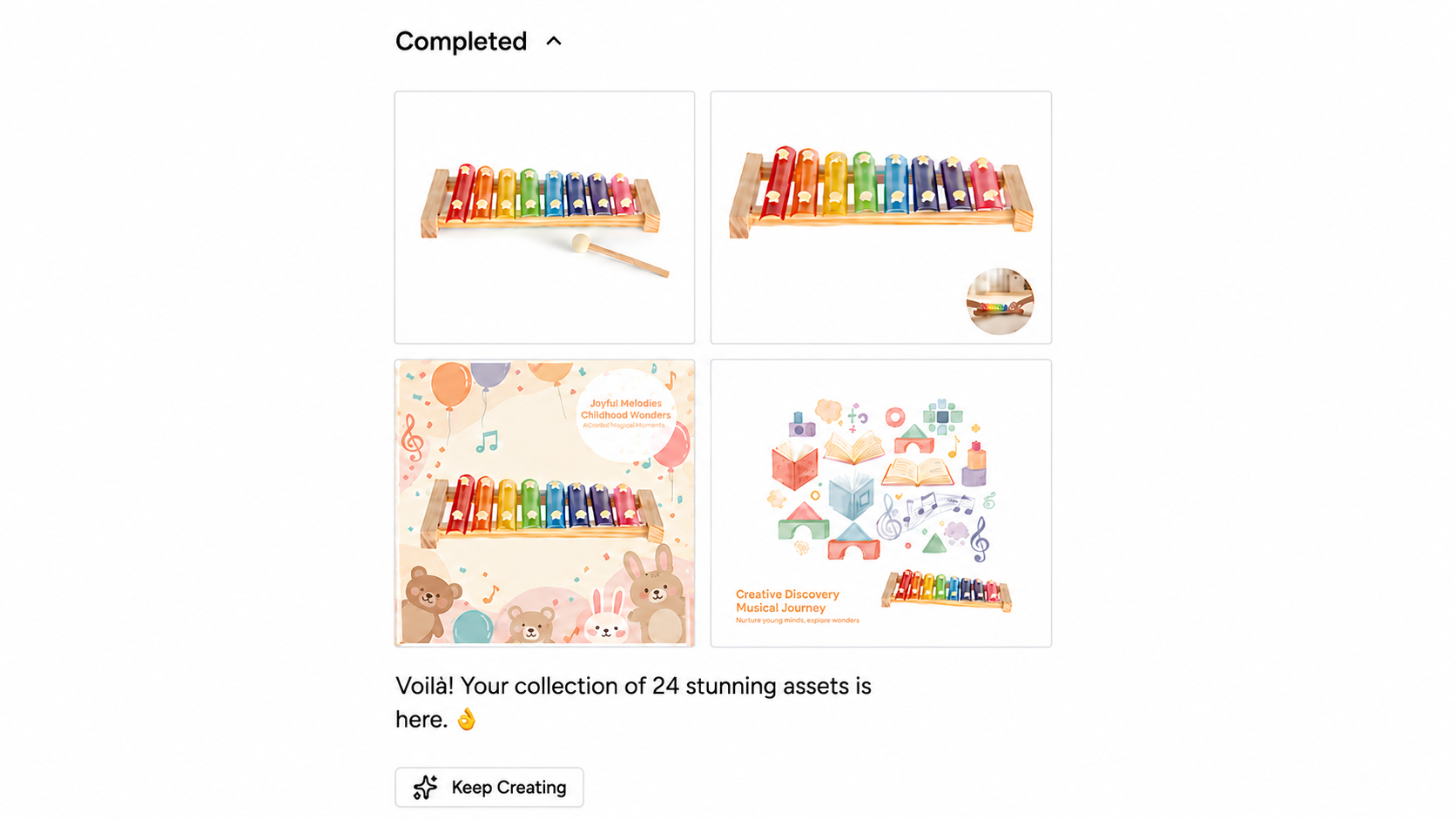
Export overview
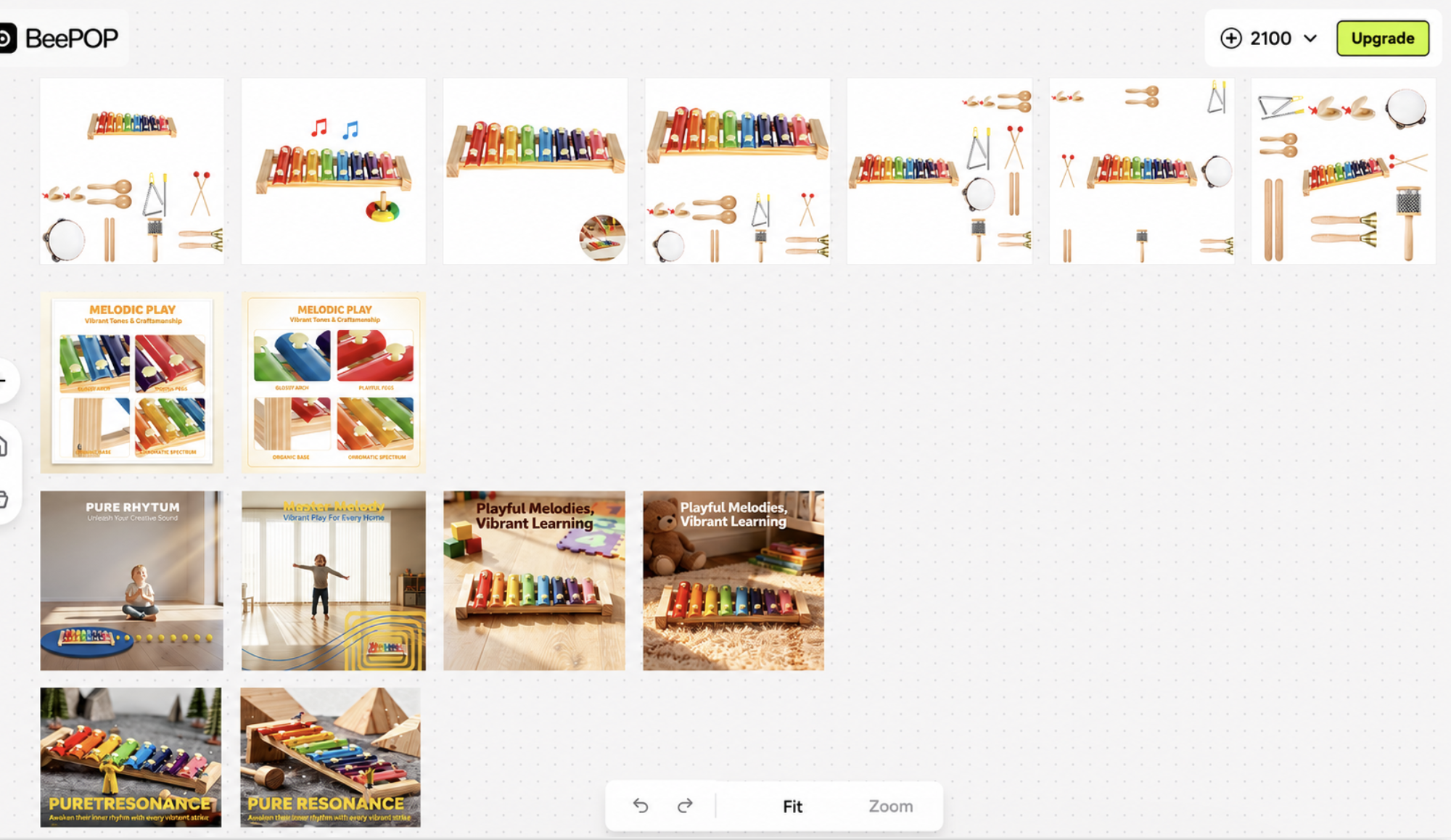
When your Brand Kit is configured, you can apply approved fonts, logo, colors, icons, imagery, and graphics across all assets—ensuring consistent, correct brand usage.
You can also manage Brand Kits in project folders and share them with the right stakeholders, so everyone has access to the right brand assets for the right project.
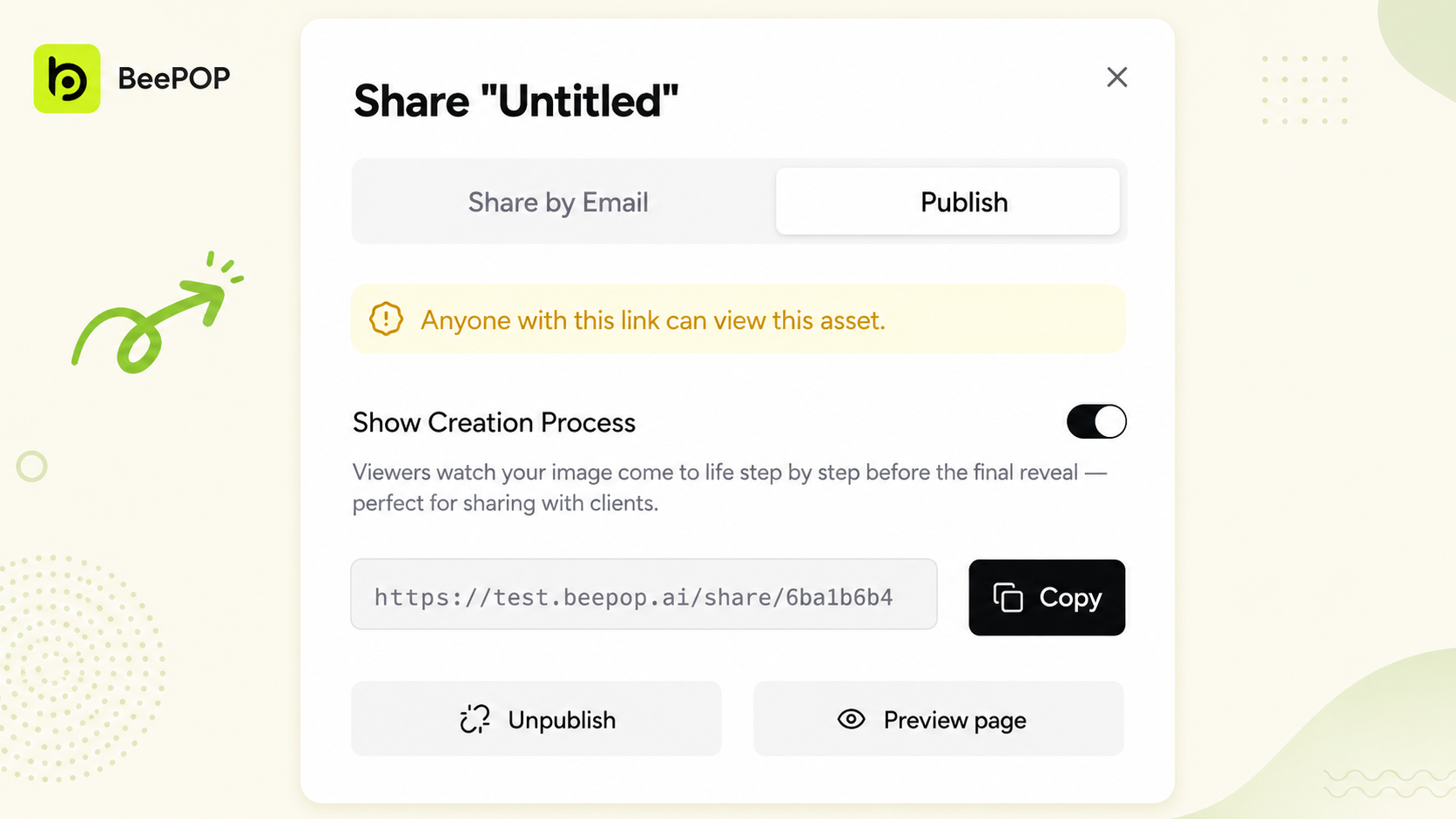
4. Share Your Work
For a quick visual overview of how to organize assets and share your outputs, BeePOP helps you maintain an active creator voice across social platforms, helping your brand and products gain visibility faster.
Ready to try BeePOP?
We’re also offering 2,100 free trial credits at https://beepop.ai. Experience the zero-friction content workflow and launch your Amazon A+ content today.