BeePOP Now Supports Alipay for Subscription Payments

2026/07/28
BeePOP Now Supports Alipay for Subscription Payments

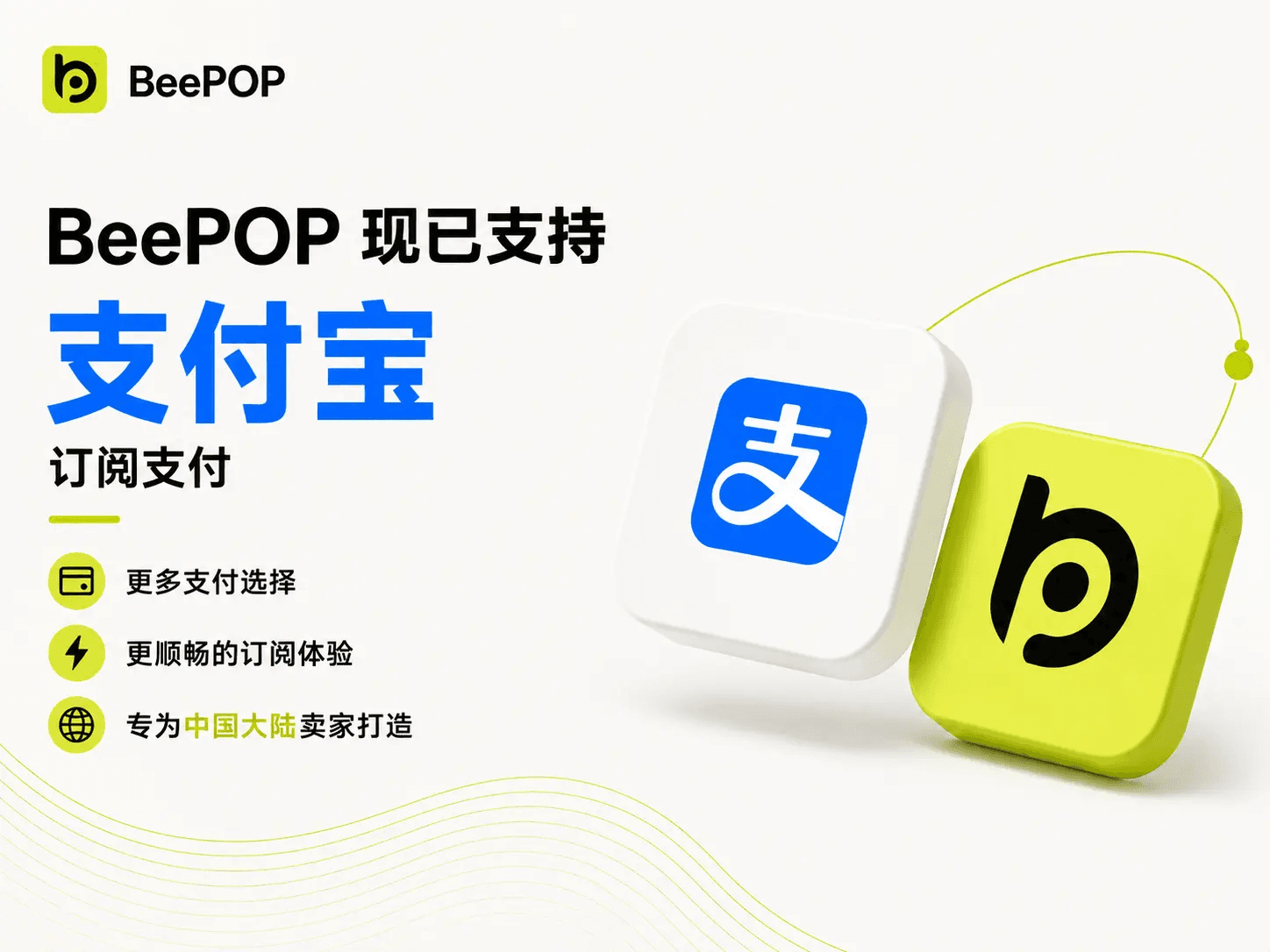
BeePOP now supports Alipay for subscription payments, giving users in mainland China another convenient way to subscribe.

As BeePOP continues to support sellers across different regions, we are expanding our payment options to make the subscription process smoother and more accessible. If Alipay is available on your payment page, you can select it at checkout, scan the QR code, and complete your subscription in just a few steps.

Start here


How to Subscribe with Alipay


Step 1: Sign up or log in to BeePOP

Go to BeePOP and sign up or log in to your account : Sign in now


Step 2: Open the subscription page

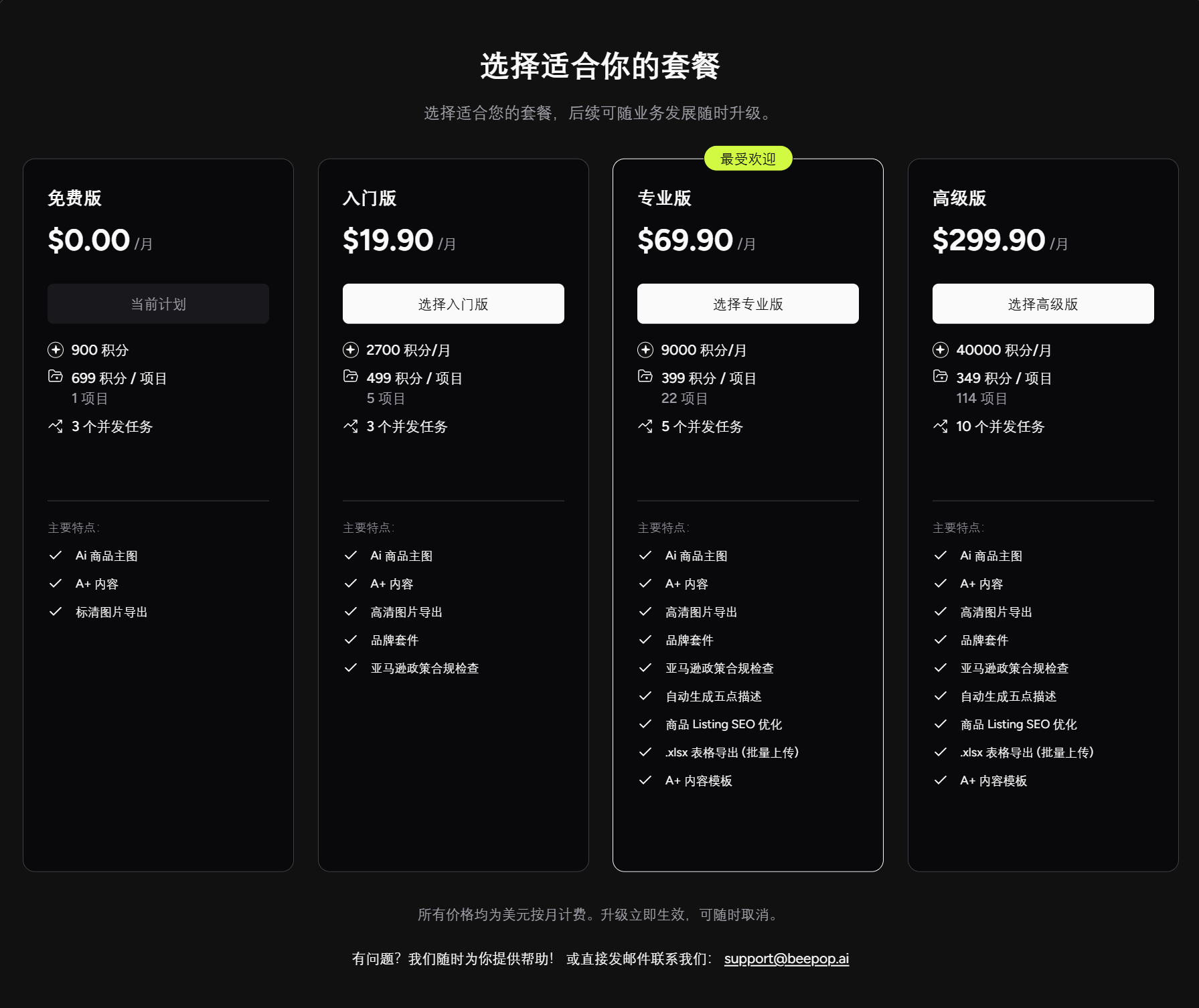
Click [Upgrade] to enter the subscription page.


Step 3: Choose your plan

Select the subscription plan that best matches your SKU volume and production needs, then click the plan button, such as [Get Starter], [Get Pro], or [Get Growth].


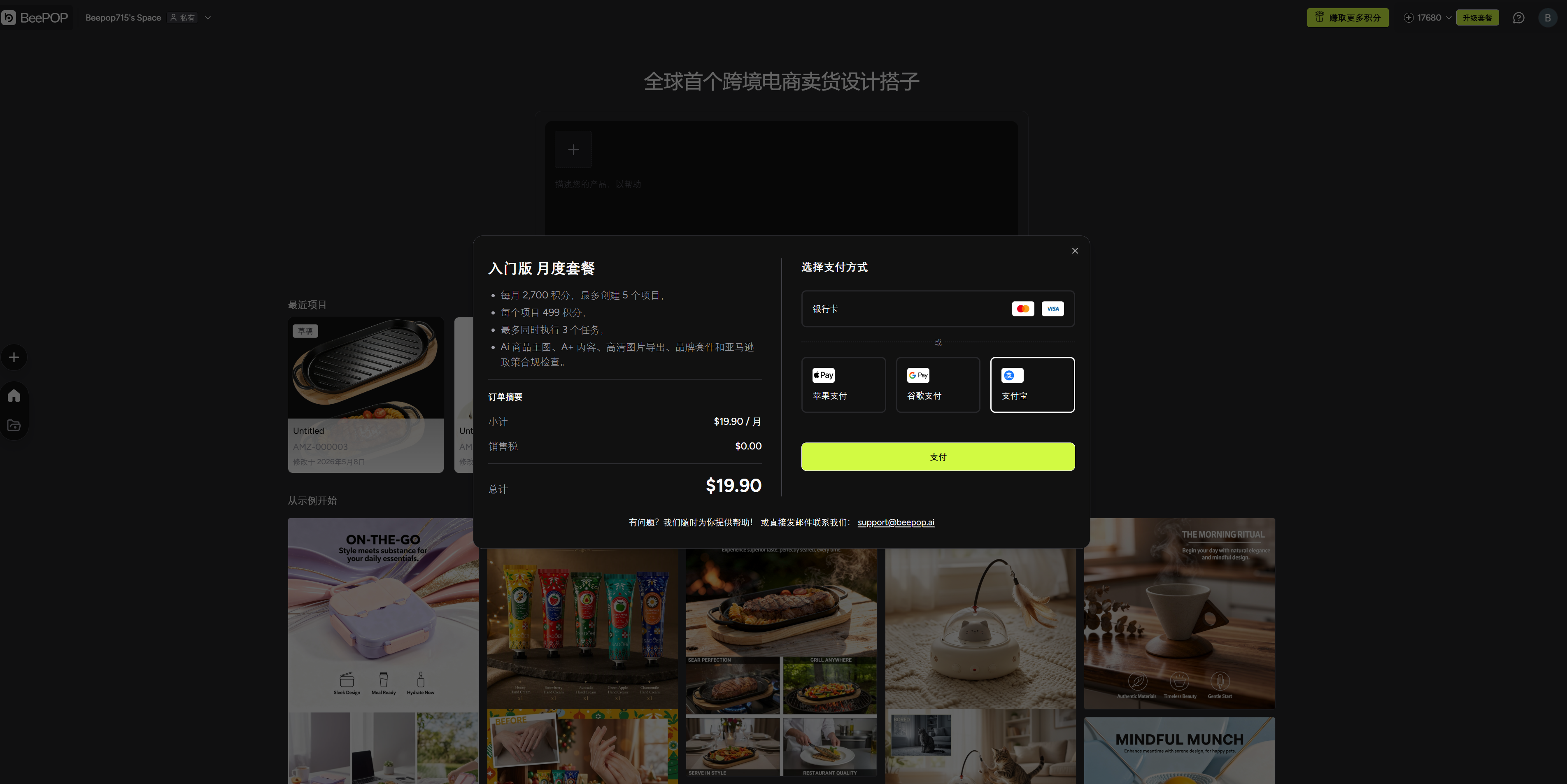
Step 4: Choose Alipay on the payment page

After selecting your plan, you will enter the payment options page.

For users in mainland China, Alipay will appear as one of the available payment methods. Select Alipay, then click [Pay] to continue.


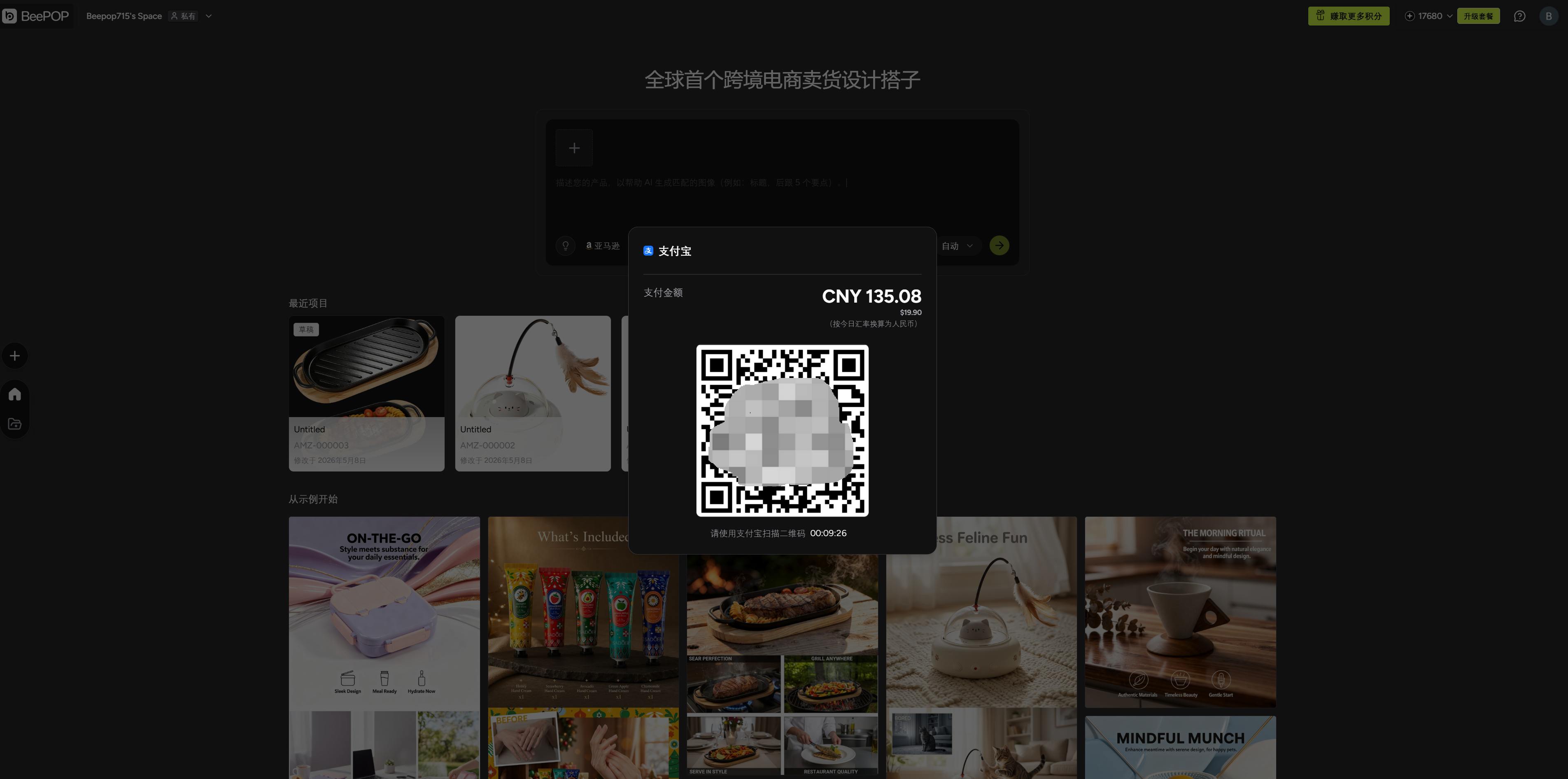
Step 5: Scan the Alipay QR code

After clicking [Pay], an Alipay QR code will appear.

Open Alipay on your phone and scan the QR code to complete the payment.


Step 6: Subscription activated

Once the payment is successful, BeePOP will automatically show a confirmation message.

Your subscription will be activated immediately, and your plan credits will be added to your account.


Start Your BeePOP Subscription with Alipay

That’s it. Once your payment is successful, your BeePOP subscription will be activated automatically, and your plan credits will be ready to use.

Alipay is now one of the available payment options for users in mainland China, making it easier to subscribe and start building Amazon-ready listing content with BeePOP.

Subscribe now

More from BeePOP

免费生成亚马逊 A+ 内容及适合销售的产品图片

上传一张产品图,几分钟生成主图、卖点图、场景图、对比图、尺寸图、清单图与 A+ 内容模块,适合新品上架和多 SKU 铺货。