What Are OpenAI Dots?
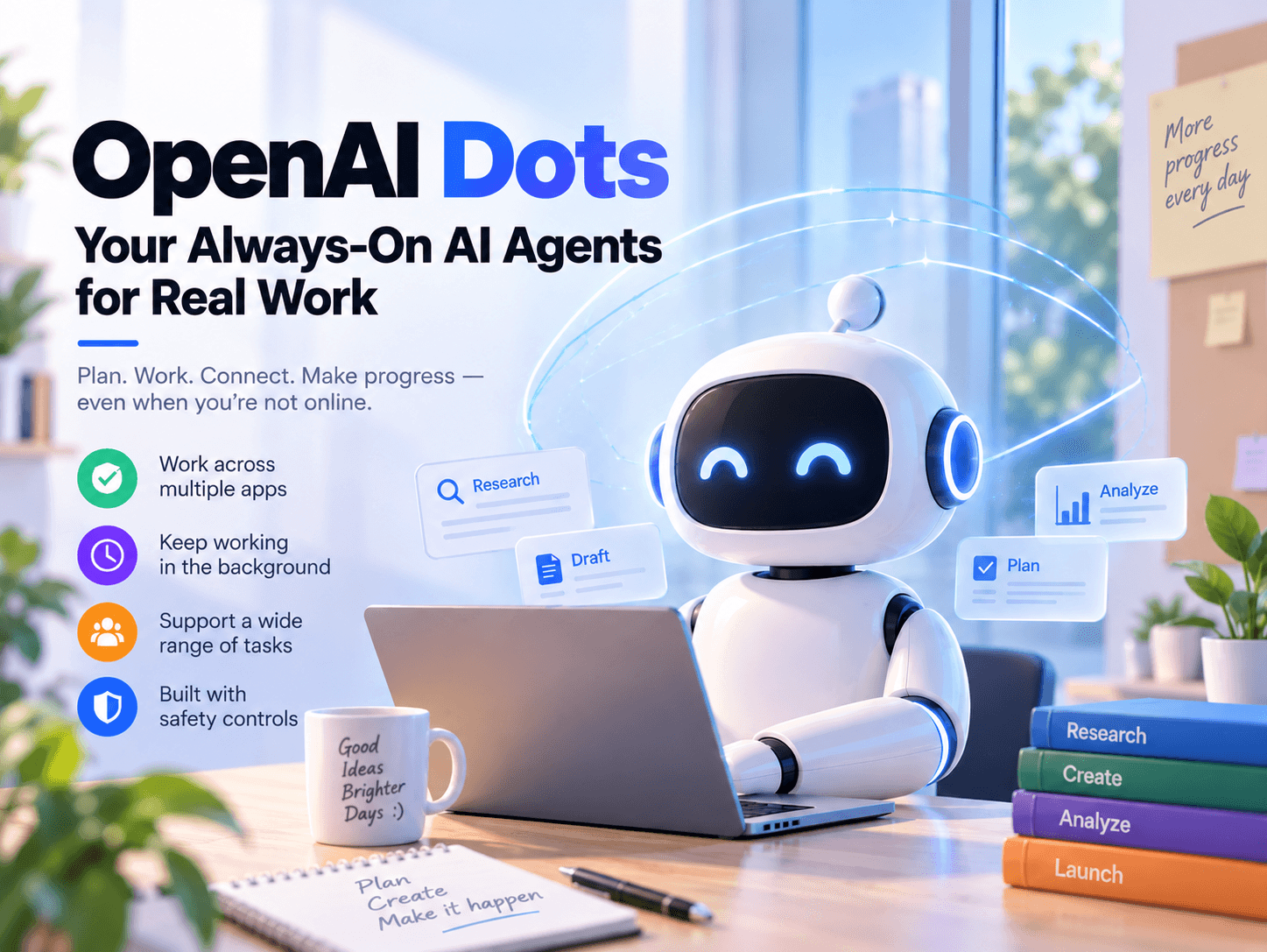
OpenAI Dots are persistent AI agents designed to work on ongoing projects after a user assigns them a goal.
Unlike a traditional chatbot that mainly responds during an active conversation, a dot can continue working in the background, use connected applications, and return updates or completed work for review.
OpenAI introduced the product on September 29, 2026. The company says Dots are powered by GPT-6 Astra and have access to their own cloud computer, browser, identity, and permission settings.
How Do OpenAI Dots Work?
Users can create a dot, give it a name, connect the applications it needs, and explain their preferences or working style.
Each dot can operate on a separate cloud computer. Users can inspect that computer, follow the dot’s activity, and authorize access to a personal device when a project requires it.
OpenAI says Dots can connect to more than 4,000 applications through its plugin ecosystem. Depending on availability, users can communicate with a dot through ChatGPT, text messages, Slack, Microsoft Teams, or voice conversations.
What Can OpenAI Dots Do?
OpenAI presents Dots as tools for ongoing work rather than one-time questions. They can help monitor changing information, update documents, analyze new data, prepare code changes, and keep related project materials aligned.
Examples mentioned by OpenAI include software development, product launches, scientific analysis, sales proposals, and content production. These examples describe intended use cases, not guaranteed outcomes.
Are OpenAI Dots Fully Autonomous?
Dots are designed to work independently, but they are not intended to operate without limits.
Users can choose which applications a dot can access, decide which actions require approval, and create rules that allow or prohibit specific activities. OpenAI says some sensitive actions, such as changing a password, must still be completed by the user.
OpenAI also warns that Dots can make mistakes. Human review remains important whenever a dot’s output could affect an important decision, external communication, account, or workflow.
How Does OpenAI Protect User Data?
OpenAI says Dots work on their own cloud computers by default. Unless a user deliberately connects a personal computer, that computer and its contents remain separate from the dot.
When a dot signs in to supported websites, it may use saved passwords without exposing those passwords directly to the model. OpenAI also says that proactive research uses read-only tools, which cannot send messages, modify application content, or control the user’s browser or computer.
Users can manage application access through ChatGPT’s existing controls. Custom rules can determine whether a dot may act independently, must request approval, or is prohibited from performing a particular action.
For personal ChatGPT plans, users can control whether Dot conversations and work content may be used to improve OpenAI’s models. OpenAI says proactive research content and notes that Dots create for themselves are not directly used for training.
Access and Usage for OpenAI Dots
OpenAI Dots are being rolled out gradually to eligible Pro and Business Premium users in supported markets.
Enterprise users, including Edu and Healthcare users, can access a beta when their workspace administrator enables it. OpenAI says Pro access excludes the European Economic Area, Switzerland, and the United Kingdom at launch.
The first dot is included with Pro and Business Premium plans at no additional charge, according to OpenAI’s announcement. Those plans also include an allowance for deeper work, with a higher allowance during the first month after launch.
Conversations with Dots do not use a user’s ChatGPT allowance. However, when a dot starts or manages work in Codex or ChatGPT Work, those tasks continue to count toward the applicable usage limits.
How to Get Started with OpenAI Dots
Eligible users can create a dot from the ChatGPT desktop application or desktop web interface.
The setup process includes:
- Giving the dot a name
- Connecting the applications it needs
- Explaining relevant preferences and working standards
- Setting approval rules and boundaries
- Reviewing its activity and completed work
After the initial setup, users can continue communicating with a dot through ChatGPT and other supported channels, depending on account eligibility and regional availability.
FAQ
Are OpenAI Dots the same as ChatGPT?
No. Dots are persistent agents within the ChatGPT ecosystem. They are designed to continue working toward a goal between conversations and use connected applications within the permissions given by the user.
Can a dot keep working when I am not using ChatGPT?
OpenAI says Dots can remain available and continue working on assigned projects in the background. Users should still review important results because the system may make mistakes.
Can OpenAI Dots access my computer?
By default, a dot works on its own cloud computer. Users may authorize access to a personal computer when a task requires it, but this is optional.
Can a dot send messages or change files?
Some actions may be completed independently, while others can require approval. The result depends on the action, the connected application, and the user’s permission settings.
Are OpenAI Dots available worldwide?
No. Availability is being expanded gradually. OpenAI says Pro access excludes the European Economic Area, Switzerland, and the United Kingdom at launch.
Conclusion
OpenAI Dots are designed for a more continuous style of AI collaboration. Instead of starting from zero in every conversation, a dot can keep working toward an assigned objective, use connected tools, and adapt as new information becomes available.
The product combines persistent task execution, cloud-based work environments, application connections, cross-platform communication, and user-defined approval rules. At the same time, access is still limited, rollout details may change, and OpenAI acknowledges that Dots can make mistakes.
For now, the most accurate way to view a dot is as a persistent AI work partner—not a completely unsupervised replacement for human judgment.