Most AI tools stop when the answer is ready.
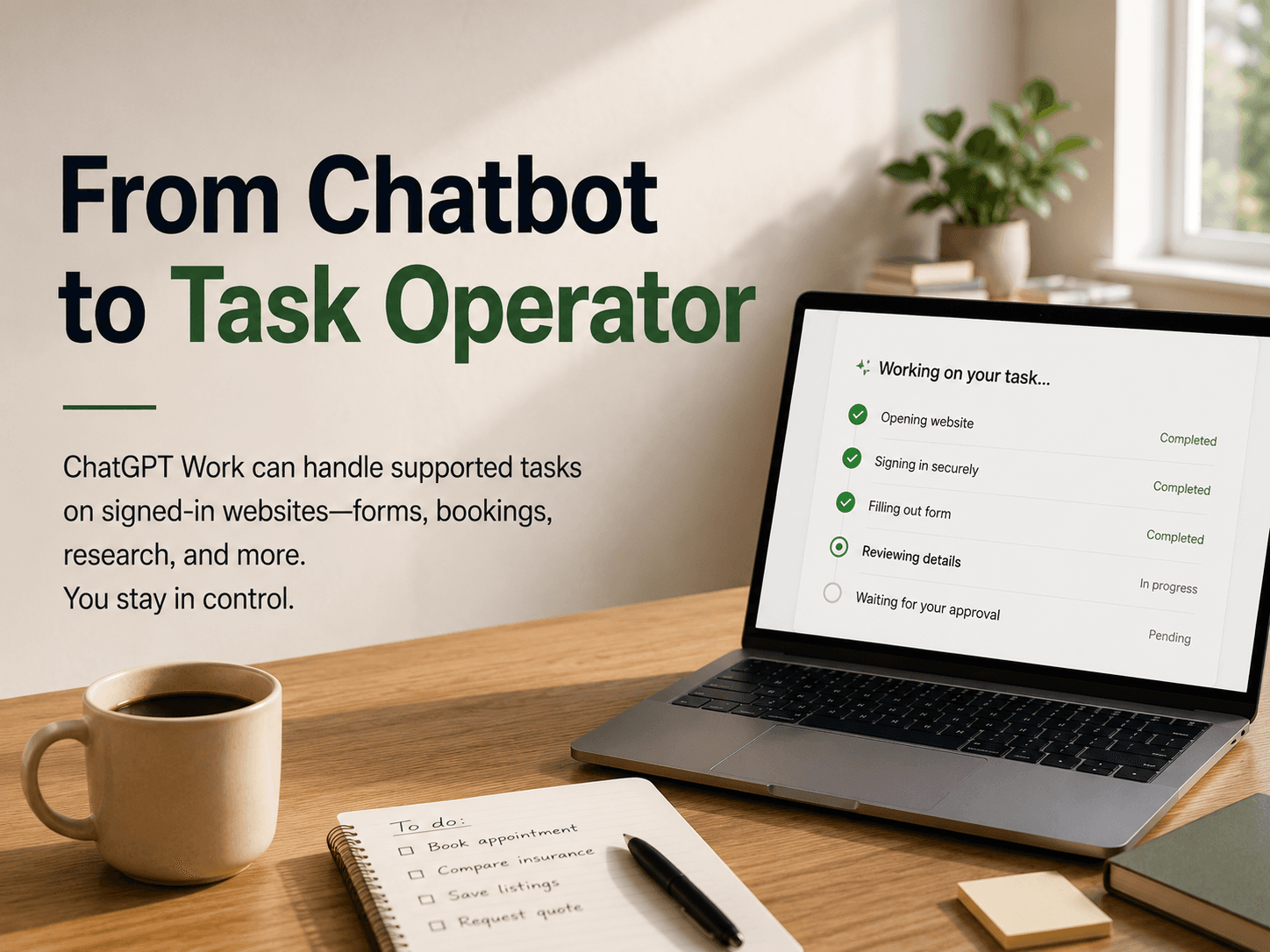
ChatGPT Work is designed to continue beyond the answer. Through its cloud browser, it can handle supported tasks on public and signed-in websites, allowing users to delegate parts of their online work instead of manually transferring information between a conversation and a browser.
That makes ChatGPT Work more than a conversational interface. It is becoming a controlled task operator—one that can navigate websites, fill out forms, and continue working in the background while the user steps away.
Availability
Cloud browser is available in ChatGPT Work on paid ChatGPT plans in supported regions, excluding Free and Go. Website authentication in ChatGPT Work’s browser is currently available on Plus and Pro plans. Availability may also vary during rollout and depend on workspace permissions.
From Answering Questions to Completing Work
OpenAI describes the cloud browser as a separate browser running on its own computer in the cloud. Depending on the task, ChatGPT may use the cloud browser, a connected app or plugin, or both.
Users can start a task on the web or mobile app by describing the outcome they want. ChatGPT then decides whether the cloud browser is appropriate and may ask for website access, sign-in, or confirmation along the way.
The examples listed by OpenAI include:
- Finding flights that match a user’s plans
- Comparing product availability and local stock
- Tracking a package through an email account and tracking website
- Finding and preparing a DMV appointment
- Comparing utility plans
- Saving apartment listings
- Reconciling invoices in accounting software
- Requesting quotes from businesses
The latest ChatGPT release notes also describe tasks such as setting up utilities for a new apartment, filling out passport renewal forms, checking medical costs through an insurance portal, and finding people who match a job description.
The important change is not simply that ChatGPT can browse. It is that the system can work through multiple steps toward a specific outcome.
ChatGPT Work Can Continue After You Leave
Because the cloud browser runs remotely, a task can continue after you leave the conversation, close your computer, or turn off your phone. ChatGPT pauses when it needs additional information, sign-in, or confirmation.
What ChatGPT can complete still depends on the website, the user’s access, and the steps required. Some tasks may require the user to review the result or complete a final step themselves. Websites may also block automated browser agents.
Signing In Without Sharing Your Password With the Model
The most sensitive part of browser automation is authentication.
When ChatGPT reaches a supported sign-in page, it pauses and asks the user to enter their username and password through a secure sign-in form. Two-factor authentication or a security code may also be required.
OpenAI says credentials entered through this secure form go directly to the remote browser. The username and password are not visible to the model, and ChatGPT does not store those sign-in credentials. The release notes also state that the credentials are not used for model training.
After the user signs in, the session may remain active for future tasks until it expires or the browser data is cleared. This means users may not need to log in again every time they ask ChatGPT to work on the same website.
Website Access and Task Approval Are Different
One of the most important design choices is the separation between website access and approval for consequential actions.
Users can manage which websites ChatGPT is allowed to access. The available settings include always asking for permission, automatically approving safer requests, or allowing access to every website—an option OpenAI does not recommend. Individual websites can also be allowed or blocked.
But allowing ChatGPT to access a website does not automatically authorize it to complete every action on that website.
ChatGPT is designed to request confirmation before actions that could create a financial, legal, account, or other real-world commitment. Examples include confirming a reservation or making a payment.
This distinction creates a clearer model of delegation:
- Website access determines where ChatGPT may operate.
- User confirmation determines which important actions it may complete.
That separation is essential if browser agents are going to handle real online workflows responsibly.
The User Still Has the Final Word
ChatGPT Work is not designed to remove the user from the process entirely.
Users can inspect website addresses, review sign-in previews, check screenshots, follow task progress, and stop the task if ChatGPT opens the wrong website or uses incorrect information. If the system gets stuck, users can take control of the cloud browser directly.
OpenAI advises users not to paste passwords, security codes, or payment details into the conversation. Credentials should be entered through the secure sign-in form when ChatGPT requests them. ChatGPT is also designed to ask for confirmation before actions that could create a financial, legal, account, or other real-world commitment, such as confirming a booking or making a payment.
The result is not fully autonomous web automation. It is supervised delegation: ChatGPT handles the repetitive steps, while the user retains control over sensitive access and irreversible decisions.
The Bigger Shift Is Controlled Delegation
ChatGPT Work suggests that the next phase of AI productivity will not be measured only by how well an assistant writes or answers questions.
It will also be measured by how effectively it can connect an instruction to a real-world result.
The user describes an outcome. ChatGPT identifies the relevant website or tool, performs supported steps, pauses when approval is needed, and provides a result for review.
That is a different product category from a traditional chatbot. It is closer to a working layer between the user and the web.
But the success of this model will depend on more than technical capability. Users need to know which websites are accessible, where credentials are entered, what information is retained, and which actions still require approval.
The real promise of ChatGPT Work is therefore not “AI can do everything for you.”
It is more precise—and more useful:
ChatGPT can take on more of the execution, while the user retains authority over access, approval, and final judgment.
That balance may determine whether browser-based AI becomes a novelty or a dependable part of everyday work.
FAQ
What is ChatGPT Work’s cloud browser?
ChatGPT Work’s cloud browser is a remote browser that allows ChatGPT to interact with supported websites, enter information, and complete multi-step tasks.
Can ChatGPT Work access websites that require a login?
Yes. When ChatGPT reaches a supported login page, it pauses and asks the user to enter credentials through a secure sign-in form. OpenAI says those credentials are not visible to the model.
Does ChatGPT need permission before making a payment or booking?
Yes. ChatGPT is designed to request confirmation before actions that could create a financial, legal, account, or other real-world commitment, such as confirming a booking or making a payment.
Is ChatGPT Work available to everyone?
Availability depends on the user’s plan, region, rollout status, and workspace permissions. The current documentation describes cloud browser access for paid ChatGPT plans in supported regions, excluding Free and Go.