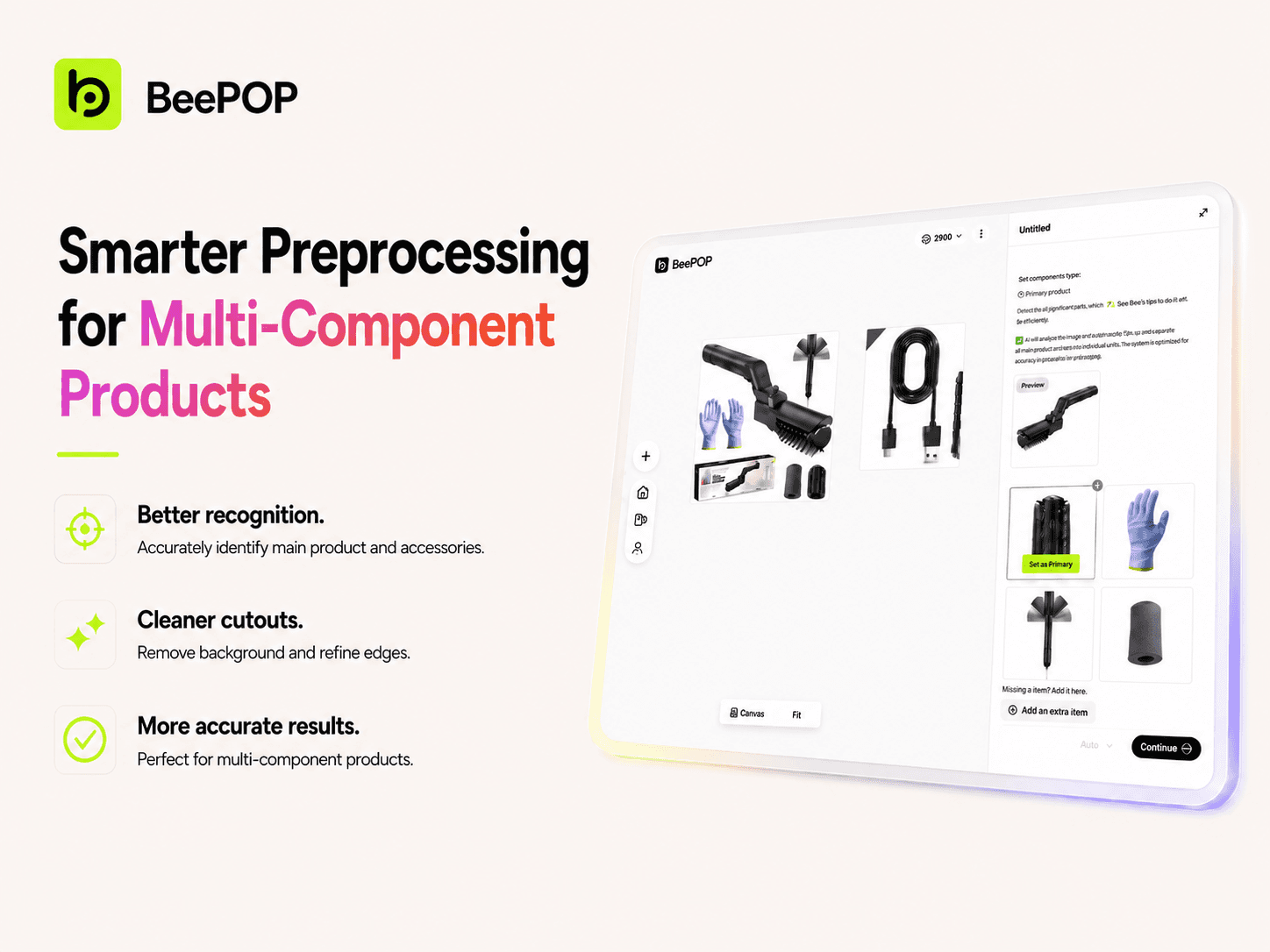
Recently, BeePOP improved image preprocessing for products with multiple components, accessories, or parts.
Before final image generation, BeePOP helps detect the main product, separate accessories, clean up the image, and prepare clearer cutouts. This helps sellers create more accurate product image sets with less manual correction.
How Image Preprocessing Works
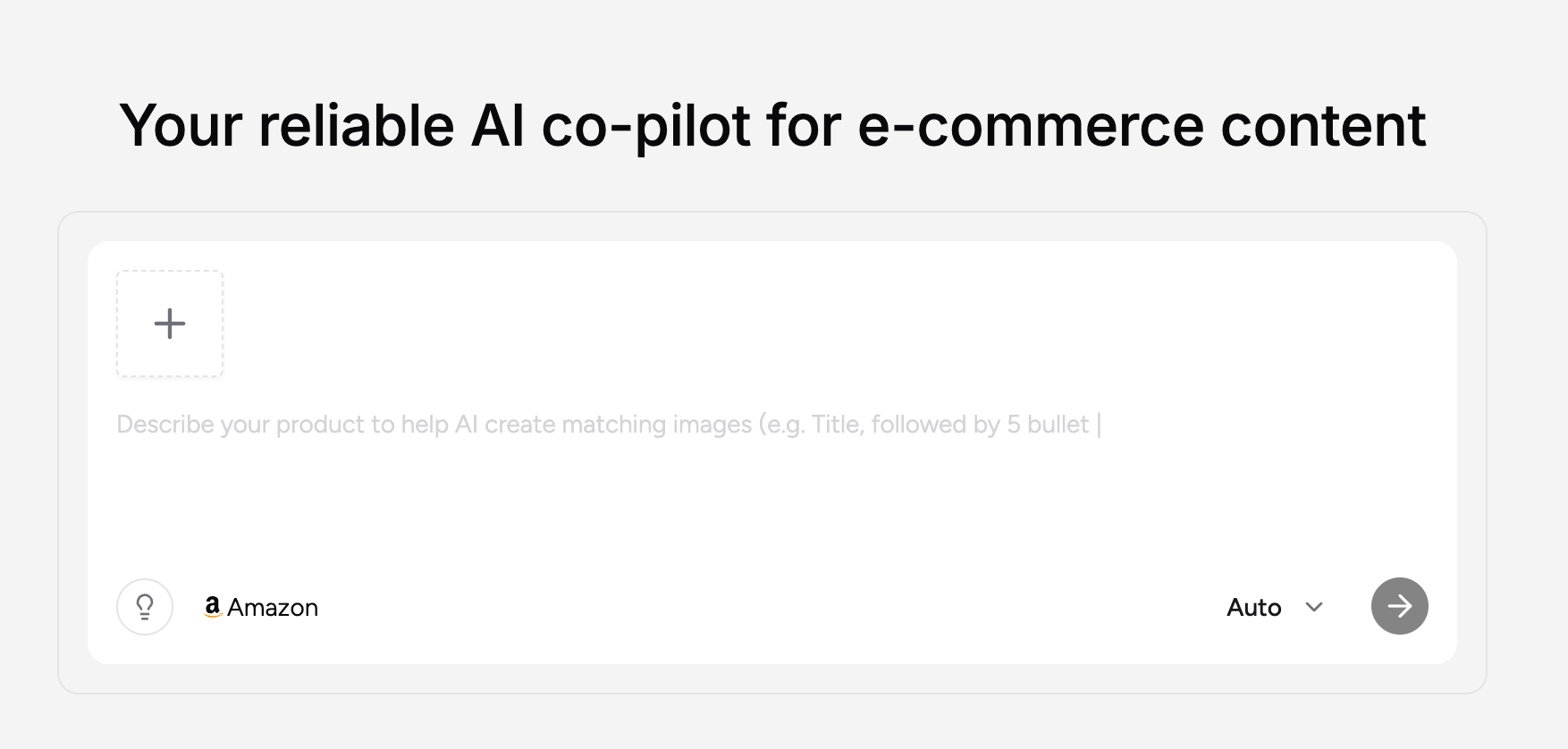
1. Upload Your Product Image
Upload your product image and enter the product name.
If [Auto] is turned on, BeePOP starts processing automatically after upload. If Auto is turned off, you can submit it manually.
2. Wait for BeePOP to Process the Image
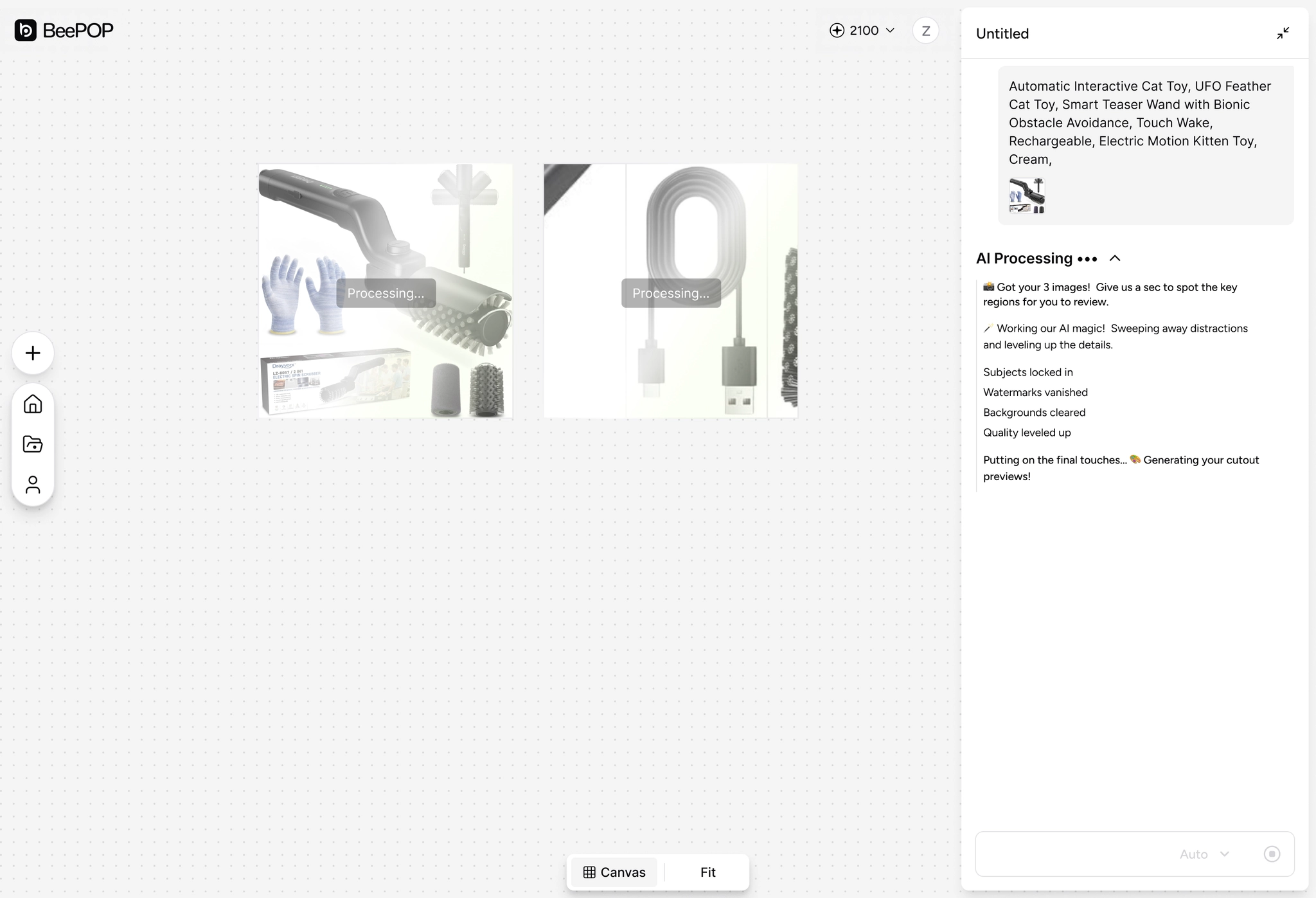
BeePOP automatically prepares the uploaded image, including product recognition, image cleanup, background removal, image enhancement, and HD upscaling.
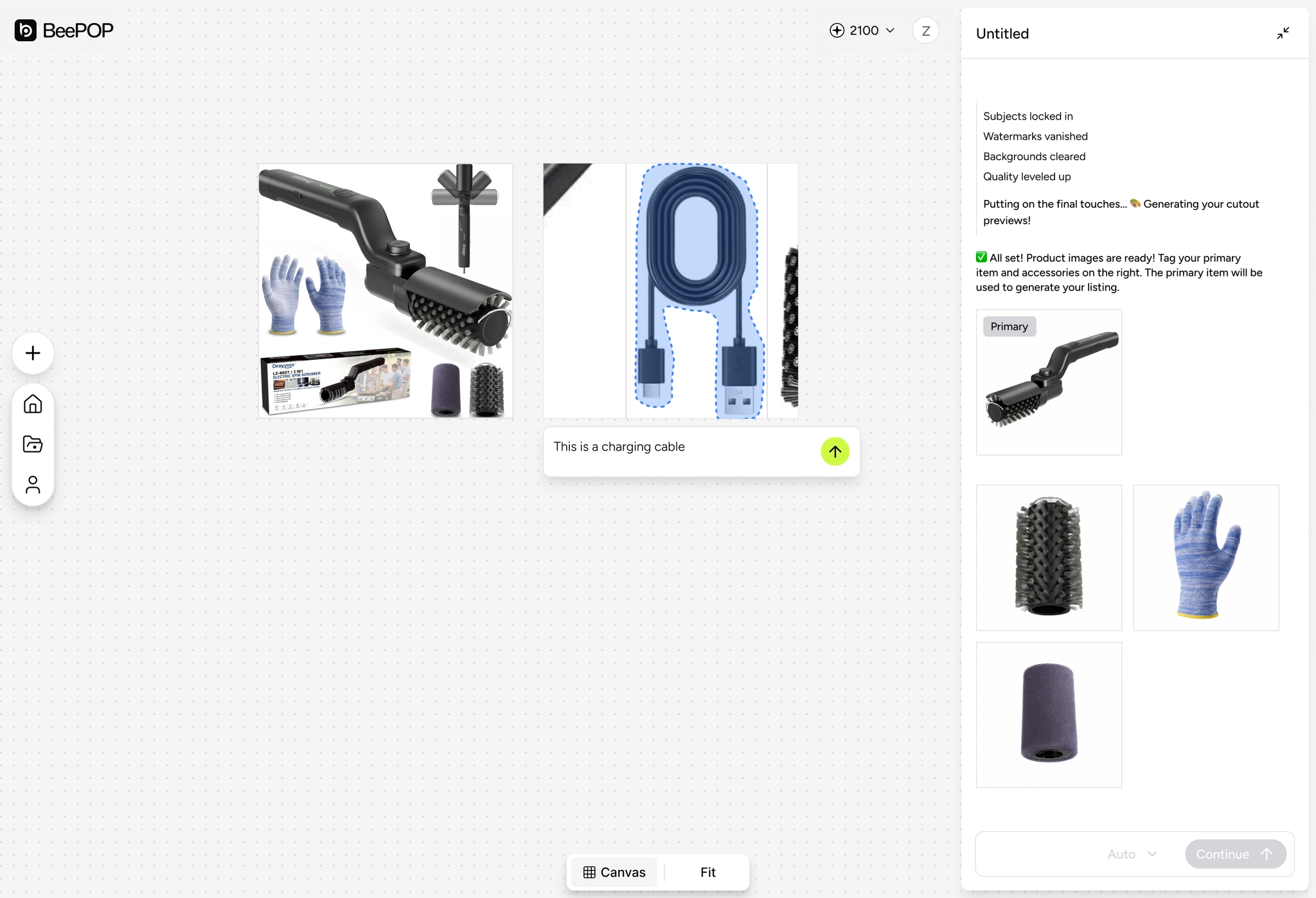
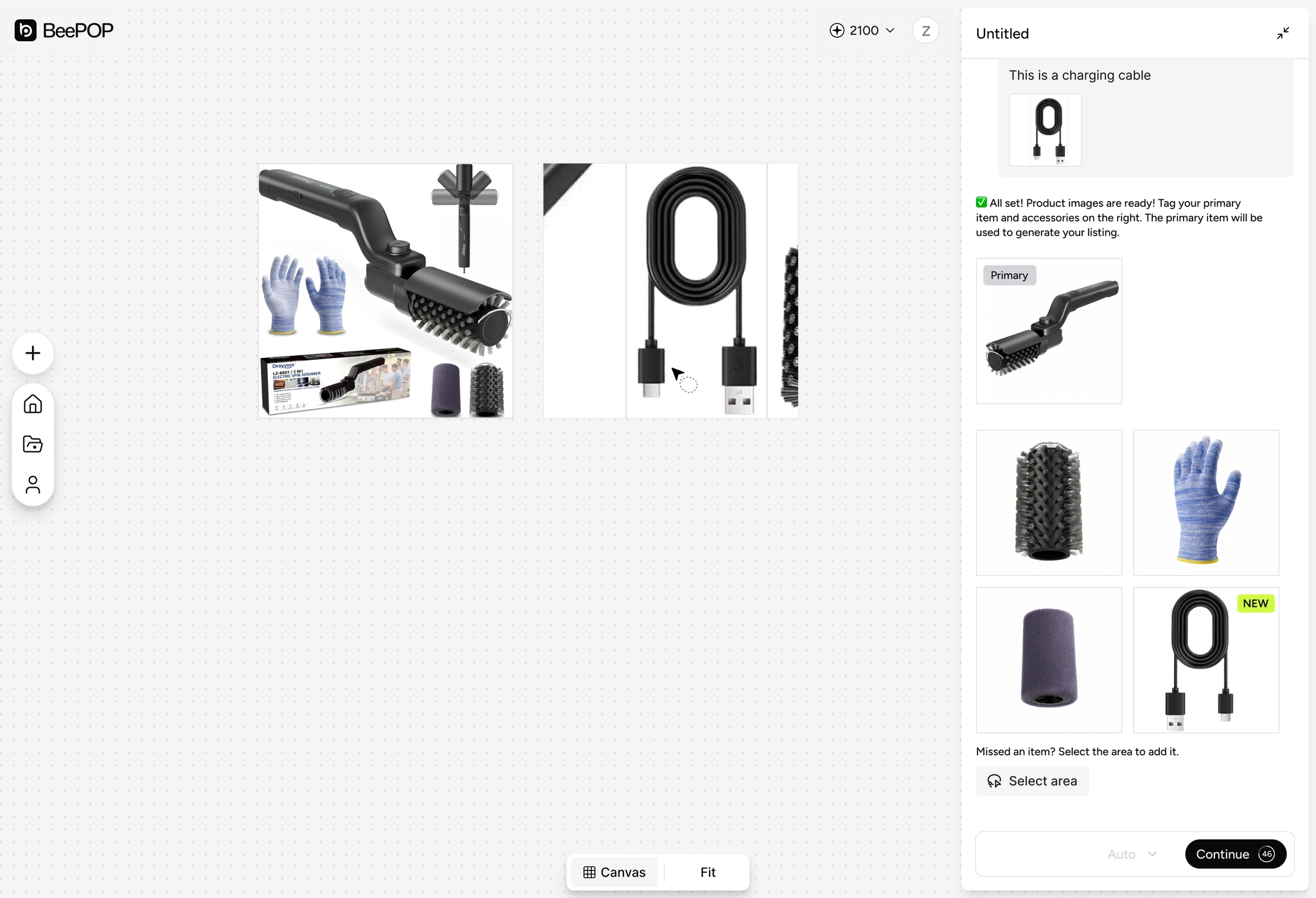
Once processing is complete, BeePOP displays white-background cutouts of the main product and detected accessories.
3. Review the Results
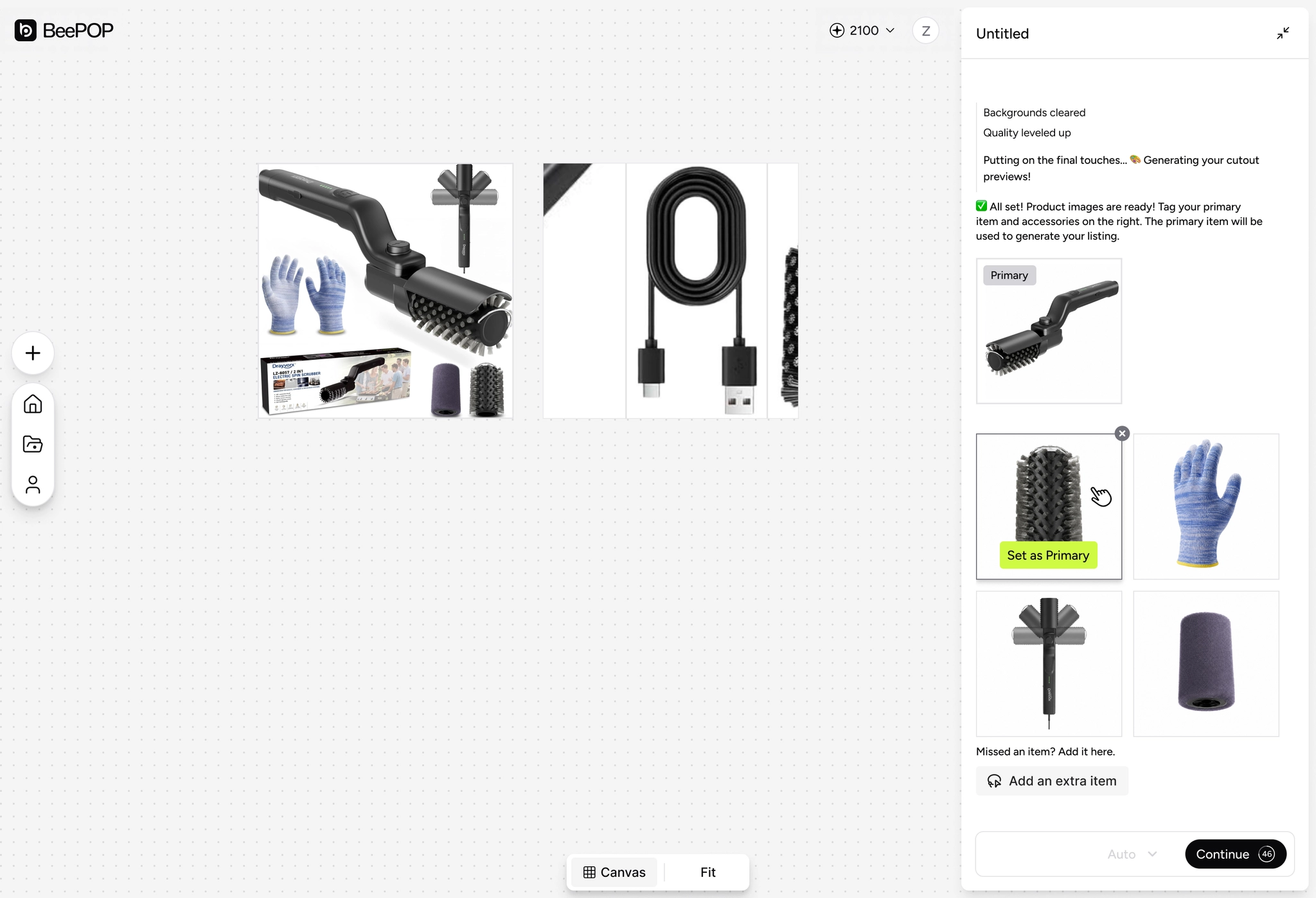
Before generating the final image set, check the results in the right-side panel:
- Whether [Primary] is the correct main product
- Whether [Accessories] include any missing or extra items
- Whether the product cutouts are complete
This step is especially useful for multi-component products, where the main product and accessories may appear together in one image.
4. Adjust If Needed
If the main product is incorrect, move your cursor over the correct item and click [Set as Primary].
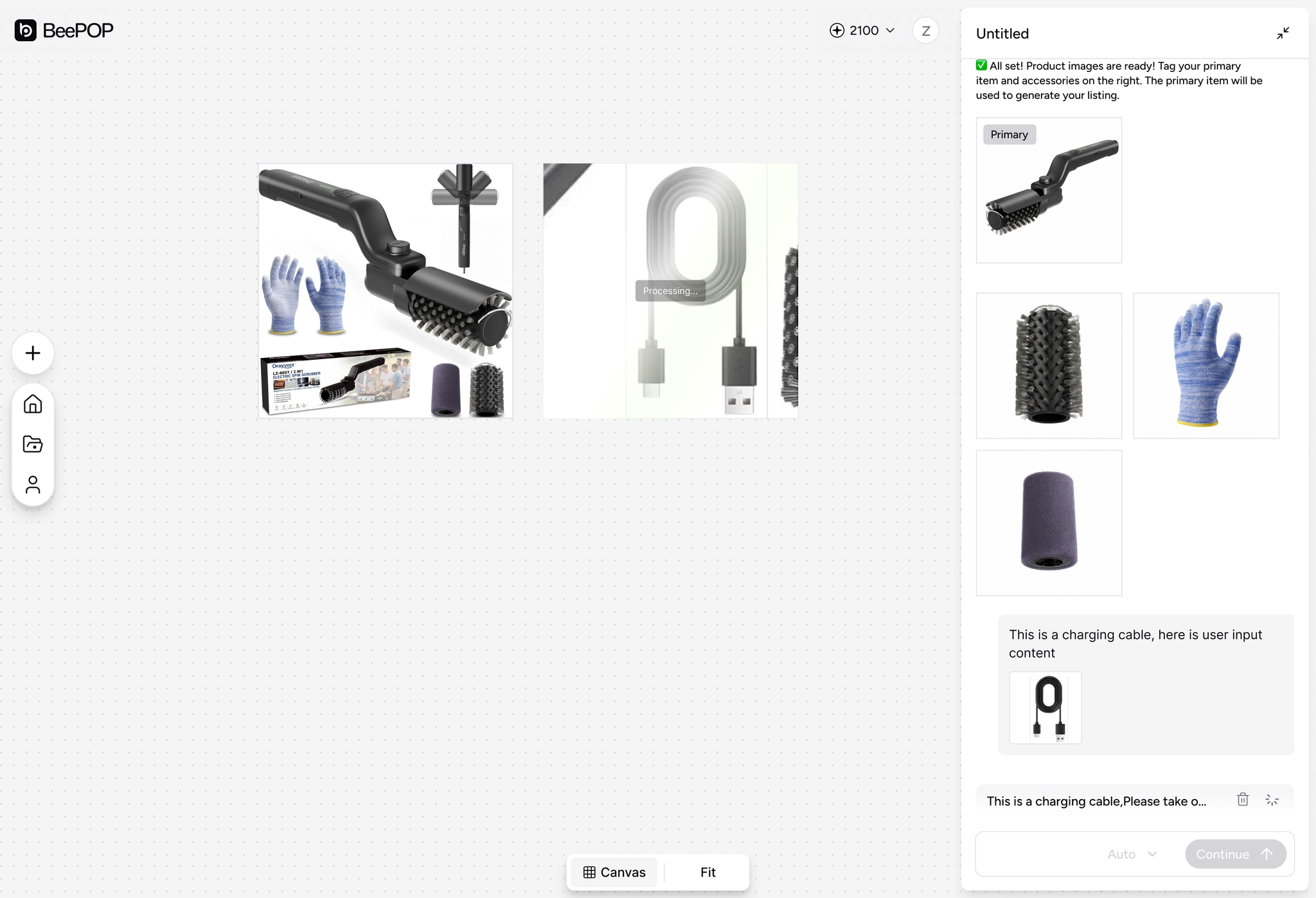
If an item is missing, click [Add an extra item], select the item area in the original image, then confirm or enter the item name and send it. The newly added item will appear in the accessories area.
If an extra item was detected by mistake, click the [×] on the item card to remove it.
5. Confirm and Continue
Once the main product, accessories, and item quantity are correct, click [Continue] to enter the product image generation stage.
Note: When the countdown ends, BeePOP will not automatically move to the next step. You still need to click Continue manually.
Why This Update Matters
Many ecommerce product images include accessories, packaging, cables, parts, or usage items.
With improved preprocessing, BeePOP can better prepare each product element before generation, helping sellers create cleaner and more complete product image sets.