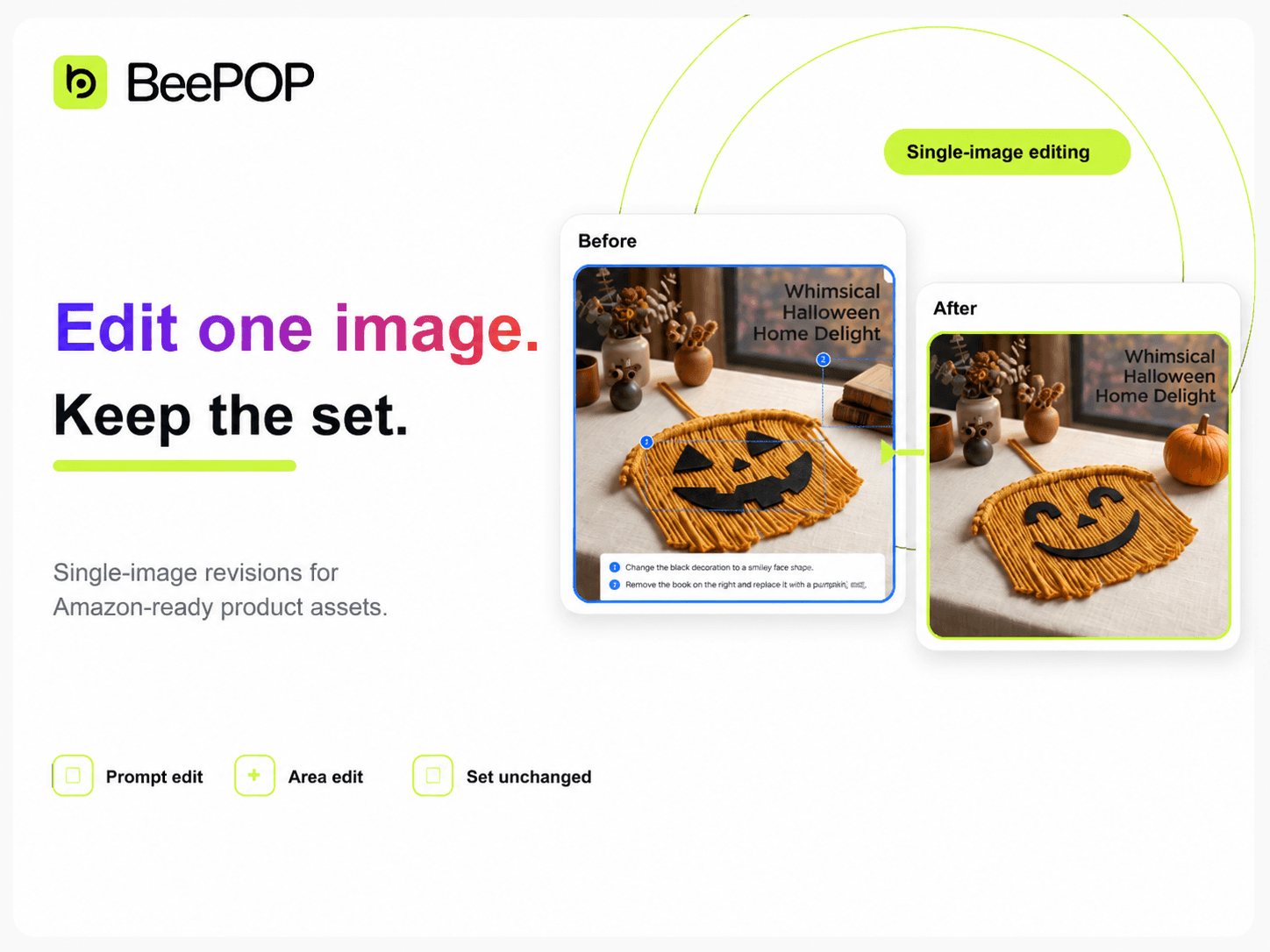
BeePOP now makes image revisions much easier.
Creating a full set of Amazon-ready product images is only the first step. Before publishing, sellers often need to adjust one image, update a piece of text, change the background, or try a different visual direction.
Now you can do that directly in BeePOP. Instead of regenerating the entire image set, you can edit one specific image while keeping the rest of the set unchanged.
Here’s how the new editing workflow works.
Edit One Image with a Prompt
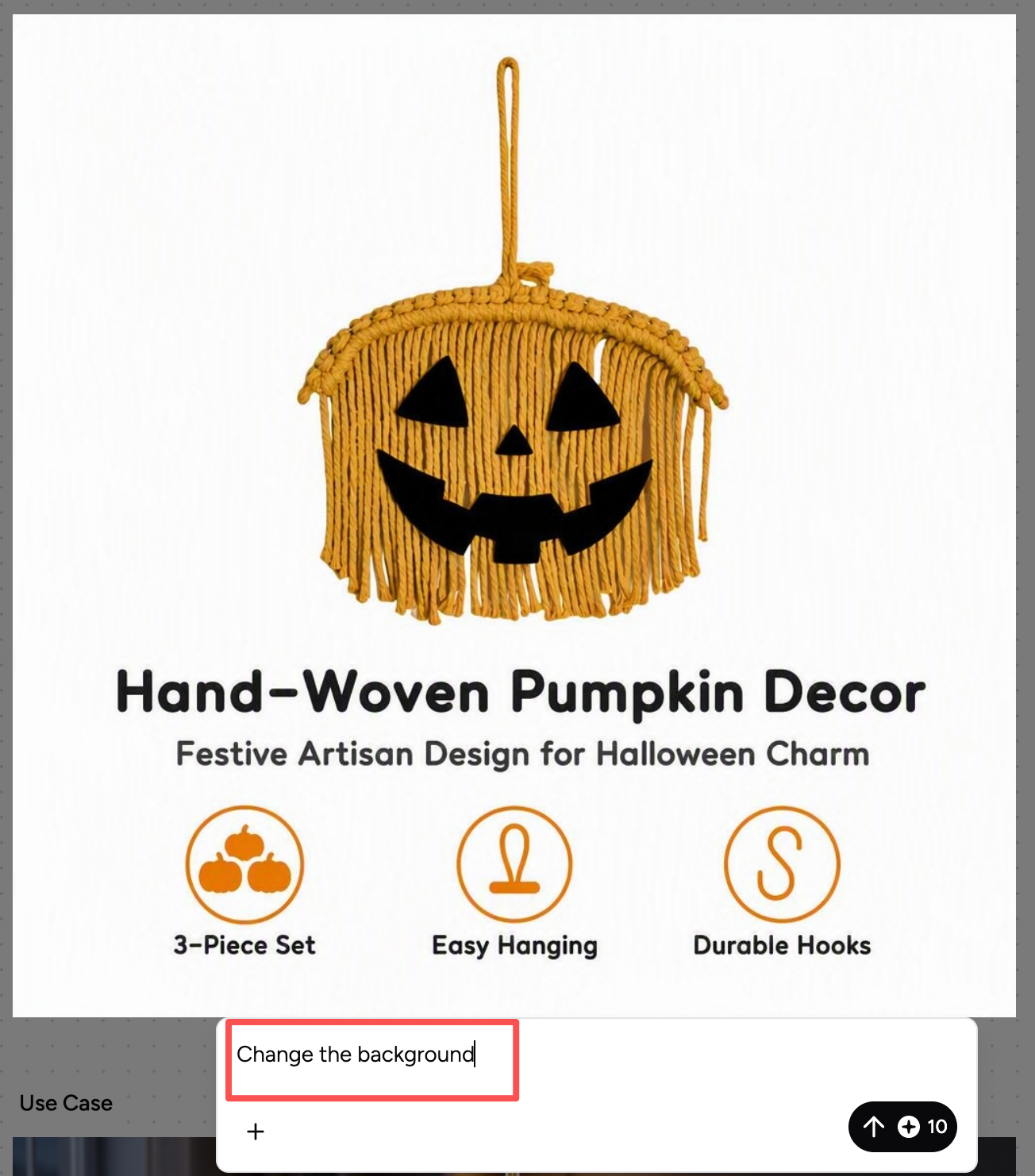
Select the image you want to revise and click [Edit]. BeePOP will switch to a focused editing view where you can enter a prompt for that image.
For example, if you want to change the background, simply describe the update and submit the prompt. BeePOP will regenerate only that selected image.
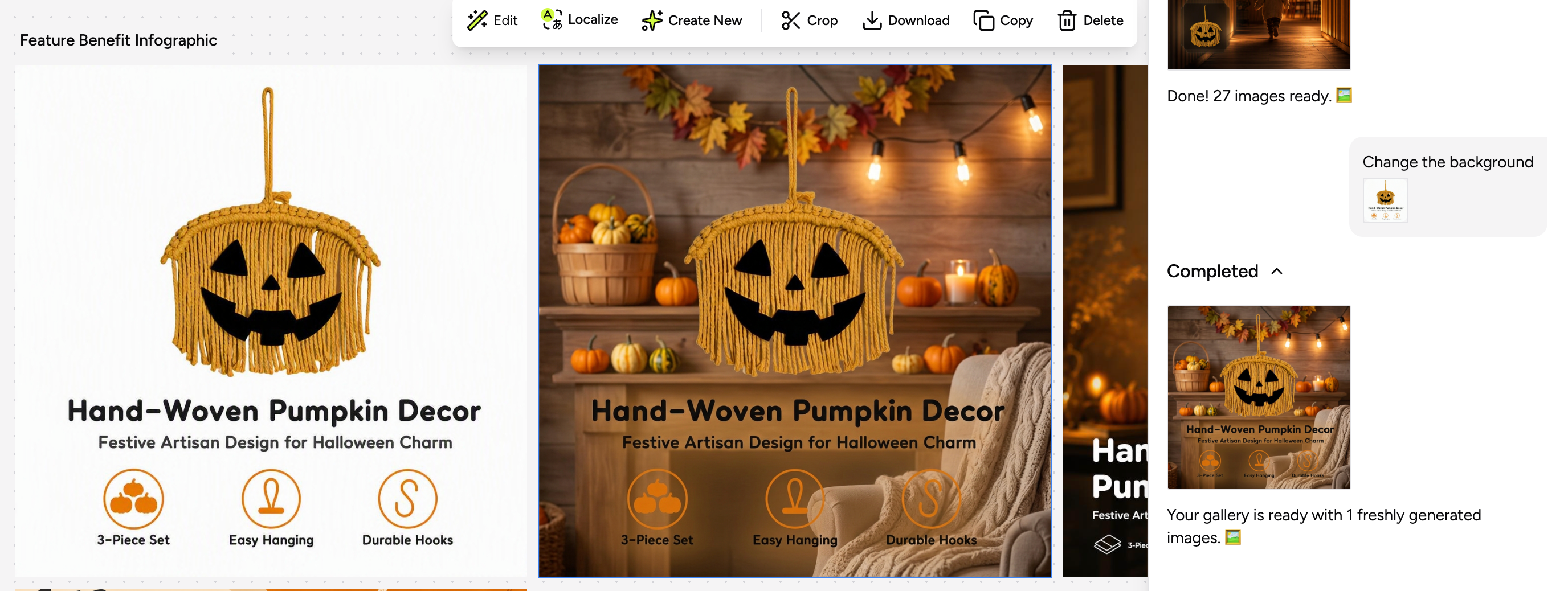
After the edit is complete, the new version will appear in your gallery while the rest of your image set stays unchanged.
Edit Specific Areas
For more precise changes, you can edit specific areas inside an image.
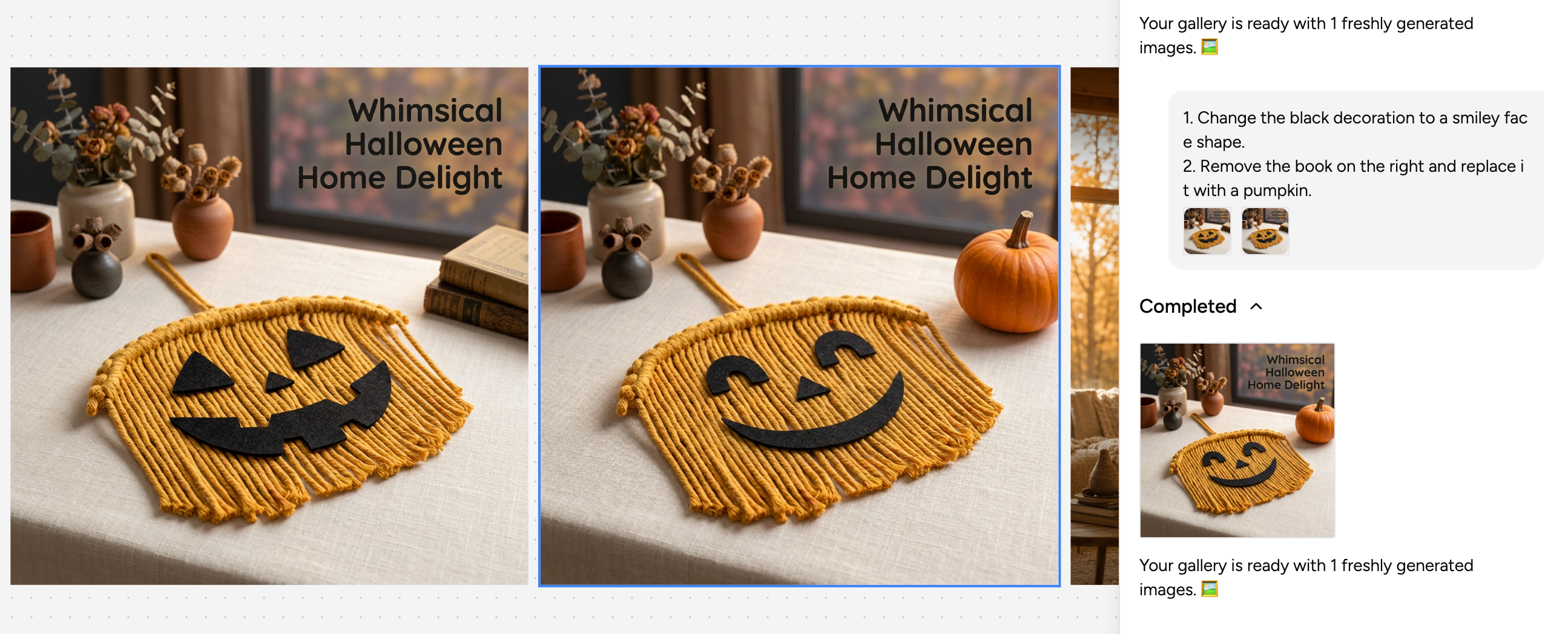
Draw a box around the area you want to edit, or click directly on an area to mark it. If you select multiple areas, enter numbered instructions in the prompt box so each instruction matches the corresponding area.
For example:
- Change the black decoration to a smiley face shape.
- Remove the book on the right and replace it with a pumpkin.
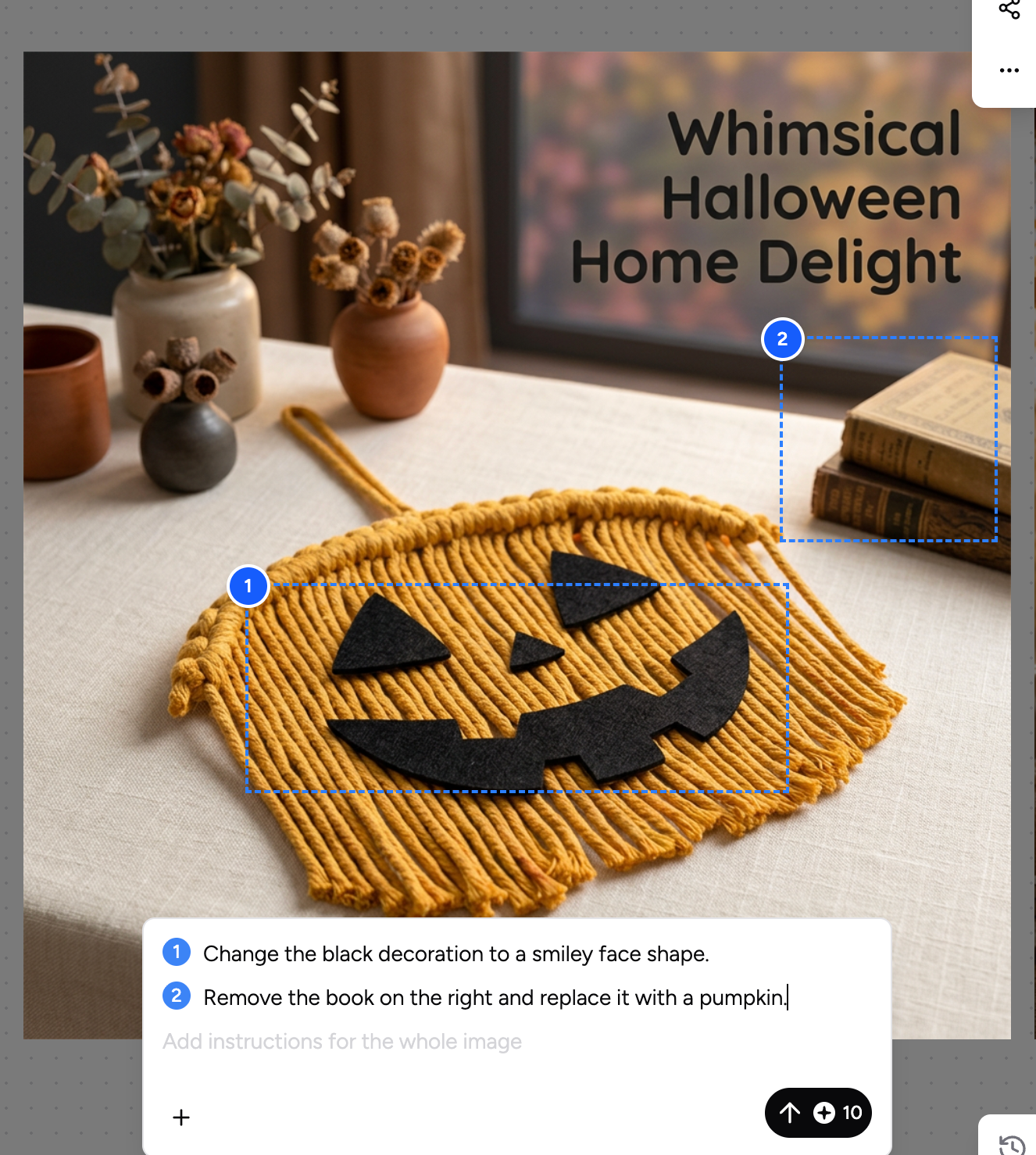
After you submit the instructions, BeePOP will apply the changes to the selected areas and generate an updated version of that image.
You can also update the instructions in the input box or press [Esc] anytime to exit editing mode.
Try It Now
Fix small issues, refine details, and regenerate only what needs to change.
Try the new BeePOP editing workflow today: https://app.beepop.ai/