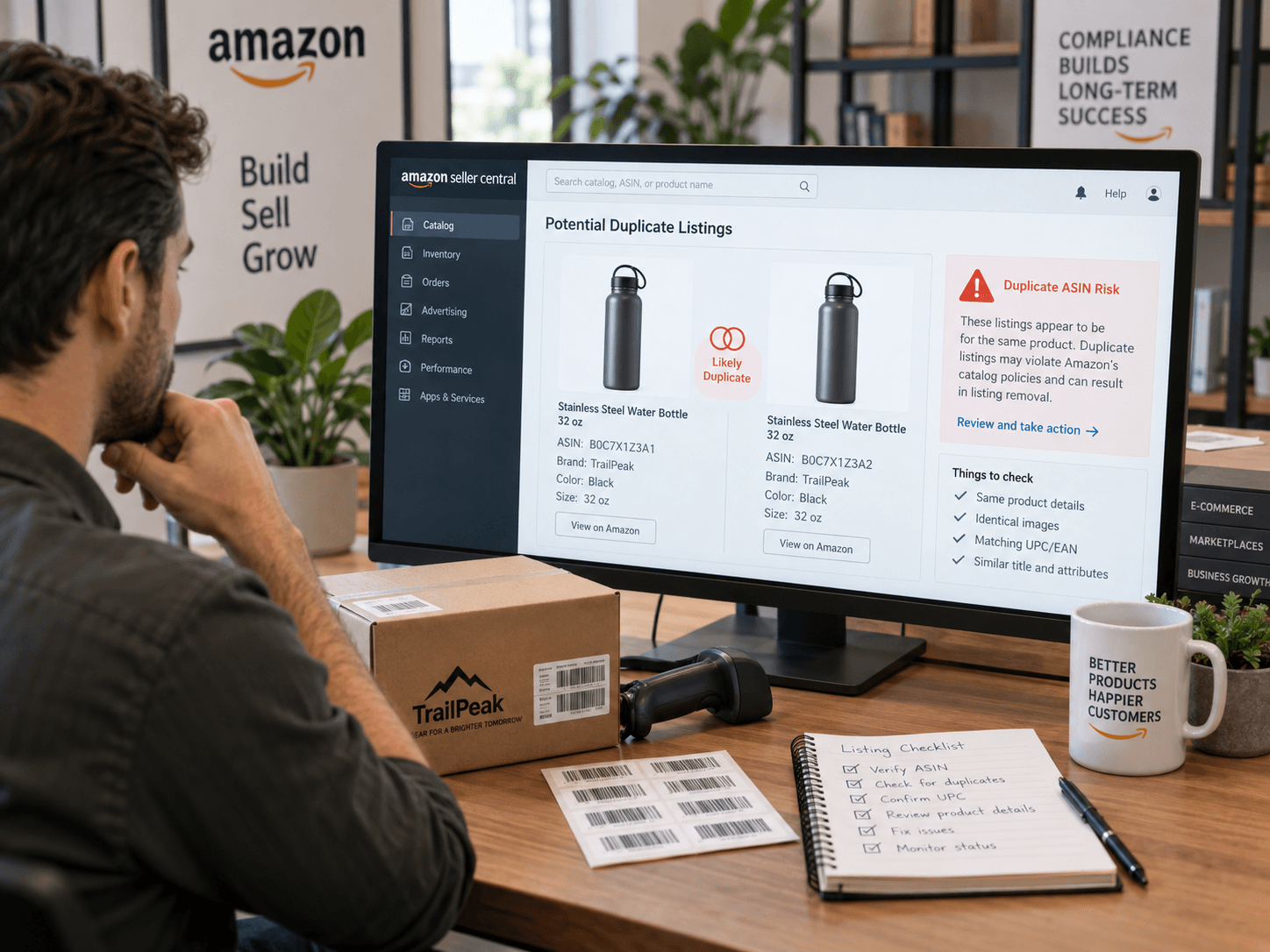
Amazon Duplicate ASIN Risk Is Becoming a Bigger Concern
Amazon sellers are paying closer attention to duplicate ASINs, incorrect variation relationships, and new listings created for products that may already exist in Amazon’s catalog.
A September 7, 2026 report from AMZ123 described seller cases involving performance notifications, ASIN splits, and listing removals. The report also mentioned practices such as creating a new ASIN to replace an underperforming listing, changing a UPC, or separating variations into independent listings.
These cases were reported by AMZ123 and should not be treated as proof of a universal enforcement action across every Amazon marketplace. However, Amazon’s catalog rules do require sellers to avoid duplicate product detail pages and maintain accurate product and variation information.
What Is a Duplicate ASIN?
A duplicate ASIN generally refers to a product detail page that represents the same product as an existing item in Amazon’s catalog.
The issue is not limited to identical titles or images. Sellers should compare the actual product, including:
- Brand
- Manufacturer
- Model or part number
- Core function
- Dimensions
- Materials
- Technical specifications
- Package quantity
- Included components
- Product configuration
Amazon’s Product Detail Page Rules prohibit creating a new detail page for a product that already exists in the catalog. The rules also indicate that sellers should not use an existing listing for a product that is substantially different from the product originally represented.
Why a New UPC May Not Justify a New ASIN
Changing a UPC, title, image set, or packaging does not automatically make a product eligible for a new ASIN.
The more important question is whether the product is meaningfully different in its identity, specifications, function, or configuration. Amazon does not provide a single universal checklist that automatically determines this for every category, so sellers should verify the applicable requirements in Seller Central before creating a new product detail page.
A new ASIN may require stronger justification when the only differences are:
- A new barcode
- New packaging artwork
- Updated marketing copy
- Different lifestyle images
- Minor labeling changes
- A revised title or bullet points
If the physical product remains essentially the same, creating another ASIN may create a duplicate-catalog risk.
Common High-Risk Listing Practices
Creating a new ASIN to escape negative reviews
Launching a new ASIN for the same product may appear to reset review history or improve conversion. If the product itself has not meaningfully changed, this practice may create catalog-compliance concerns.
Splitting valid variations into separate listings
Different colors, sizes, or configurations may need to be organized through an appropriate parent-child variation relationship rather than unrelated standalone listings. Amazon provides guidance on valid variation relationships and themes.
Creating multiple test listings
Creating several detail pages to test titles, images, or advertising performance can lead to duplicate listings when the underlying products are the same.
Re-listing an existing product with a new barcode
A new product identifier should not be viewed as a shortcut around an existing catalog record. Sellers should first search Amazon’s catalog and compare the physical product with existing ASINs.
How to Audit ASINs Before Creating a New Listing
Before creating a new ASIN, complete a product-level comparison.
Product comparison checklist
Check whether the proposed product and existing ASIN share the same:
- Brand and manufacturer
- Model number
- Main function
- Product dimensions
- Materials
- Technical specifications
- Included components
- Package quantity
- Intended use
Then ask:
- Is the physical product different?
- Is the difference permanent and commercially meaningful?
- Is the change documented by the manufacturer?
- Does the product already exist elsewhere in Amazon’s catalog?
- Is the new ASIN being created mainly to avoid poor reviews or weak sales performance?
If the answer to the last question is yes, the seller should pause and conduct a more careful compliance review.
What to Do After Receiving a Performance Notification
If Amazon sends a notification related to duplicate listings or inaccurate product information, the response should address the specific issue identified by Amazon.
1. Identify the root cause
Possible causes include:
- Duplicate ASIN creation
- Incorrect variation relationships
- Listing a product against the wrong ASIN
- Inaccurate product identifiers
- Creating a new detail page for an existing product
2. Complete corrective actions
Depending on the case, corrective actions may include:
- Stopping sales of the affected ASIN
- Removing duplicate listings
- Correcting the variation structure
- Reviewing product identifiers
- Updating inaccurate catalog information
- Contacting Selling Partner Support for catalog correction guidance
3. Add preventive controls
A stronger response should explain how the problem will be prevented. Useful controls include:
- Searching the catalog before creating a new ASIN
- Matching product identifiers with supplier records
- Reviewing model numbers and specifications
- Requiring a second review before publishing variations
- Keeping manufacturer documents and product photos
- Prohibiting new ASIN creation solely to reset review history
Amazon Duplicate ASIN Audit Checklist
Final Takeaway
Amazon ASIN management should be treated as a product-identity and catalog-compliance issue—not simply an SEO or conversion tactic.
Before creating a new ASIN, compare the physical product with Amazon’s existing catalog. Changing a UPC, title, image set, or packaging may not be enough if the product remains essentially the same.
The AMZ123 article reports seller cases involving ASIN splits, performance notifications, and listing removals. Amazon’s current Seller Central rules remain the controlling reference, so sellers should verify category-specific requirements before making catalog changes.
FAQ
What is an Amazon duplicate ASIN?
It is a product detail page that represents a product already available in Amazon’s catalog. Amazon’s catalog rules prohibit sellers from creating a new detail page for a product that already exists.
Can I create a new ASIN after changing the UPC?
Not automatically. A new UPC does not by itself prove that the physical product is different. Sellers should compare the product’s identity, specifications, function, and configuration before creating a new ASIN.
Can I create a new ASIN to avoid negative reviews?
This is risky when the new ASIN represents the same product. A new detail page should be supported by a legitimate product difference, not simply a desire to reset review history.
Do different colors and sizes need separate ASINs?
It depends on the product category and the applicable variation rules. Where Amazon supports variations, related products should use an appropriate parent-child relationship and valid variation theme.
What should I do if Amazon sends a duplicate-listing notice?
Identify the affected ASINs, determine whether they represent the same product, remove or correct duplicate information, and submit a response that explains both the corrective and preventive actions.