OpenAI’s GPT-6.1 Terra announcement points to a practical shift in AI: models are getting better at interpreting visual information and completing tasks across software. For Amazon sellers, that raises a useful question: how can visual AI help create listing content without losing the product details shoppers rely on?
The answer is not simply to generate more images. Each image in a listing has a job, from showing the exact item on white to explaining dimensions, package contents, or a real-world use. The product still has to look like the product being sold.
What GPT-6.1 Terra says about visual AI
OpenAI describes GPT-6.1 Terra as a fast, cost-efficient model with visual reasoning and computer-use capabilities. Its announcement reports a 15 percentage-point improvement over GPT-5.6 Terra on the Agents’ Last Exam computer-use benchmark at medium reasoning, at about one-third of the cost for that comparison. OpenAI also reports improved performance on MMMU-Pro, a visual reasoning benchmark, and OSWorld 2.1, which evaluates multi-step tasks in desktop applications. Read OpenAI’s announcement.
These benchmarks do not test Amazon listing image quality, conversion rates, or BeePOP. They do show why visual understanding and task execution are becoming important parts of AI workflows. For sellers, the relevant takeaway is to judge visual AI by whether it helps produce accurate, usable assets, not by benchmark scores alone.
Why product accuracy matters in Amazon listing images
A listing image can look polished and still be wrong. A bundle may show an extra accessory. A dimension graphic may label the wrong side. A lifestyle scene may change a product’s color, shape, or scale. Those errors can confuse shoppers and create avoidable review work for the seller.
Before generating images, write down the facts that must stay fixed:
- Exact SKU, variant, color, and finish
- Included pieces and quantities
- Dimensions, capacity, or compatibility
- Supported product uses and approved claims
- Required text and language for each marketplace
Then review the full image set against the same product brief. This matters especially for multi-piece products and listings with several variants, where a small visual difference can change what the customer thinks is included.
Where BeePOP fits into the workflow
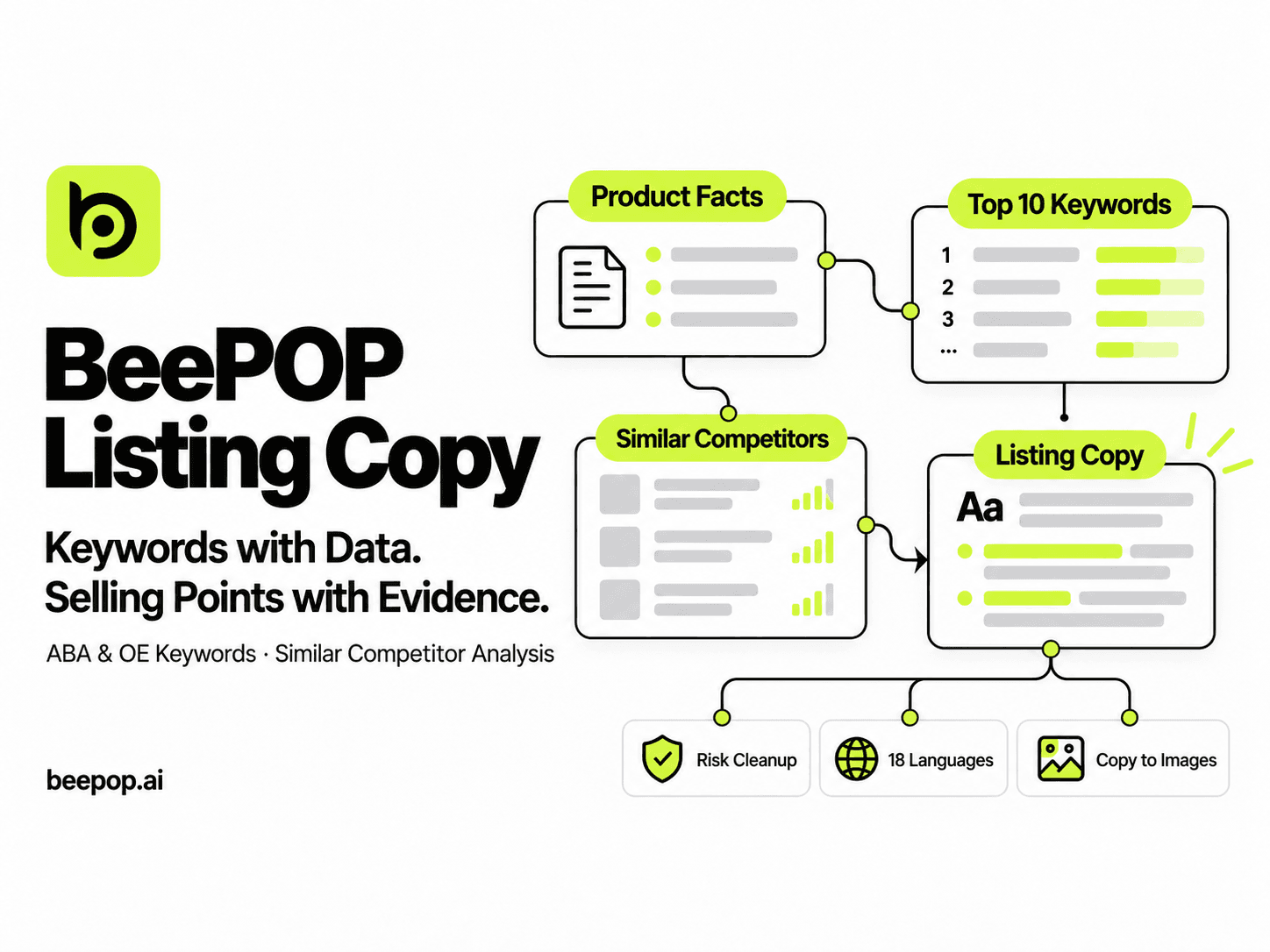
BeePOP helps Amazon sellers turn a SKU photo and product description into a set of listing visuals, including white-background images, lifestyle scenes, benefit graphics, comparison content, and A+ Content. Its workflow is built around a source product photo, a description of the product and its intended presentation, and a review before export. BeePOP also offers features for multi-piece products, product consistency, and localization across Amazon markets. Explore BeePOP.
That makes BeePOP relevant to the seller’s production task: creating and organizing listing-ready visual content. The OpenAI announcement and BeePOP address different parts of the broader AI workflow: model capabilities on one side, listing asset production on the other.
For a practical pilot, choose one SKU that is easy to get wrong, such as a kit with several accessories or a product with near-identical variants. Provide a clear source photo and confirmed product details. Generate the image set, then check every image for SKU identity, package contents, dimensions, claims, and marketplace language. Record the revisions needed before scaling the workflow to more products.
The useful measure is not how many images AI can generate. It is how many accurate images your team can approve and publish.
What ecommerce teams can take from the announcement
GPT-6.1 Terra is another sign that AI systems are improving at working with visual information and software tasks. For Amazon sellers, that progress is most useful when paired with a well-defined content workflow: verified product facts, purposeful image types, and a consistent review step.
BeePOP gives sellers a way to build a complete Amazon visual set from a product photo and brief. Start with one SKU, check the results against the facts customers need, and measure the time and edits required to approve the final assets.
Create Amazon listing visuals with BeePOP.
FAQ
Does GPT-6.1 Terra create Amazon listing images?
OpenAI’s announcement focuses on visual reasoning, computer use, and other model capabilities. It does not present GPT-6.1 Terra as a dedicated Amazon listing image generator.
What types of Amazon assets can sellers make with BeePOP?
BeePOP can create white-background product images, lifestyle visuals, benefit graphics, comparison content, and A+ Content from a product photo and description. Review each asset against the product facts and Amazon’s current requirements before publishing.
What should I prepare before creating my first image set?
Choose a clear photo of the exact SKU, then gather its variant, dimensions, package contents, supported uses, approved claims, and target marketplace language. These details give the image workflow a concrete reference for creation and review.