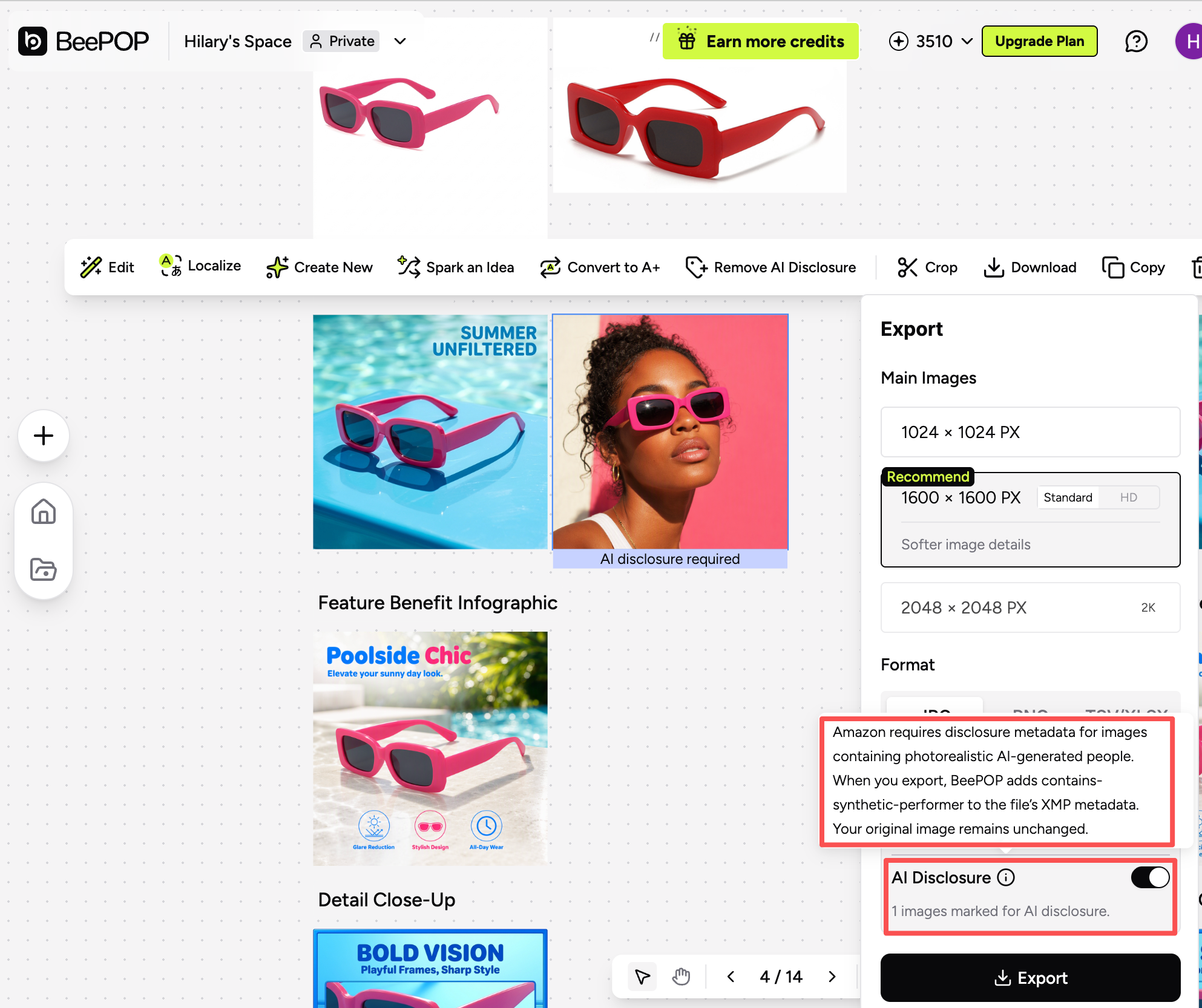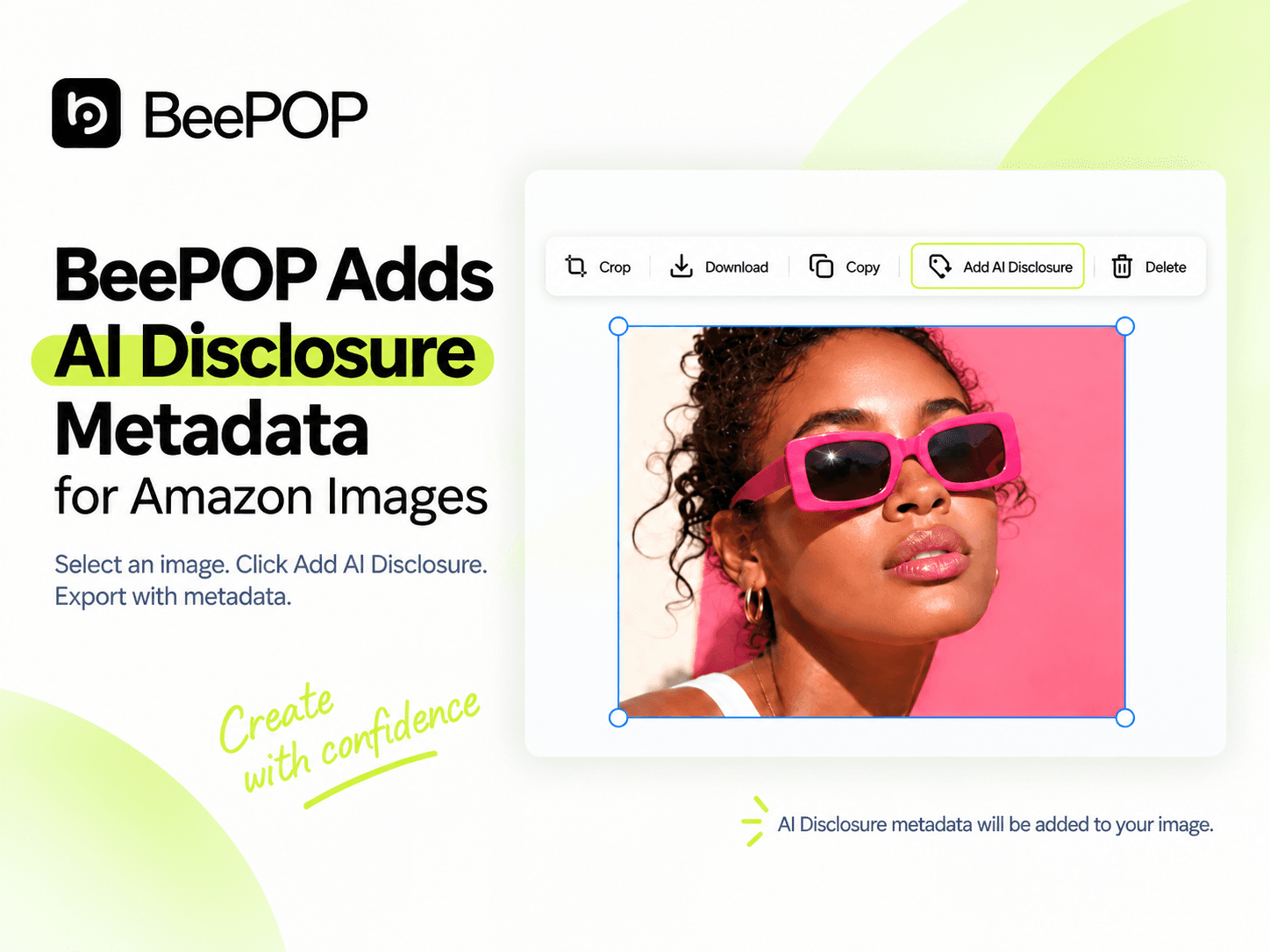
Amazon requires specific metadata for images that contain photorealistic AI-generated people.
BeePOP now brings this step directly into the image workflow.
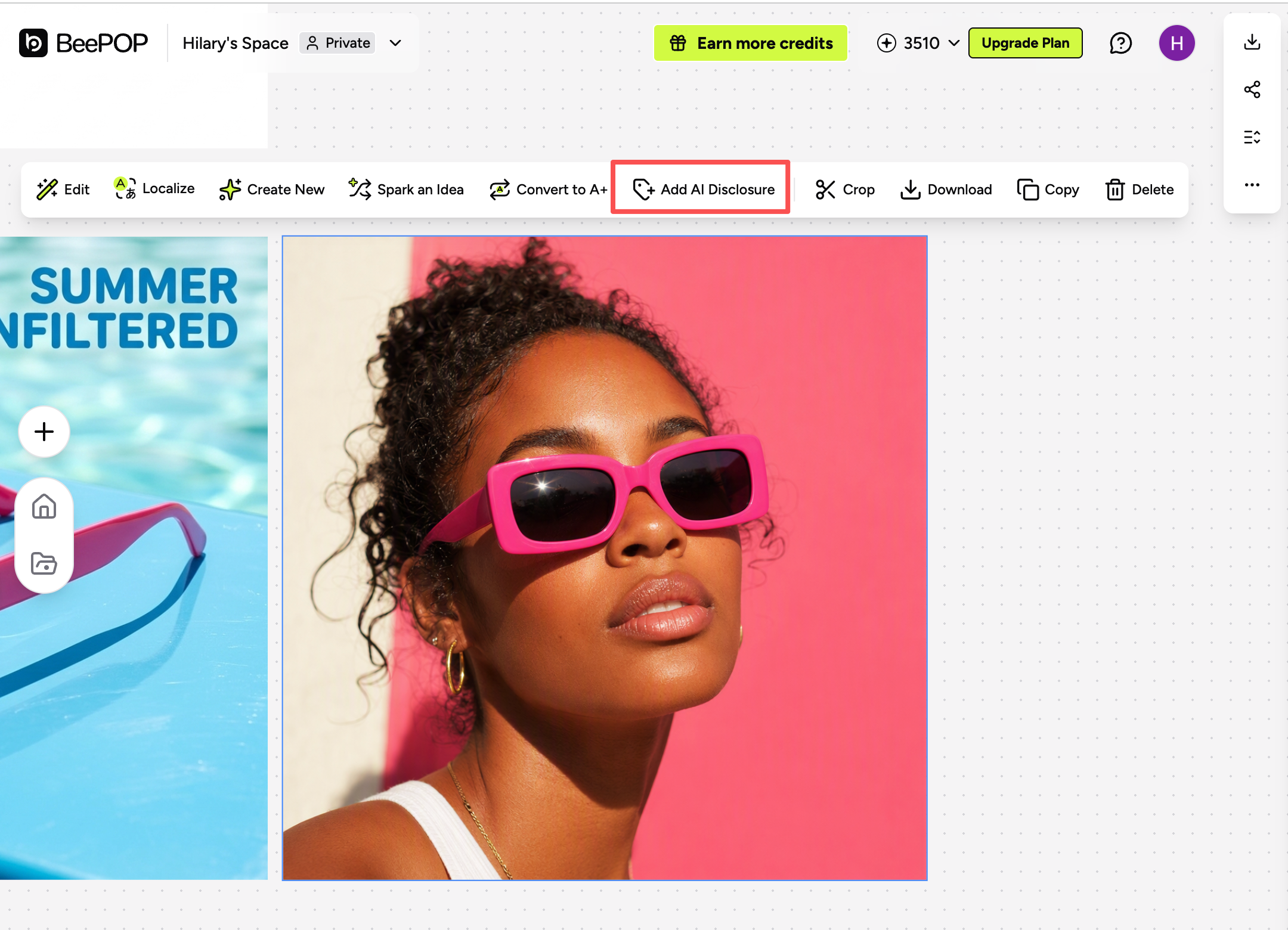
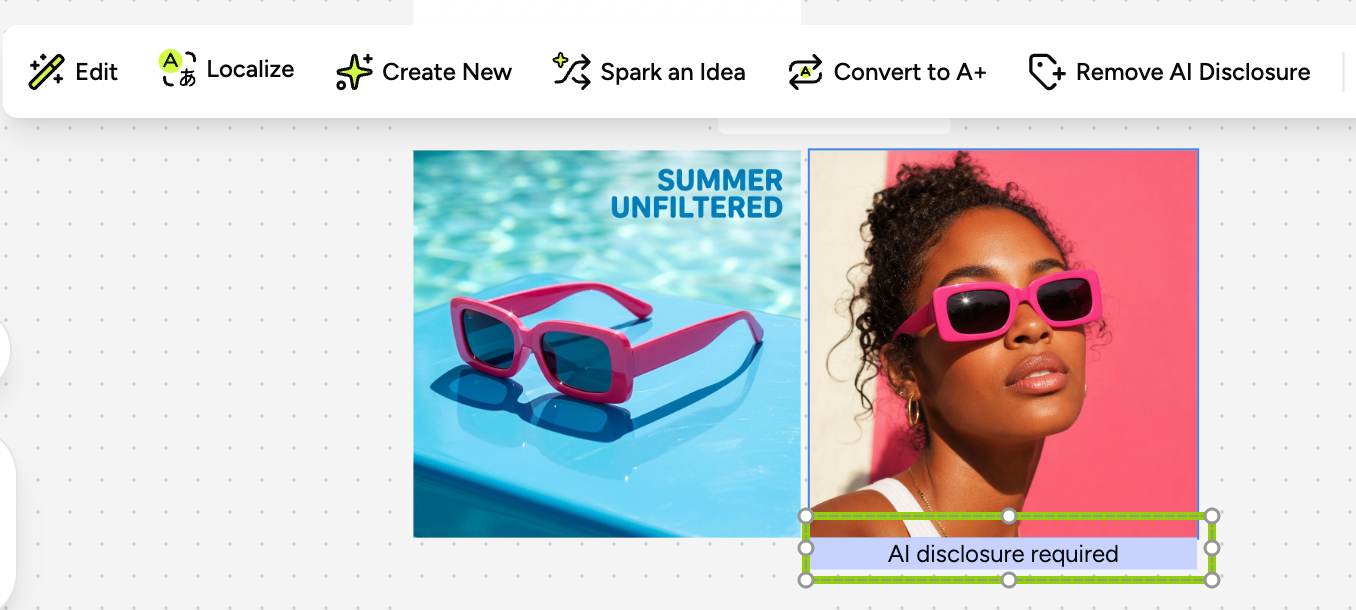
Users can select one or multiple images, click Add AI Disclosure, and export them as JPG or PNG with the required metadata embedded automatically.
Ⅰ. When Should You Add AI Disclosure?
You should add AI Disclosure when the final image contains:
- AI-generated people
- AI-generated faces or full/partial bodies
- AI-generated hands, arms, legs, or feet
- AI-generated people holding, wearing, or using a product
- AI-generated people appearing with pets
You do not need to add it for:
- Product-only images
- AI-generated pets without people
- AI-generated backgrounds or scenes without people
- Cartoon or illustrated characters
- Real-person photos, including images edited with AI
The key rule is simple: the disclosure applies to AI-generated humans, not AI-generated images in general.
Ⅱ. How It Works in BeePOP
- Select one or multiple images.
- Click Add AI Disclosure.
- Export as JPG or PNG.
- BeePOP writes the required XMP metadata into the exported file.
The metadata format follows:
XMP dc:subject = contains-synthetic-performer
If AI Disclosure is turned off during export, the current export will not include the metadata, but the image’s disclosure setting on the canvas remains unchanged.
Ⅲ. Make AI Disclosure Part of the Workflow
For Amazon sellers, compliance should not become another manual step after image generation.
With BeePOP, the workflow becomes:
Generate → Select → Add AI Disclosure → Export
No separate metadata tool. No extra file handling.
Try BeePOP: https://app.beepop.ai/