
Industrial Safety Push Button Switch CoverAmazon A+ Case Study
Professional industrial safety lockout cover designed for energy isolation. High-strength transparent PC construction fits standard 2.9 to 3.5 in switches to prevent accidental operations during maintenance.
A+ Marketing Plan
Accidental Touch Guard & Lockout Cover
Start from a Small Set of Product Inputs
Capture source image, product facts, and style.
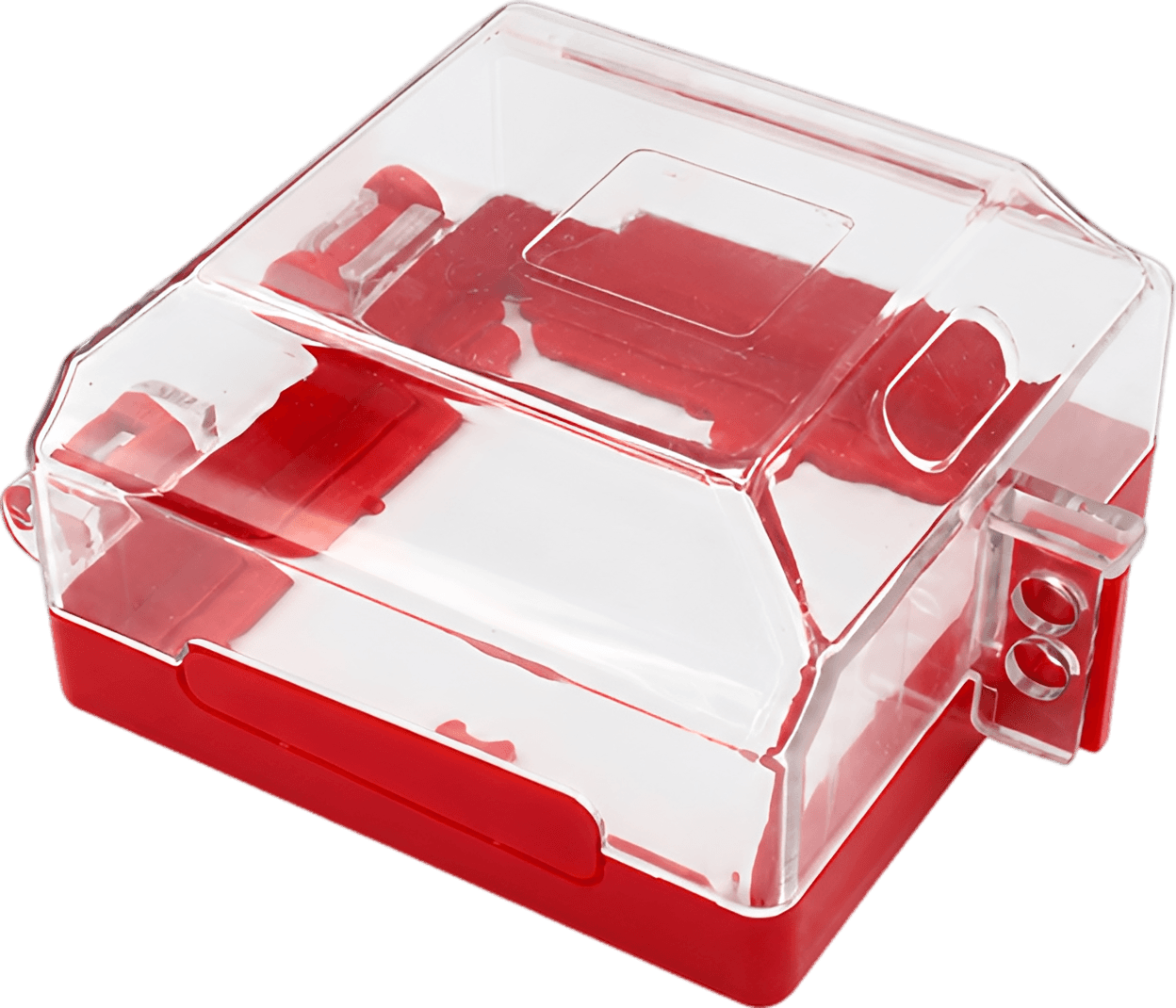
- Product title: Transparent Push Button Switch Cover
- Set details: 1 pc
- Dimensions: 4.1 x 2.4 x 2.4 in (10.5x10.5x6.1 cm)
- Style judgment: Industrial, durable, and highly functional
Discover Search Terms and Read Purchase Intent
BeePOP expands the keyword set, completes keyword research, and identifies what buyers care about in real search demand.
| Keyword | Type | Monthly Search Volume |
|---|---|---|
| push button switch cover | Core Search Term | 2095167 |
| emergency stop button cover | Functional Search Term | 2477654 |
| switch cover guard | Broad Match Term | 2222251 |
| industrial lockout tagout | Application Term | 959071 |
Keyword Insight
Buyers searching for industrial safety equipment heavily prioritize specific compatibility, visual inspection capability, and compliance with lockout/tagout (LOTO) protocols. High search volumes for switch cover guards reflect a strong demand for durable and easy-to-install solutions.
Design the Marketing Strategy from Buyer Demand
BeePOP turns search and product understanding into audience definition, selling points, differentiation, and a conversion path.
- Target users: Safety officers, Electrical maintenance technicians, Industrial facility managers, Workplace compliance inspectors
- Usage scenarios: Lockout/tagout (LOTO) energy isolation on factory floors, Preventing accidental touches on critical emergency stop switches, Securing wall-mounted power buttons in public or high-traffic areas
- Pain points: Accidental button activation causing machinery damage or injury, Slow manual safety checks due to opaque covers, Covers cracking or breaking easily in harsh factory environments
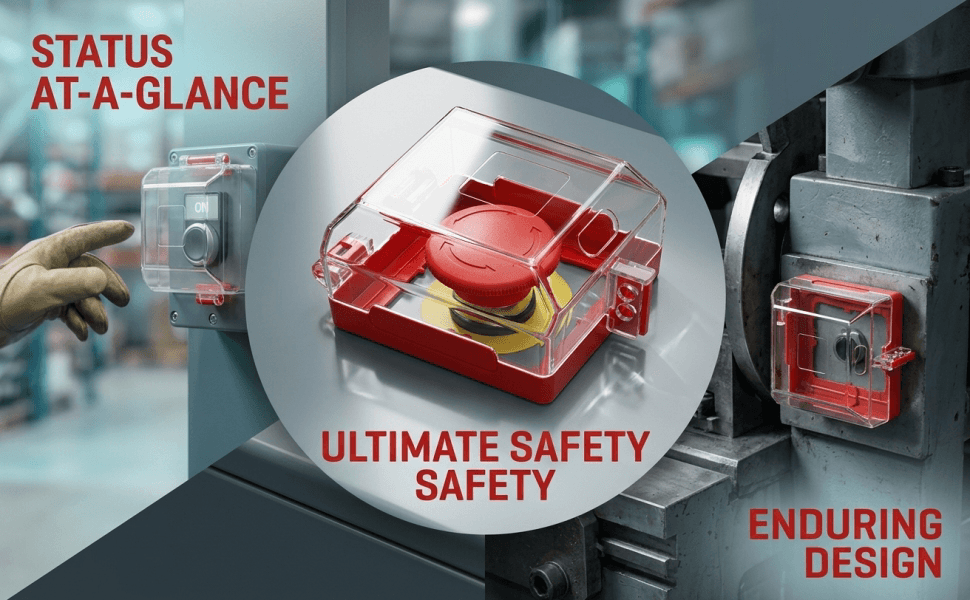
- Core advantages: Transparent visual monitoring for quick switch status verification, Made of high-strength, impact-resistant PC and PA materials, Easy, strain-free installation with a lightweight 4.2 oz design
- Differentiation: Double compatibility with standard 2.9 in and 3.5 in switches, Industrial-grade lockout capability for reliable energy isolation, Maintains clear transparency even in demanding industrial setups
- Buyer focus: LOTO compliance, Durability and material safety, Clear and easy switch visibility
- Main message: Secure your industrial controls and prevent accidents with high-visibility safety covers.
- Delivery method: Emphasize LOTO compliance, present split-screen safety versus risk comparisons, and display macro detail grids of high-strength build materials.
- Priority: First highlight transparent visual monitoring, followed by high-strength impact durability, and finish with verified switch dimensions.
Generate the Full A+ Plan
Based on the strategy layer, BeePOP defines how many images are needed, what each panel should communicate, and what conversion job each visual should perform.
Hero Image
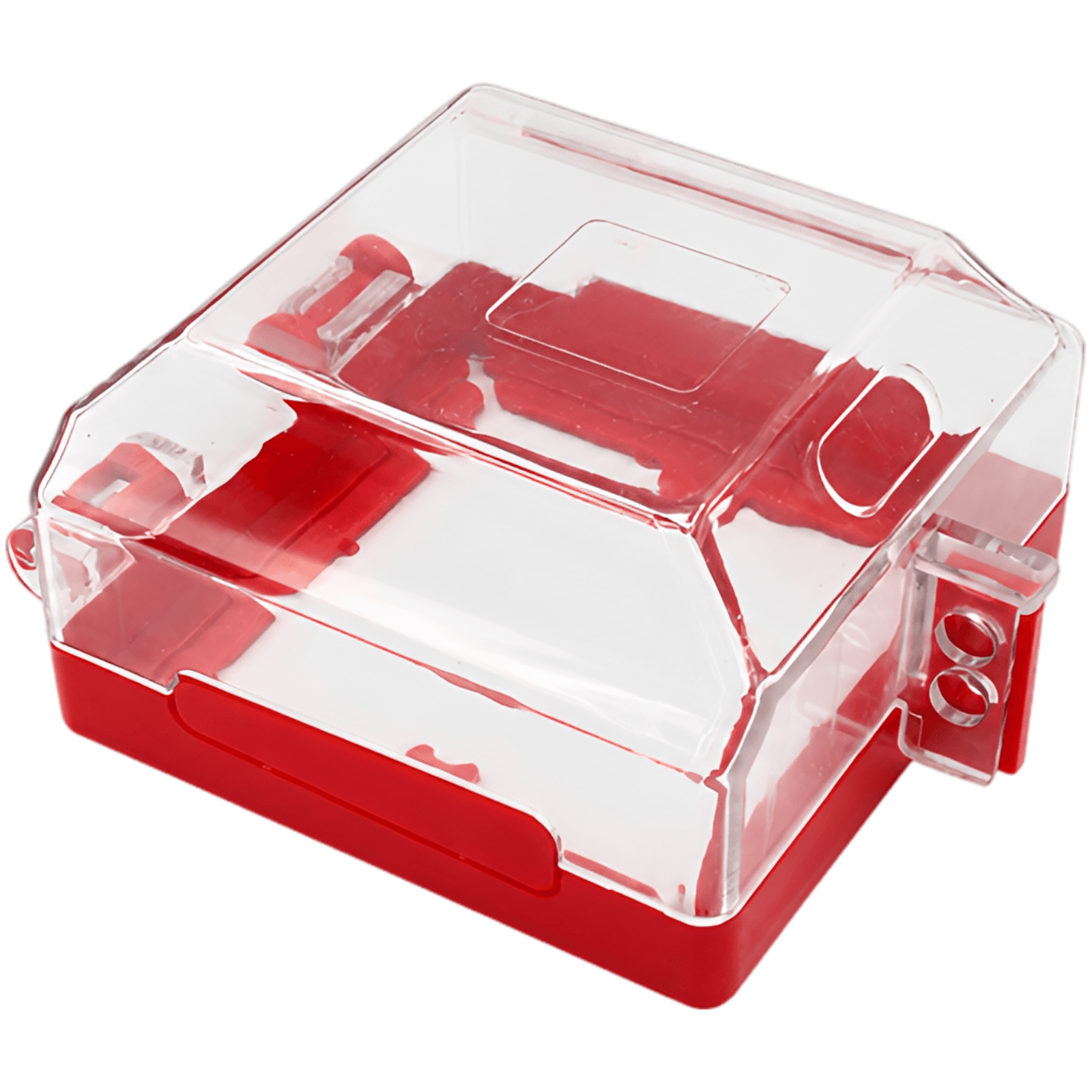
Premium close-up of the transparent push button switch cover on a neutral metallic surface, showcasing its robust build and clear design.
Benefit Image
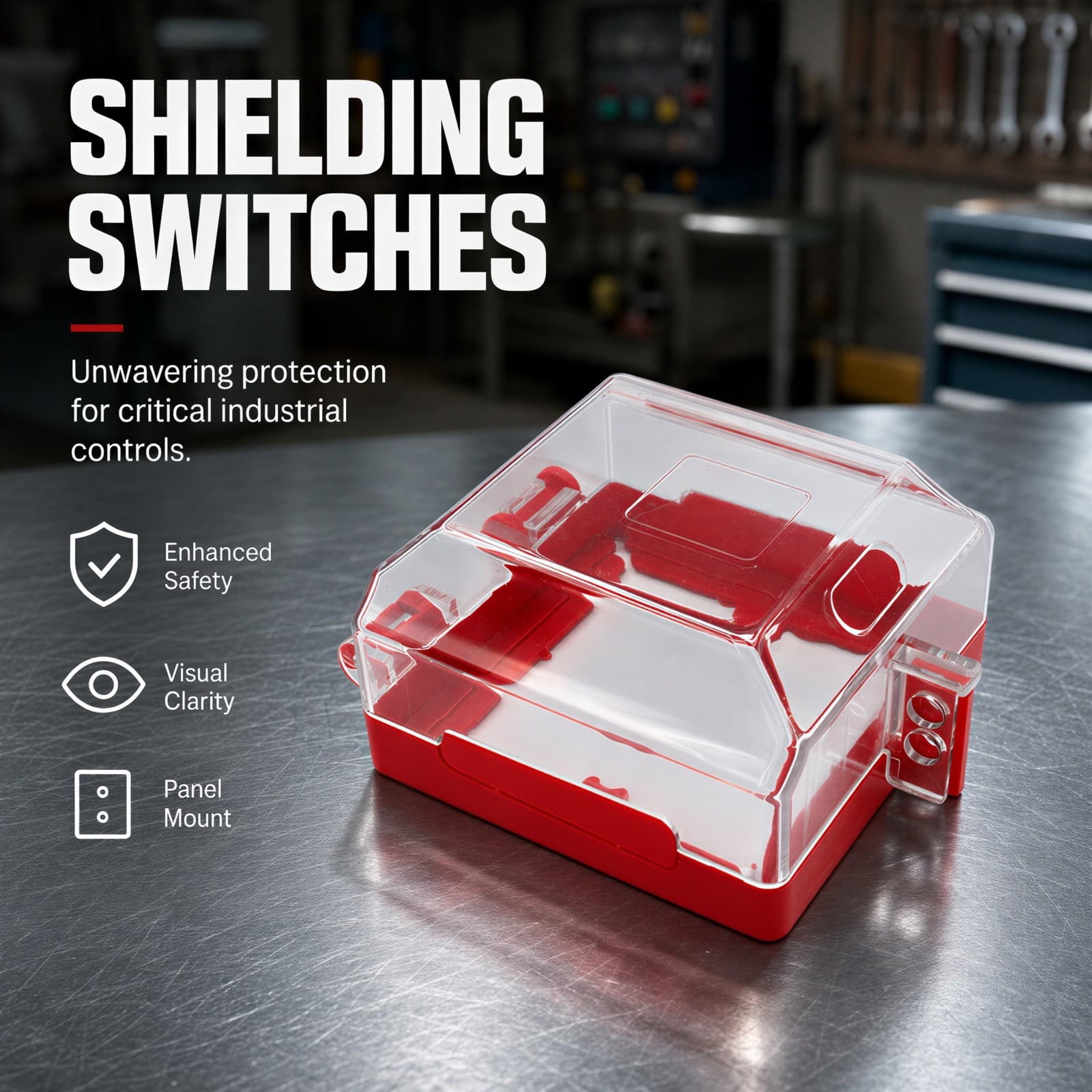
Feature graphic showing the switch cover with highlighted text 'SHIELDING SWITCHES' and key technical callouts for enhanced safety.
Scenario Image
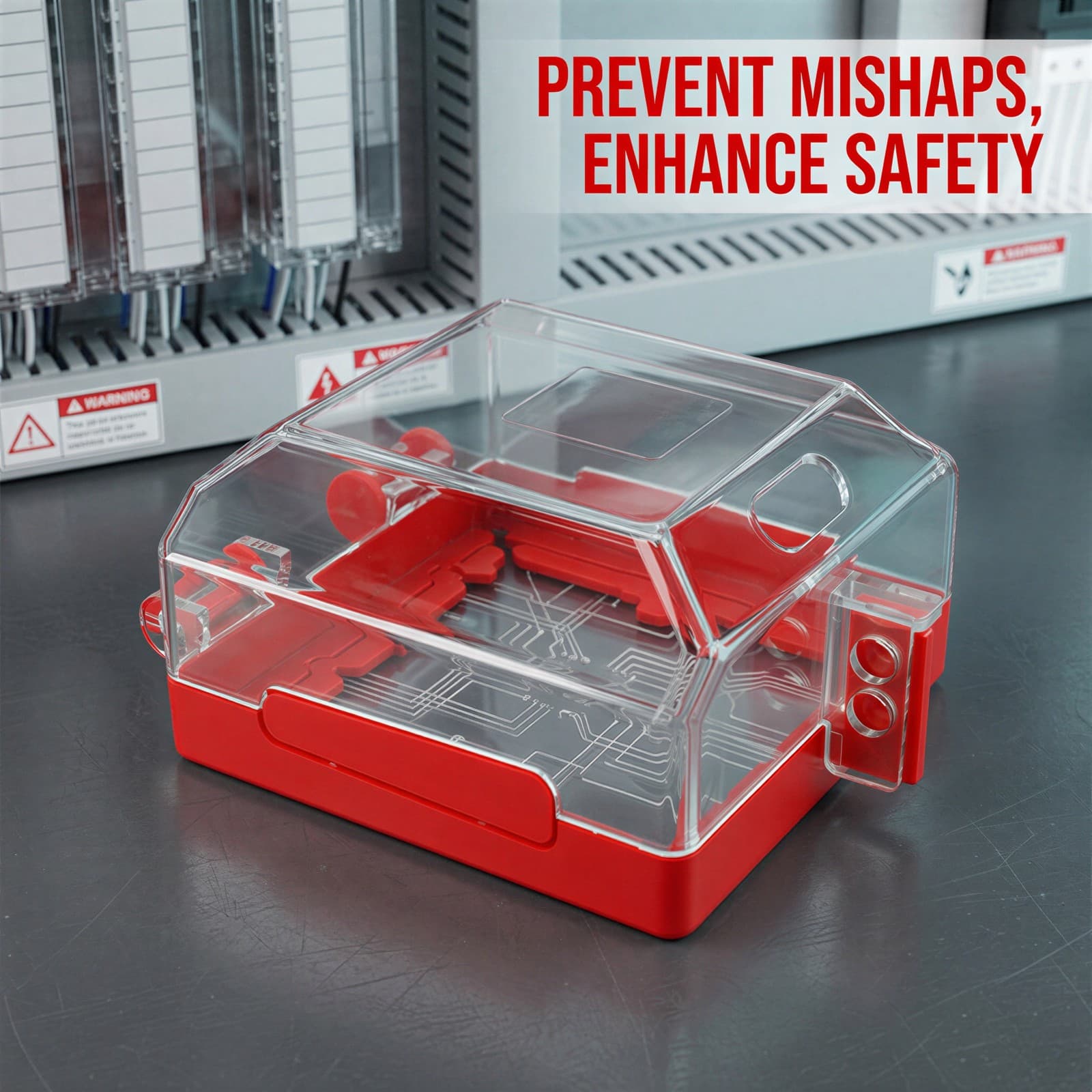
The switch cover mounted on a real-world industrial control panel with warning signs, emphasizing its practical safety application.
Comparison Image
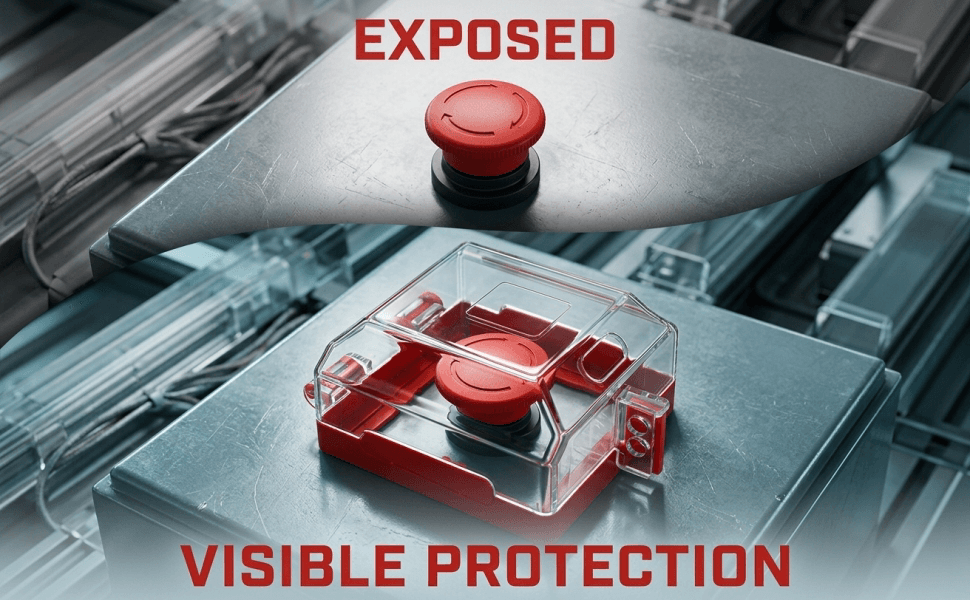
A clear split-screen comparison showing an exposed, vulnerable red emergency button versus a protected, safe button covered by our lockout.
Multi-Scenario Image
A three-part vertical poster illustrating different industrial scenarios including emergency stops, rocker switches, and metallic hasps.
Detail Image
A 2x2 grid poster detailing key features: clear durability, secure lockout holes, seamless integration, and visual monitoring.
Size Image
Product blueprint with clear, accurate dimension lines showing the 4.1 x 2.4 x 2.4 in size and compatibility with 2.9 to 3.5 in switches.
Checklist Image
Clean inventory layout showcasing the transparent push button cover and mounting screws, clearly presenting what is included.
A+ Image
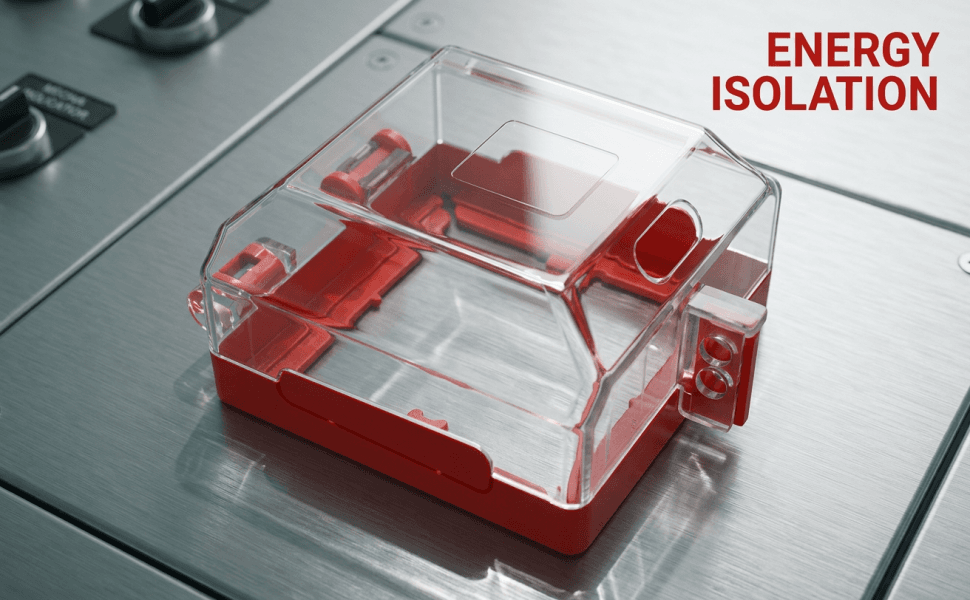
A+ layout highlighting the professional energy isolation features during electrical maintenance.
A+ Image
A+ image detailing the transparent visual monitoring aspect of the PC enclosure.
A+ Image
A+ layout showcasing the effortless mounting process on various control panels.
A+ Image
A+ layout emphasizing the premium, high-strength PC and PA materials built for harsh industrial environments.
A+ Visual Creation
BeePOP treats every image as an independent module to refine. Under the guidance of the A+ plan, it clarifies image purpose, breaks down execution points, and produces visuals that support the full page conversion goal.
Hero Image
Introduce the product and grab the buyer's attention instantly.
Designed to establish a professional industrial feel. By showing the product on a clean metallic texture, it appeals directly to safety officers looking for high-quality lockout devices.
- Position the product centrally with a 3/4 perspective to show depth.
- Apply 6000K neutral light to highlight the transparent cover's premium clarity.
- Use a subtle blurred workshop background with a shallow f/2.8 focus.
Benefit Image
Highlight key safety features and physical advantages of the lockout cover.
Utilizes bold, clear typography and technical callouts to immediately communicate the primary benefit of industrial control protection.
- Place bold, sans-serif title 'SHIELDING SWITCHES' at the top.
- Include three minimal icons representing enhanced safety, visual clarity, and panel mounting.
- Keep the background elements clean with a warning red and machine gray color palette.
Scenario Image
Demonstrate real-world application on control panels to build trust.
By placing the device on an actual control panel, we trigger a strong sense of familiarity for industrial technicians and safety managers.
- Show the product securely mounted over a bright red emergency button.
- Overlay the text 'Prevent Mishaps, Enhance Safety' in bold warning red.
- Use high chromatic contrast to make the translucent enclosure stand out against the gray panel.
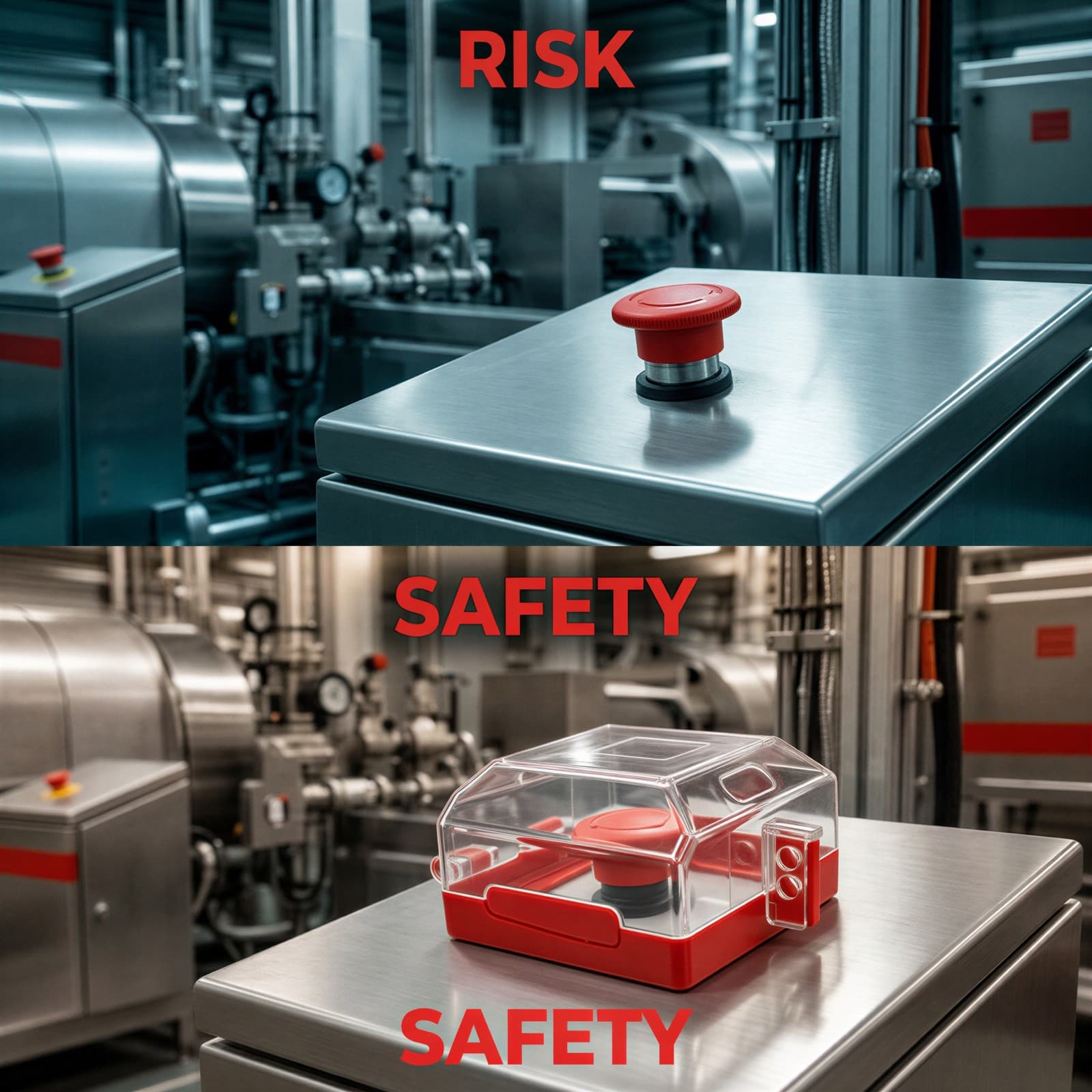
Comparison Image
Visualize the risk of not having a cover and the safety benefit of installing one.
Triggers a sense of urgency by showing the 'RISK' of an unprotected button, immediately resolved by the 'SAFETY' of our cover.
- Use a top-bottom split layout with clean, sharp dividing lines.
- Label the top half 'RISK' and the bottom half 'SAFETY' in bold red sans-serif.
- Ensure identical background panels to maintain perfect visual comparison.
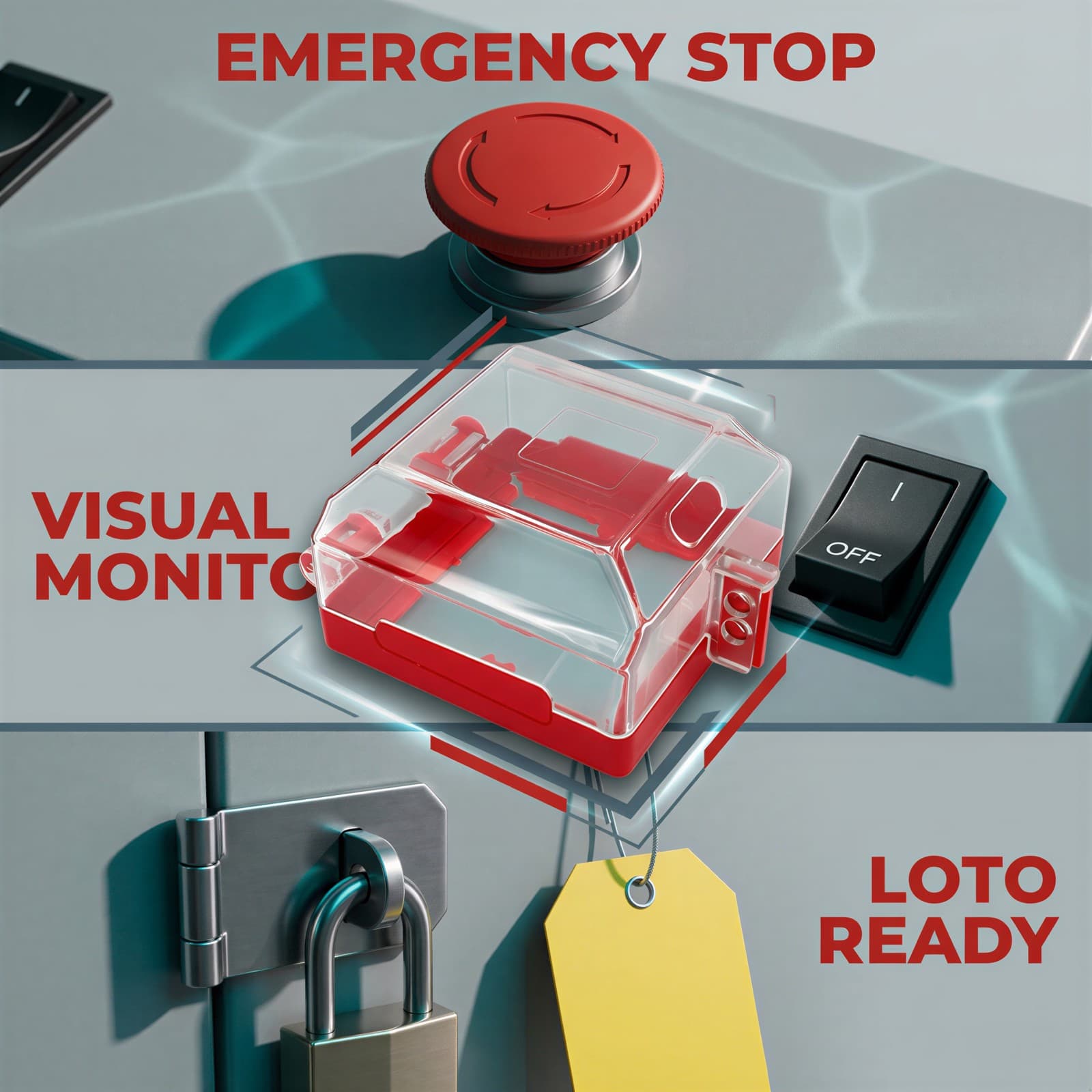
Multi-Scenario Image
Showcase the versatile compatibility of the switch cover across various industrial settings.
Demonstrates that the product is a versatile solution for multiple lockout/tagout (LOTO) protocols, appealing to facility managers.
- Create a clean, three-section vertical split grid separated by crisp gray lines.
- Incorporate texts 'EMERGENCY STOP', 'VISUAL MONITORING', and 'LOTO READY' in bold warning red.
- Overlay a clean product cutout in the center to tie all scenarios together.
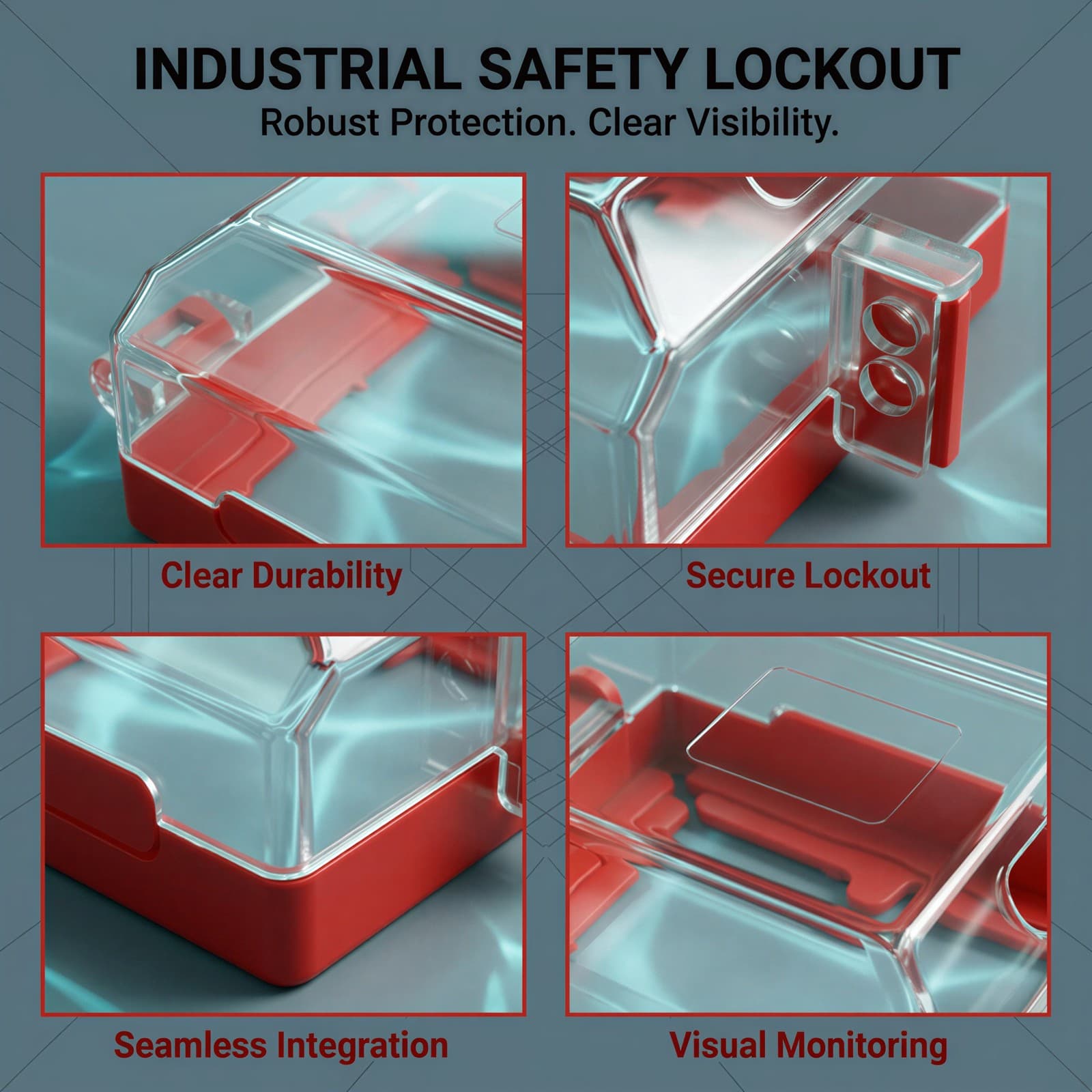
Detail Image
Provide close-up technical details to convince analytical buyers of its quality.
Highlights the precise construction details that standard industrial environments demand, showing durability and design thoughtfulness.
- Structure into a balanced 2x2 grid layout with thin warning red borders.
- Add bold red titles for each quadrant: 'Clear Durability', 'Secure Lockout', 'Seamless Integration', and 'Visual Monitoring'.
- Use macro shots focusing on material joints and padlock holes.
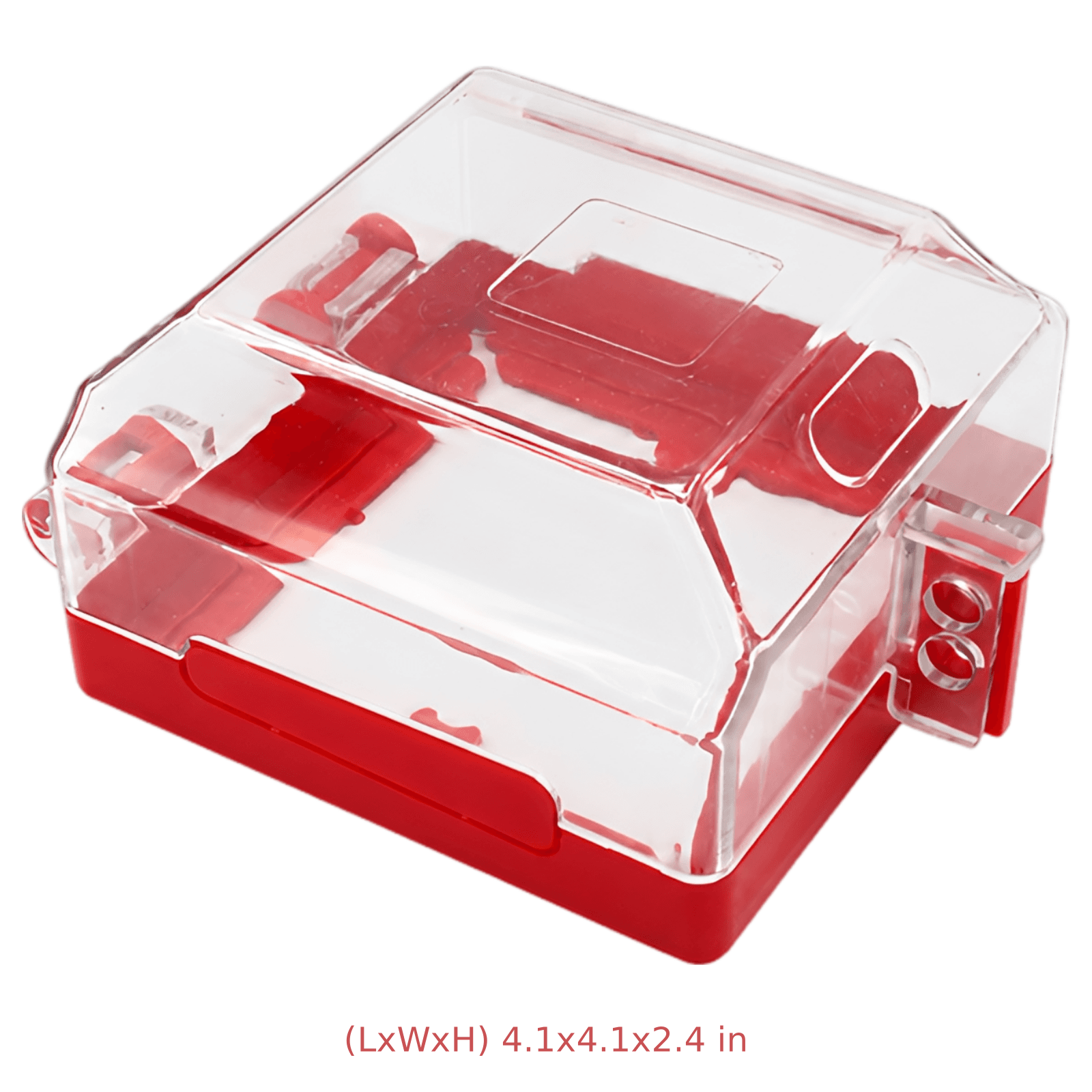
Size Image
Provide exact product dimensions to help buyers ensure compatibility before purchasing.
A detailed visual sizing guide answers the most critical practical question: 'Will this fit my switch?' preventing returns.
- Incorporate sharp, clean dimension lines with high-contrast text.
- List both imperial and metric sizes (4.1 x 2.4 x 2.4 in / 10.5x10.5x6.1 cm) clearly.
- Ensure the background is a clean, neutral technical layout.
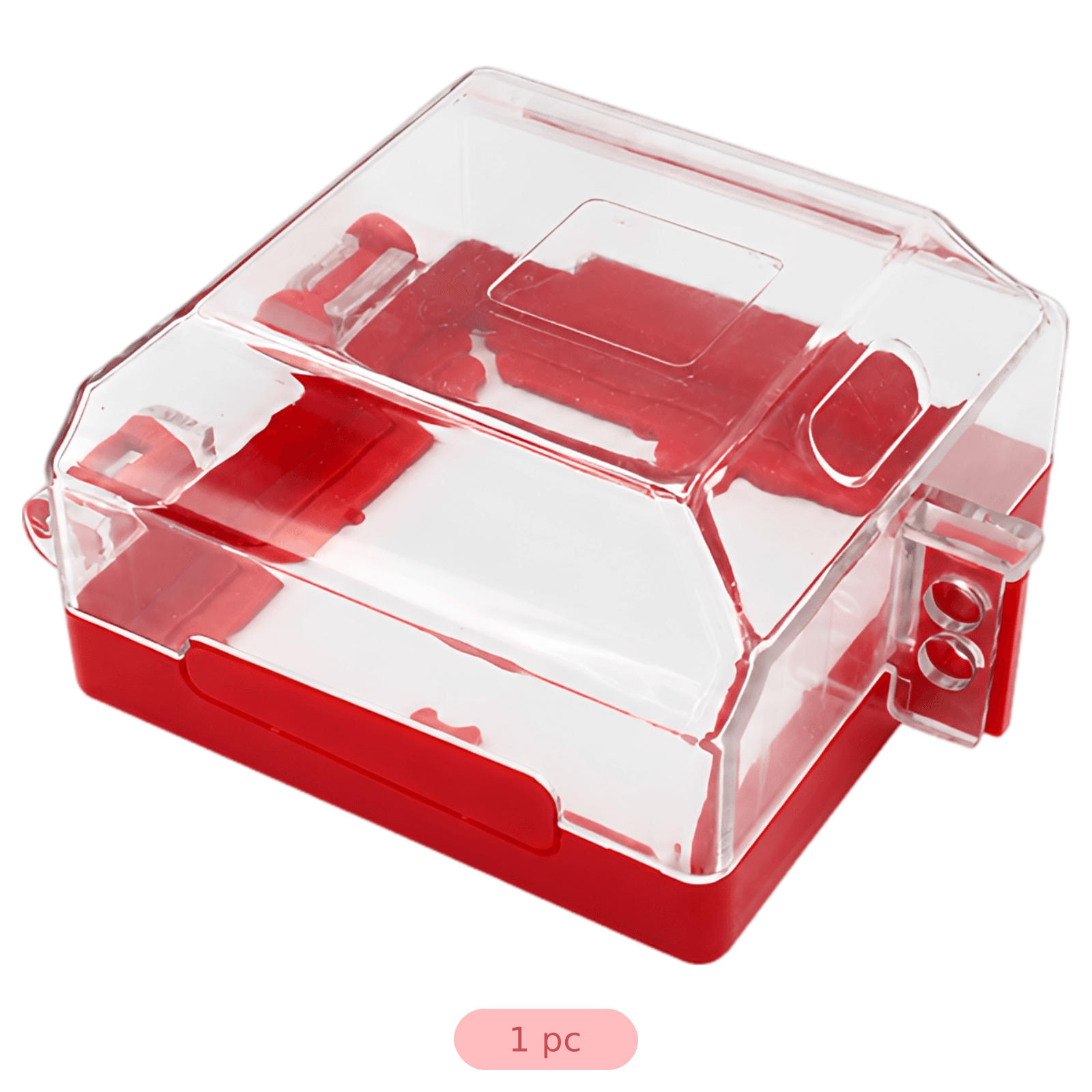
Checklist Image
Set clear buyer expectations by displaying the exact contents of the package.
Reduces buying friction by confirming the product arrives complete with all necessary installation hardware.
- Layout the cover and its accessories on a clean, uncluttered white or light gray background.
- Add clear text lists detailing each included item.
- Use soft shadows to give the items a realistic, premium look.
A+ Image
Reinforce the brand's commitment to standard-compliant lockout/tagout (LOTO) safety.
Focuses on the core mission of energy isolation, addressing safety managers' need to comply with standard workplace regulations.
- Incorporate clean, industrial-grade visuals featuring a technician in safety gear.
- Use high-contrast callout boxes detailing professional safety benefits.
- Maintain a consistent machine gray and warning red color scheme.
A+ Image
Demonstrate the efficiency of quick switch inspections without removing the lock.
Addresses the operational pain point of slow safety checks by highlighting the 'at-a-glance' inspection capability.
- Show a close-up of the switch state clearly visible through the transparent PC housing.
- Use sharp lighting to accentuate the clarity and gloss of the material.
- Incorporate clear, bold textual annotations explaining visual safety check workflows.
A+ Image
Convince the user that installation is fast, requiring minimal equipment downtime.
Mitigates installation anxiety by emphasizing the lightweight design and quick-mounting features.
- Illustrate mounting options on different wall or panel surfaces.
- Highlight the lightweight 4.2 oz construction with clean graphic callouts.
- Maintain clear visual structure with a consistent font system.
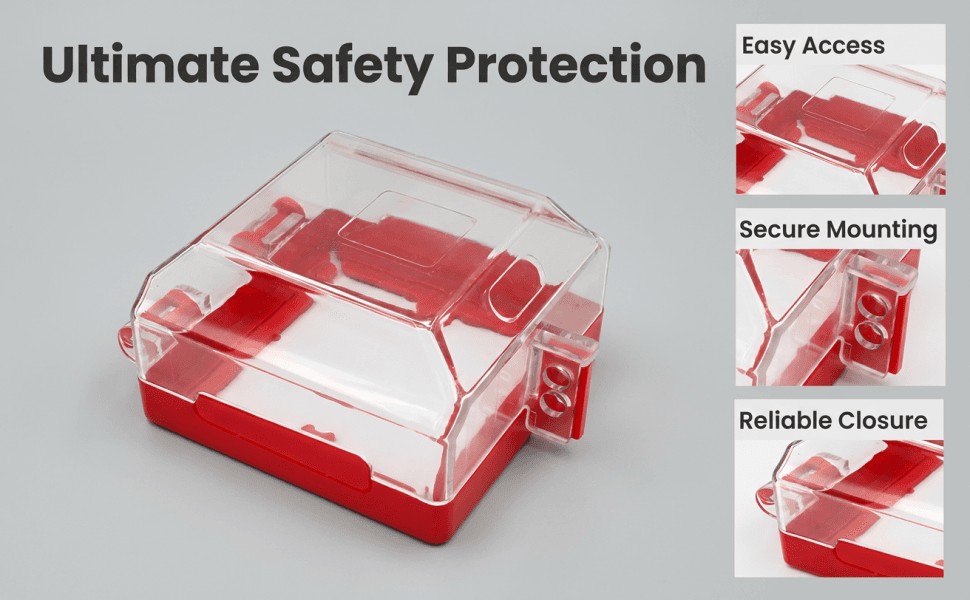
A+ Image
Establish high-end build quality and long-term impact resistance.
Builds heavy trust in the physical longevity of the cover, addressing worries about cracks in demanding work environments.
- Showcase the product withstanding impacts or in a rugged workshop environment.
- List technical material callouts like 'High-Strength PC' and 'Industrial PA'.
- Use hard-edge specular lighting to emphasize the structural toughness.
FAQ
More Use Cases
Industrial & Scientific
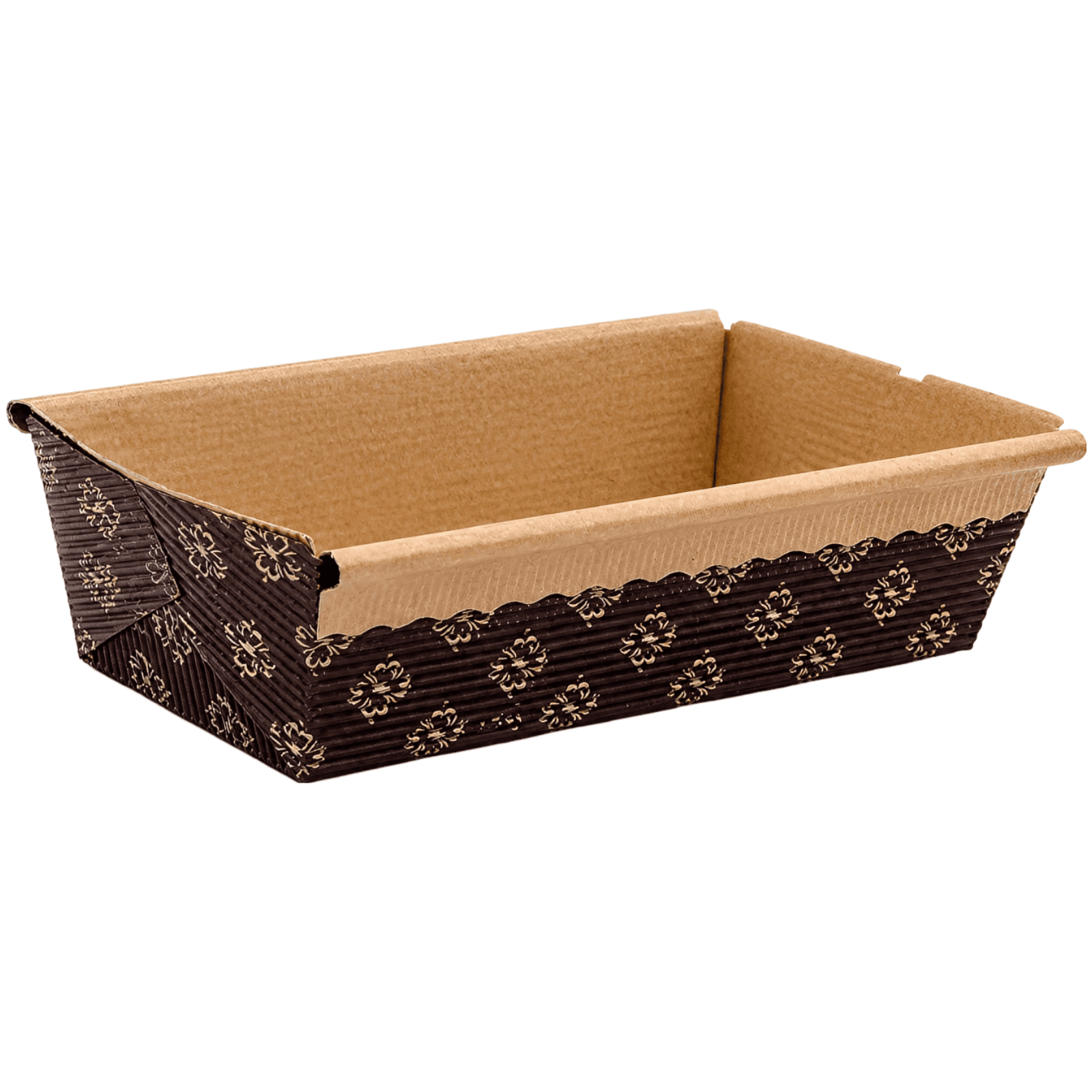
Artisanal Paper Loaf Pans
Premium food-safe corrugated paper loaf pans designed for seamless baking, elegant presentation, and hassle-free cleanup. Heat resistant up to 390°F, these elegant brown patterned molds are perfect for sourdough, pound cakes, and festive yeast breads.
Jul 28, 2026
Industrial & Scientific
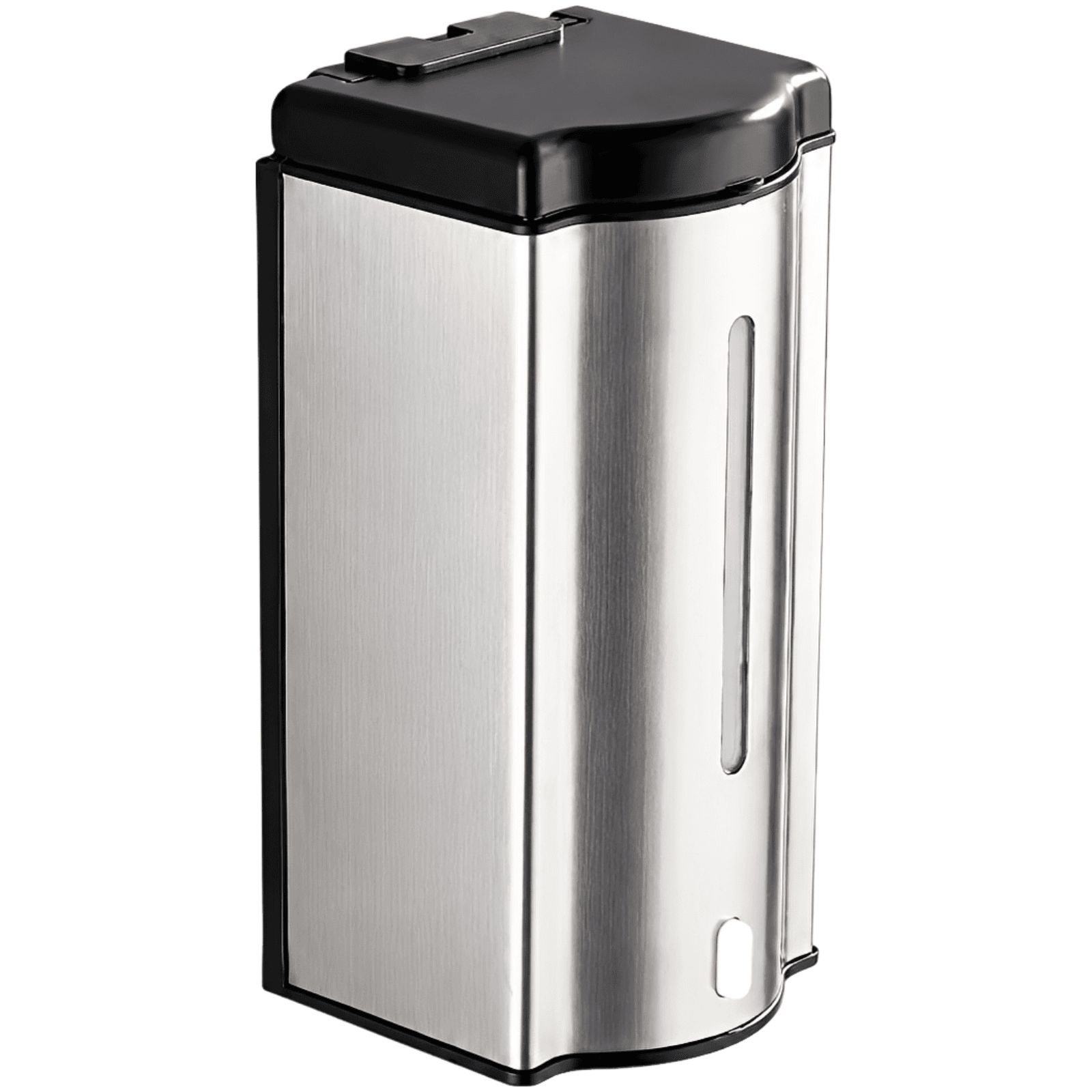
Touchless Stainless Steel Soap Dispenser
Upgrade your hygiene standards with this premium 20 oz wall-mounted automatic soap dispenser. Crafted from durable stainless steel, it features an infrared motion sensor for a touch-free experience, an integrated clear viewing window, and a sleek, space-saving design perfect for high-traffic environments.
Jul 20, 2026