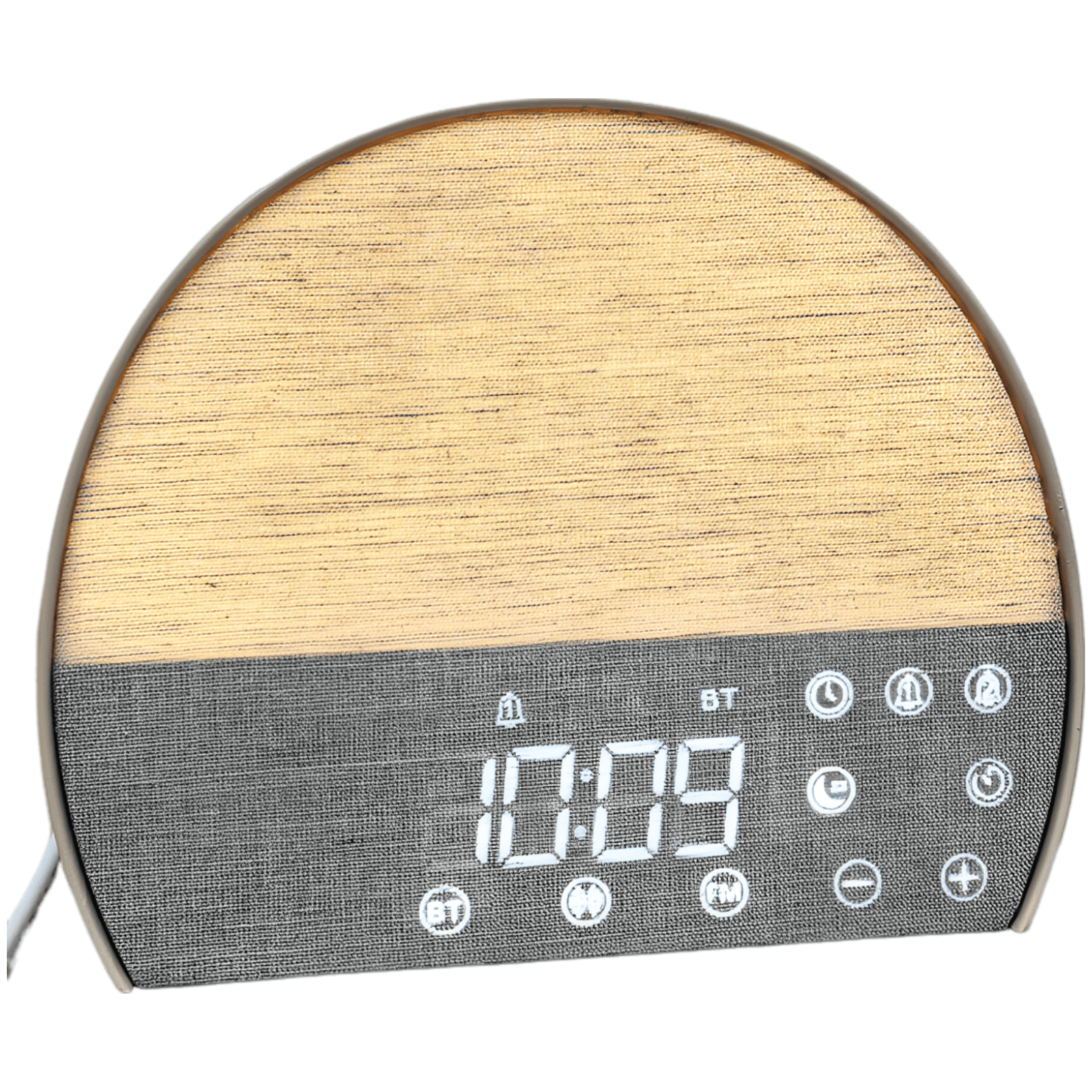
Desktop Tablet Stand with 360 Rotating BaseAmazon A+ Case Study
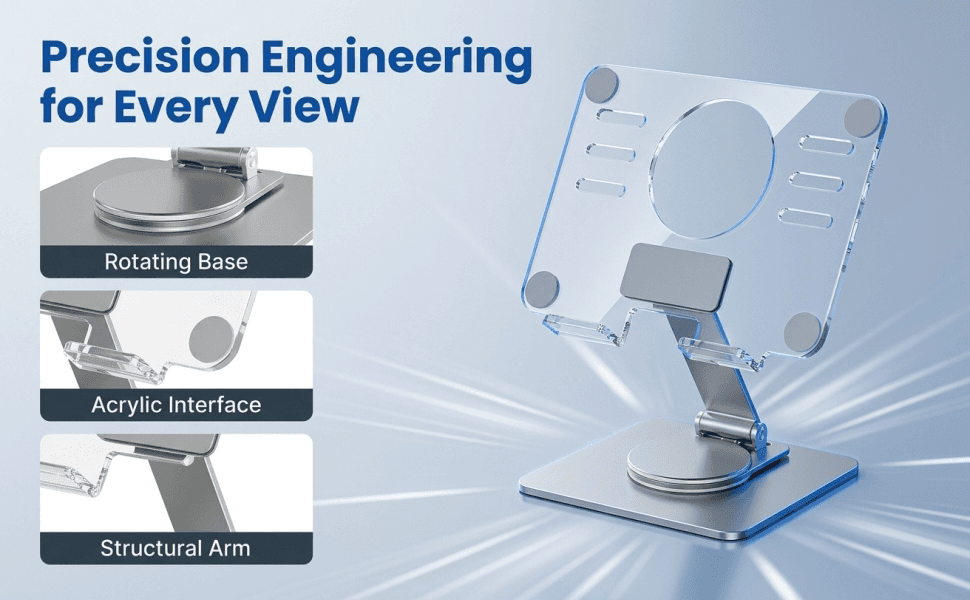
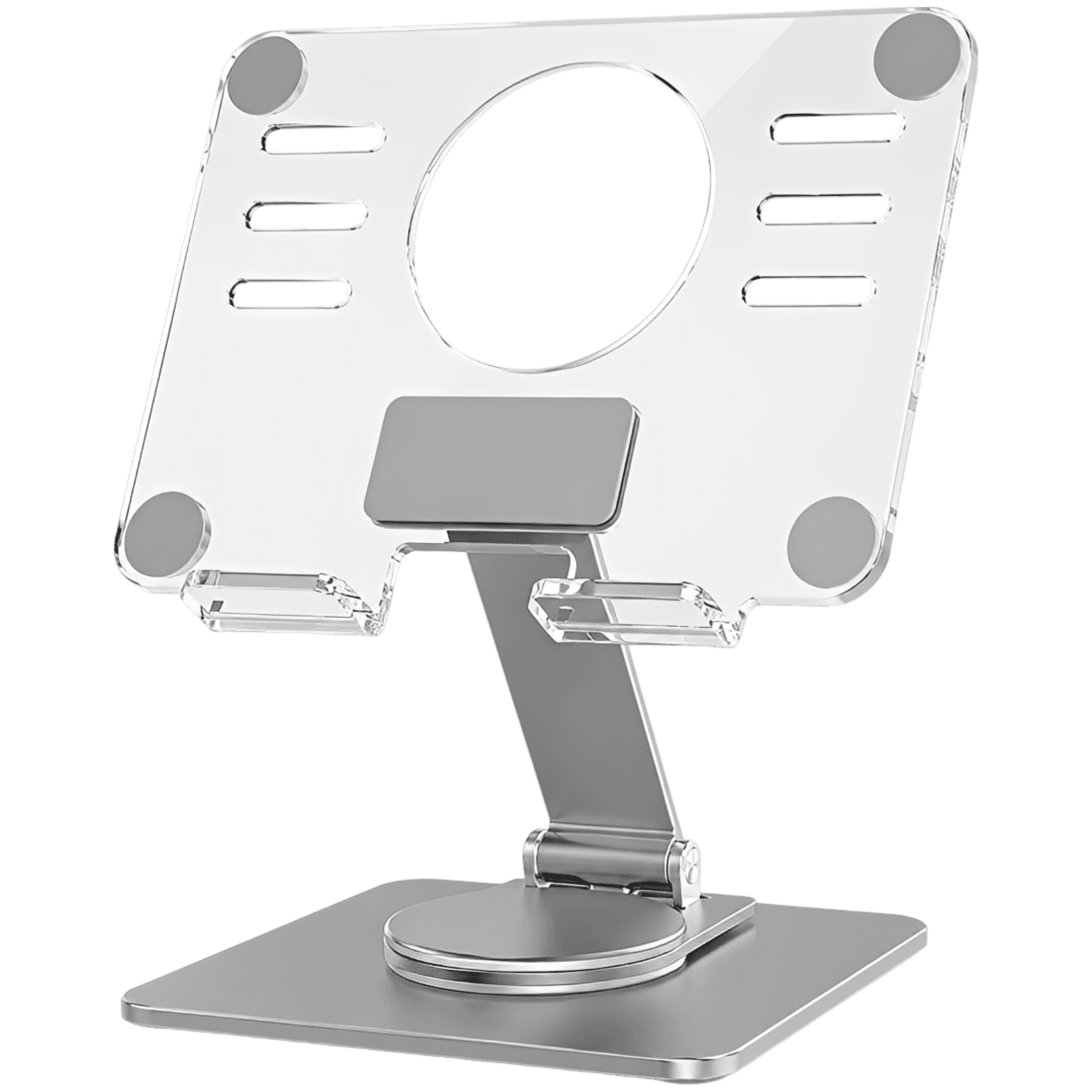
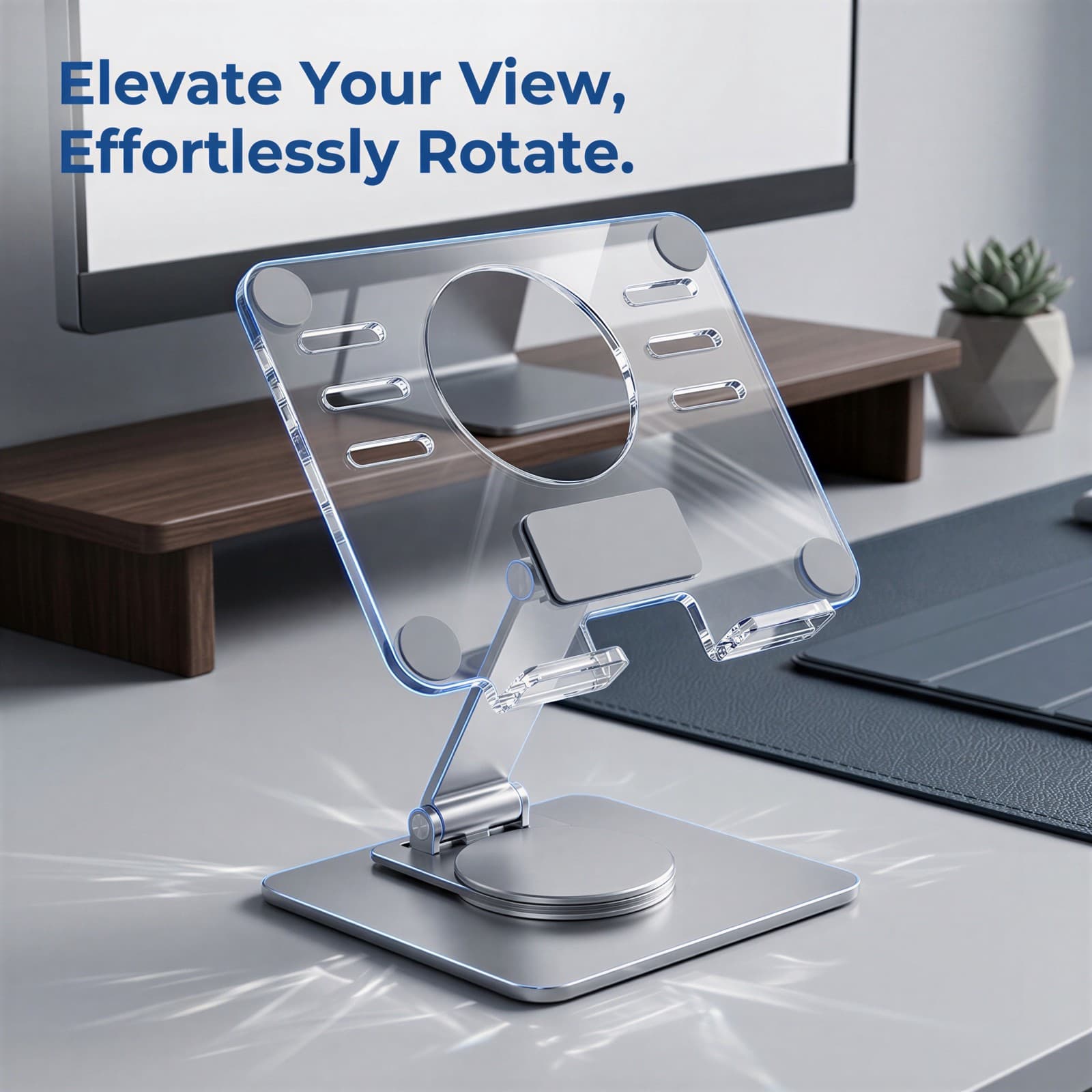
Elevate your digital workflow with this sleek, rotating desktop stand. Combining durable aluminum construction with a contemporary acrylic panel, it offers seamless 360-degree rotation and stable viewing for your tablet or phone.
A+ Marketing Plan
Premium Aluminum Alloy & Transparent Acrylic Hybrid Design
Start from a Small Set of Product Inputs
Capture source image, product facts, and style.
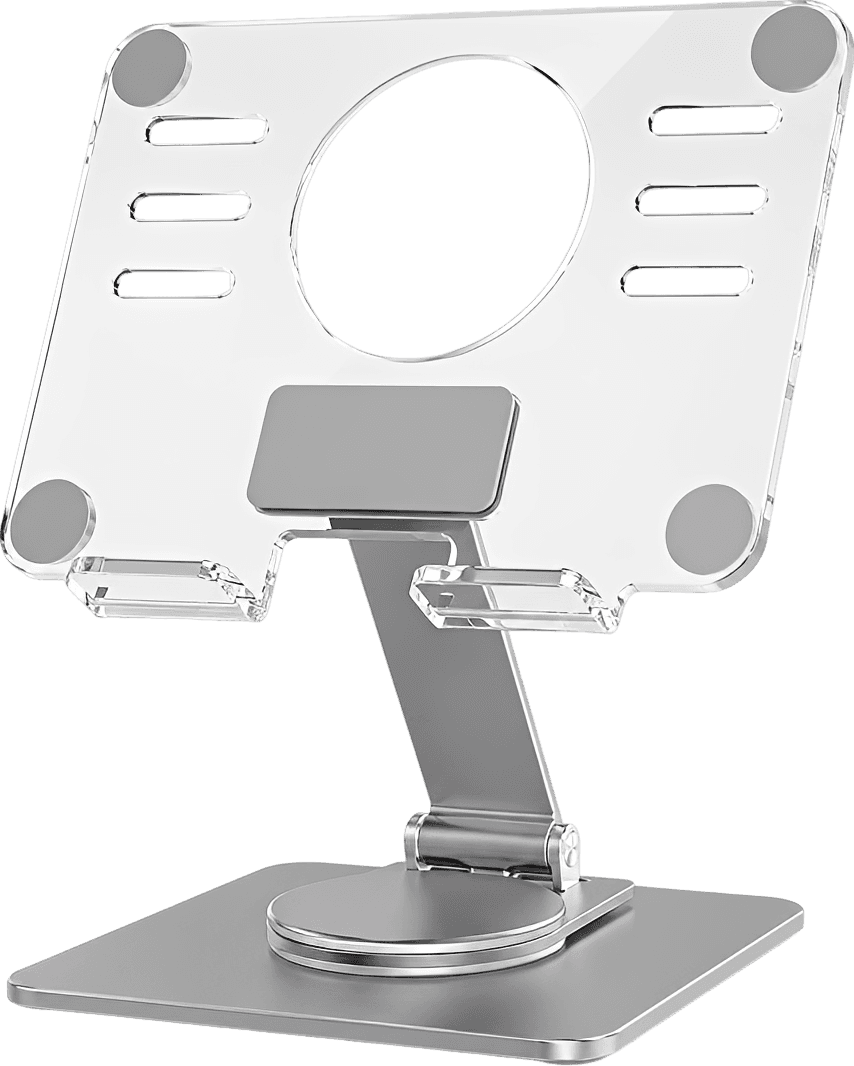
- Product title: Premium Aluminum & Acrylic Rotating Desktop Tablet Stand
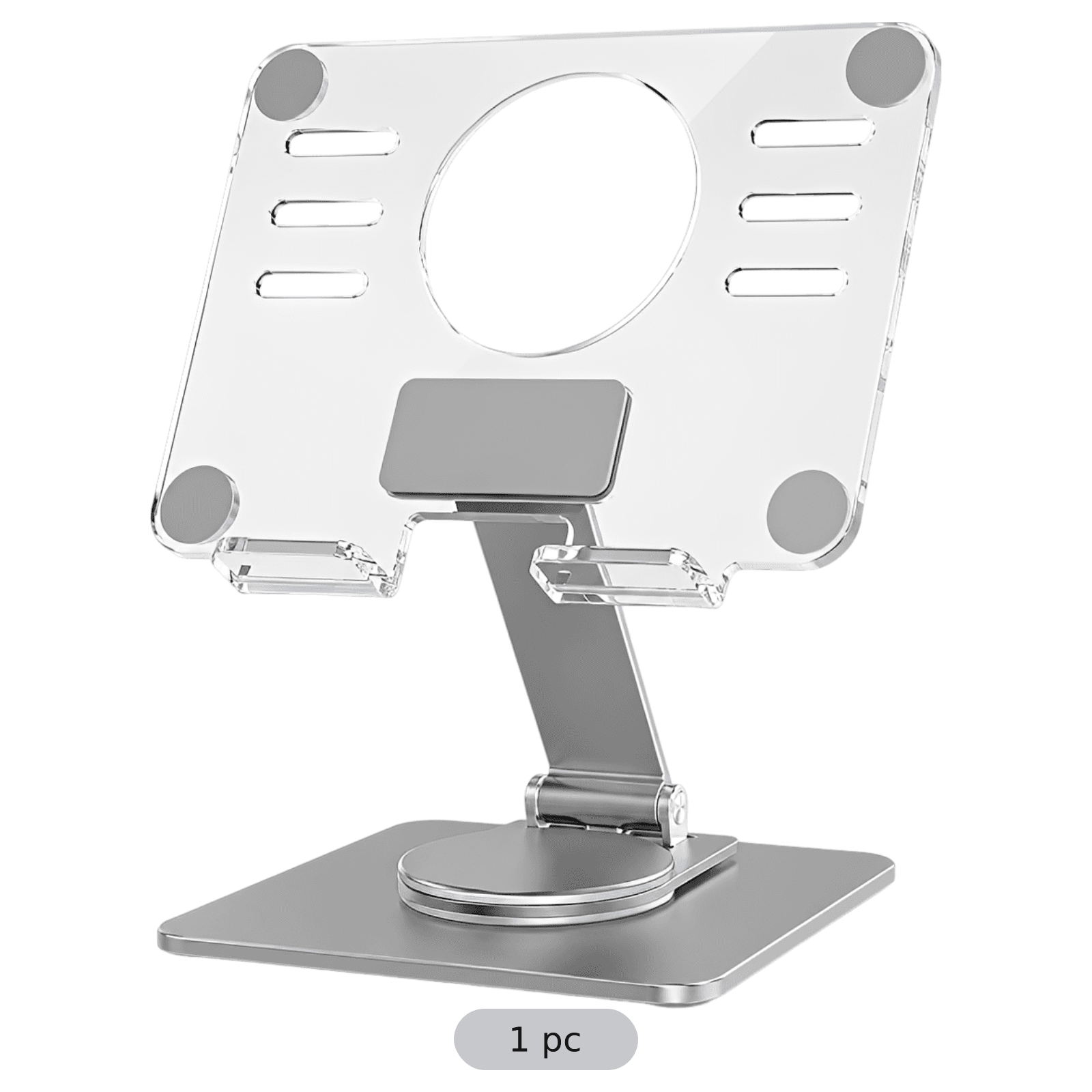
- Set details: 1 pc
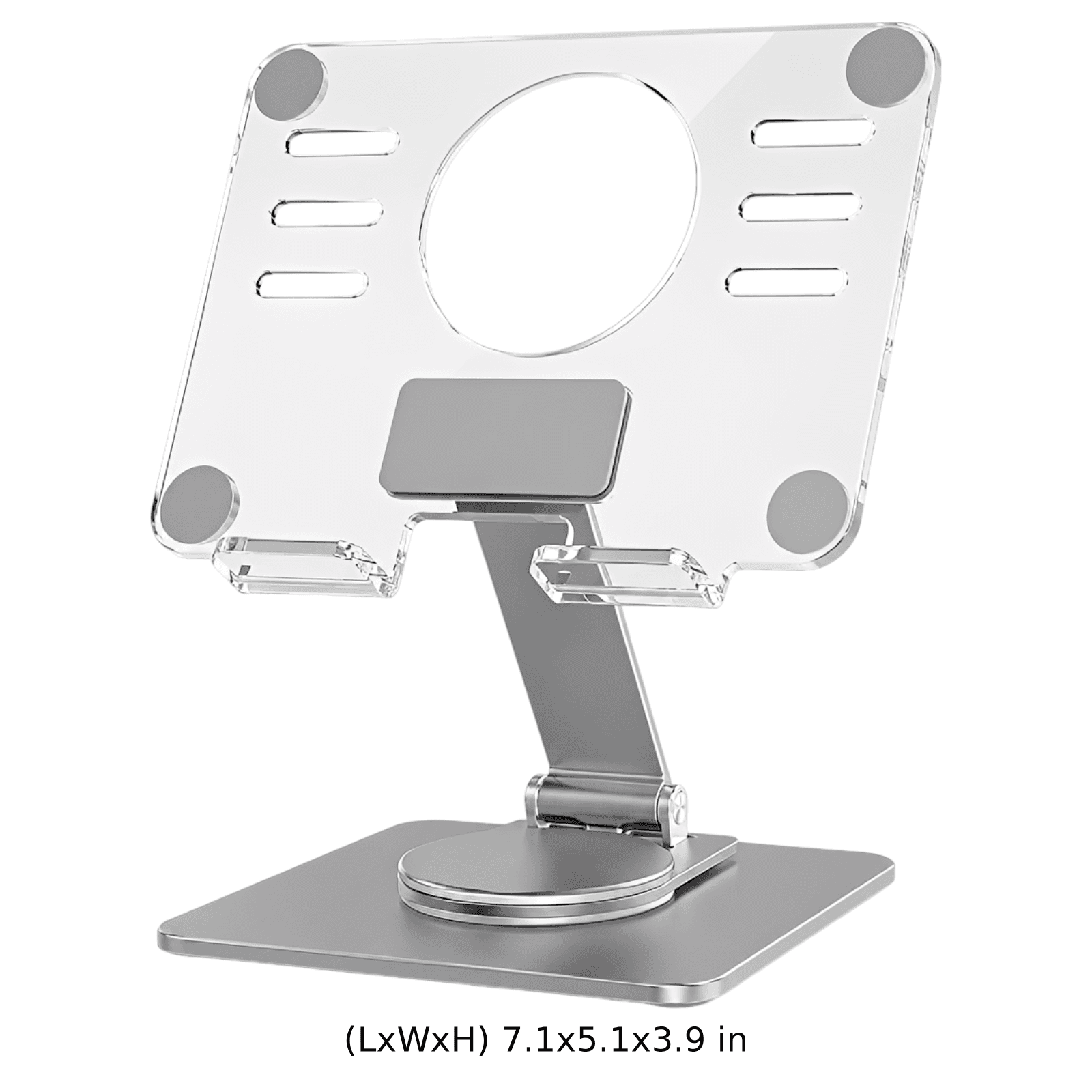
- Dimensions: 18.0x13.0x10.0 cm
- Style judgment: Modern Minimalist Tech Aesthetic
Discover Search Terms and Read Purchase Intent
BeePOP expands the keyword set, completes keyword research, and identifies what buyers care about in real search demand.
| Keyword | Type | Monthly Search Volume |
|---|---|---|
| 360 rotating tablet stand | traffic | |
| acrylic ipad holder desk | conversion | |
| aluminum tablet dock | long-tail | |
| stable tablet mount with rotation | conversion |
Keyword Insight
Desktop users look for tablet holders that blend high functionality with modern desk design. They actively search for terms indicating smooth rotation, stable support for larger devices (like iPads), and modern materials like aluminum and acrylic.
Design the Marketing Strategy from Buyer Demand
BeePOP turns search and product understanding into audience definition, selling points, differentiation, and a conversion path.
- Target users: Office Professionals, Content Creators & Streamers, Home Chefs using recipe guides, Tech Enthusiasts & Gamers
- Usage scenarios: Video conferencing and dual-screen productivity on office desks, Monitoring livestreams or managing chats, Reviewing recipes hands-free on kitchen counters, Sharing screen content smoothly during business meetings
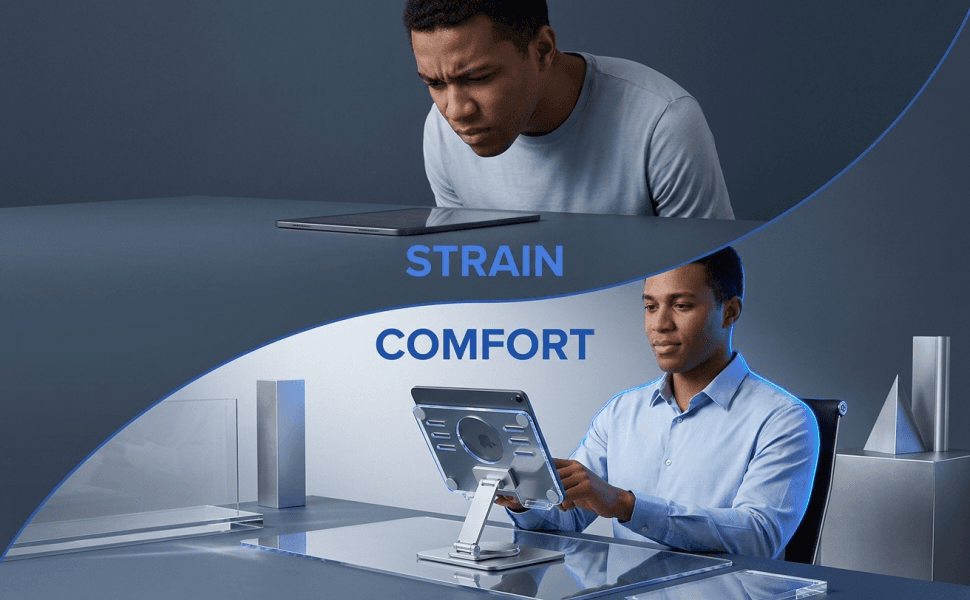
- Pain points: Flimsy, unstable stands causing heavy devices to wobble or tip over, Fixed-angle stands that lead to neck strain and poor posture, Inability to easily turn or share screens without dragging the entire base, Cluttered desk workspaces caused by bulky, unappealing desktop organizers
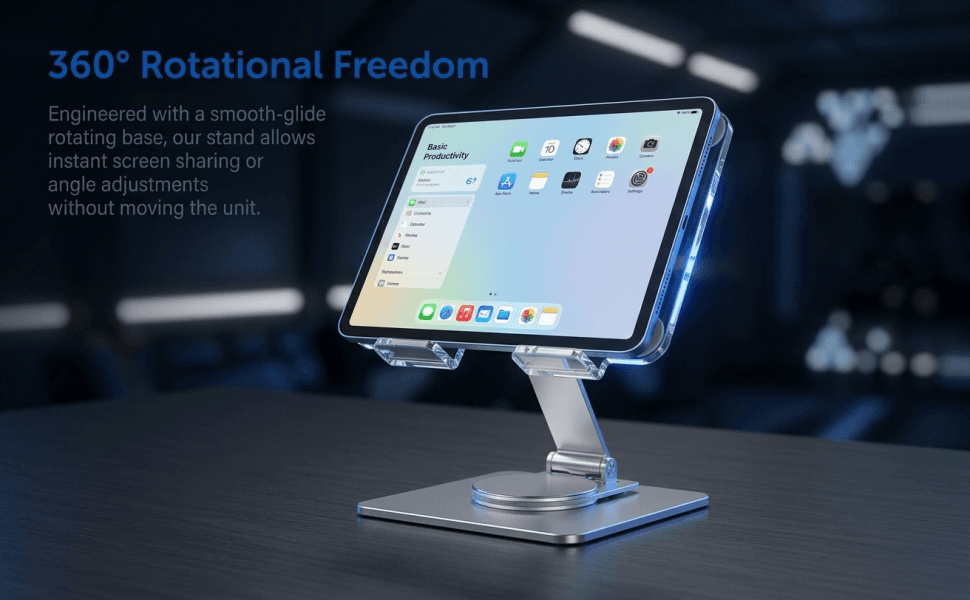
- Core advantages: Fluid 360-degree rotating base for effortless angle sharing, Heavy-duty aluminum alloy body paired with ultra-clear acrylic support plate, Perfect height adjustments to relieve neck pressure and improve posture
- Differentiation: Elegant, high-tech translucent design that enhances desk aesthetics, Premium bottom anti-slip padding to protect desks from scratches, Compact 4.7 x 4.7 inch footprint optimized for crowded workspaces
- Buyer focus: Rock-solid stability during active touchscreen typing, Premium finish that matches devices like Apple iPads and modern laptops, Multi-device compatibility supporting both smartphones and large tablets
- Main message: Elevate Your View, Effortlessly Rotate
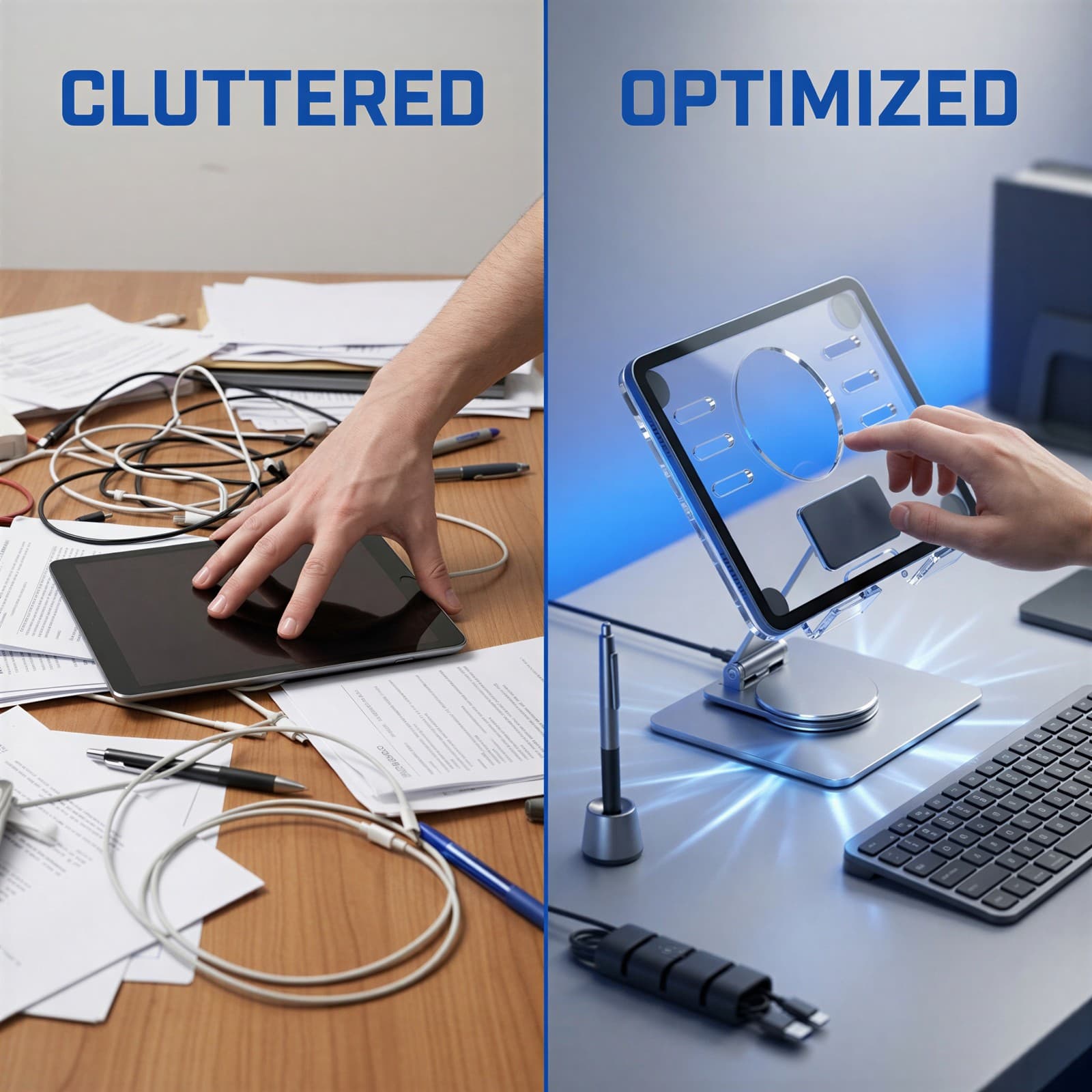
- Delivery method: Contrast cluttered and unergonomic flat-screen viewing with a highly structured, elevated, and flexible rotating ecosystem.
- Priority: Lead with the premium dual-material visual and smooth 360-degree base function, followed by ergonomic and multi-scenario validations.
Generate the Full A+ Plan
Based on the strategy layer, BeePOP defines how many images are needed, what each panel should communicate, and what conversion job each visual should perform.
Hero Image
A clean, front-facing product shot of the aluminum and clear acrylic tablet stand, centered on a minimalist desktop with crisp shadows.
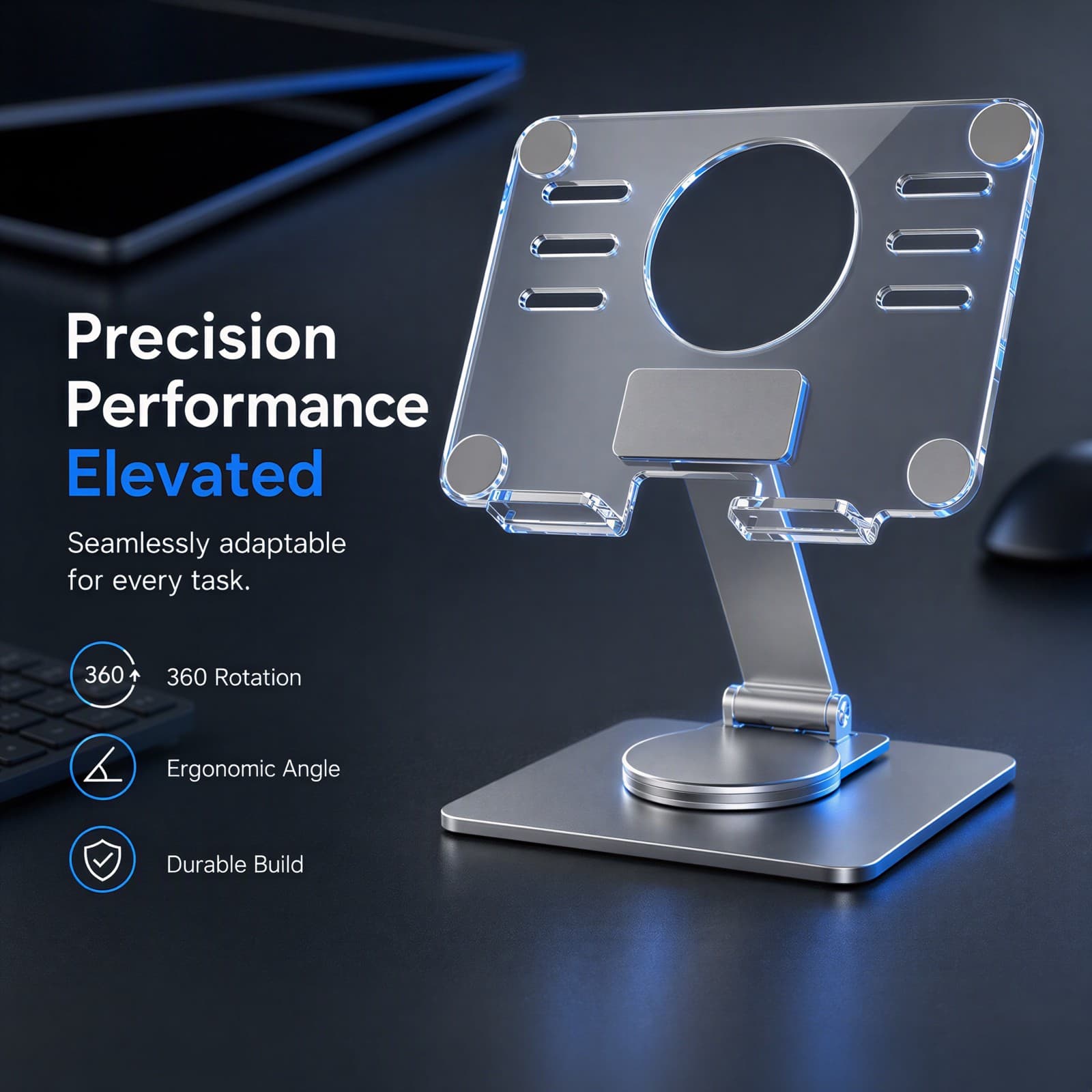
Benefit Image
A close-up technical render highlighting the premium brushed metal texture and clear acrylic panel, detailed with elegant feature icon overlays.
Scenario Image
A lifestyle shot showing a tablet resting securely on the stand in a modern, light-filled office setup, emphasizing ergonomic screen height.
Comparison Image
A split-screen comparison showing a messy desk with a flat tablet on the left versus an organized desk utilizing our elevated rotating stand on the right.
Multi-Scenario Image
A multi-scene composite display illustrating the product's versatility across a professional office, home kitchen, and creative streaming station.
Detail Image
A detailed 2x2 grid panel zooming into the precision rotation hinge, acrylic panel cuts, non-slip rubber pad, and the brushed aluminum base bevels.
Creative Poster Image
An engaging, low-angle creative concept poster showcasing the tablet stand as a monumental architectural piece surrounded by miniature digital elements.
Size Image
A clean technical blueprint diagram outlining the precise dimensions, support plate width, base footprint, and flexible height range.
Checklist Image
A flat-lay package checklist displaying the elegantly boxed tablet stand, included tools, protective film instructions, and user manual.
A+ Image
An action-focused lifestyle scene of a professional effortlessly rotating the stand to share a screen chart with a colleague during a meeting.
A+ Image
A focused close-up showing a chef in a minimalist kitchen using the stand to read a digital recipe safely away from kitchen counter spills.
A+ Image
An ergonomic diagram emphasizing physical relief, contrasting bad neck slouching posture with correct upright alignment facilitated by the stand.
A+ Visual Creation
BeePOP treats every image as an independent module to refine. Under the guidance of the A+ plan, it clarifies image purpose, breaks down execution points, and produces visuals that support the full page conversion goal.
Hero Image
Capture initial buyer interest by showcasing the premium product aesthetic on a clean background.
The first image must make a premium impression. Presenting the hybrid material of crystalline acrylic and structured aluminum in pristine lighting appeals directly to buyers looking to upgrade their office aesthetics.
- Maintain a centered composition with soft, neutral lighting to emphasize structural clarity.
- Utilize a clean, light-filled workspace backdrop to establish a sophisticated workspace tone.
Benefit Image
Educate the buyer on the stand's key design specifications and premium components.
Tech-savvy buyers demand to know the mechanics and quality details. Combining a high-definition product close-up with structured feature tags builds trust in its engineering quality.
- Use clear sans-serif text overlays for 'Precision Performance Elevated' and '360 Rotation'.
- Enhance the metal textures with subtle cobalt highlights to emphasize a laboratory-grade engineering feel.
Scenario Image
Build context and lifestyle aspiration by showcasing the stand holding a tablet in a modern office.
Seeing the product in action helps customers visualize it on their own desks. Showing a thin tablet with a productive interface emphasizes modern, focused work.
- Keep the background softly blurred to draw undivided focus to the tablet and stand.
- Display a clean productivity interface on the tablet screen to evoke professional efficiency.
Comparison Image
Drive immediate conversion by visually solving the problem of a cluttered and uncomfortable desk.
Visual contrast is the strongest driver of urgency. By pairing a messy, uncomfortable workspace with a tidy, ergonomic alternative, we prompt the user to choose the optimized solution.
- Show a cluttered desk with a flat-lying, awkward tablet on the left labeled 'CLUTTERED'.
- Show our clean, elevated setup on the right labeled 'OPTIMIZED' using professional key lighting.
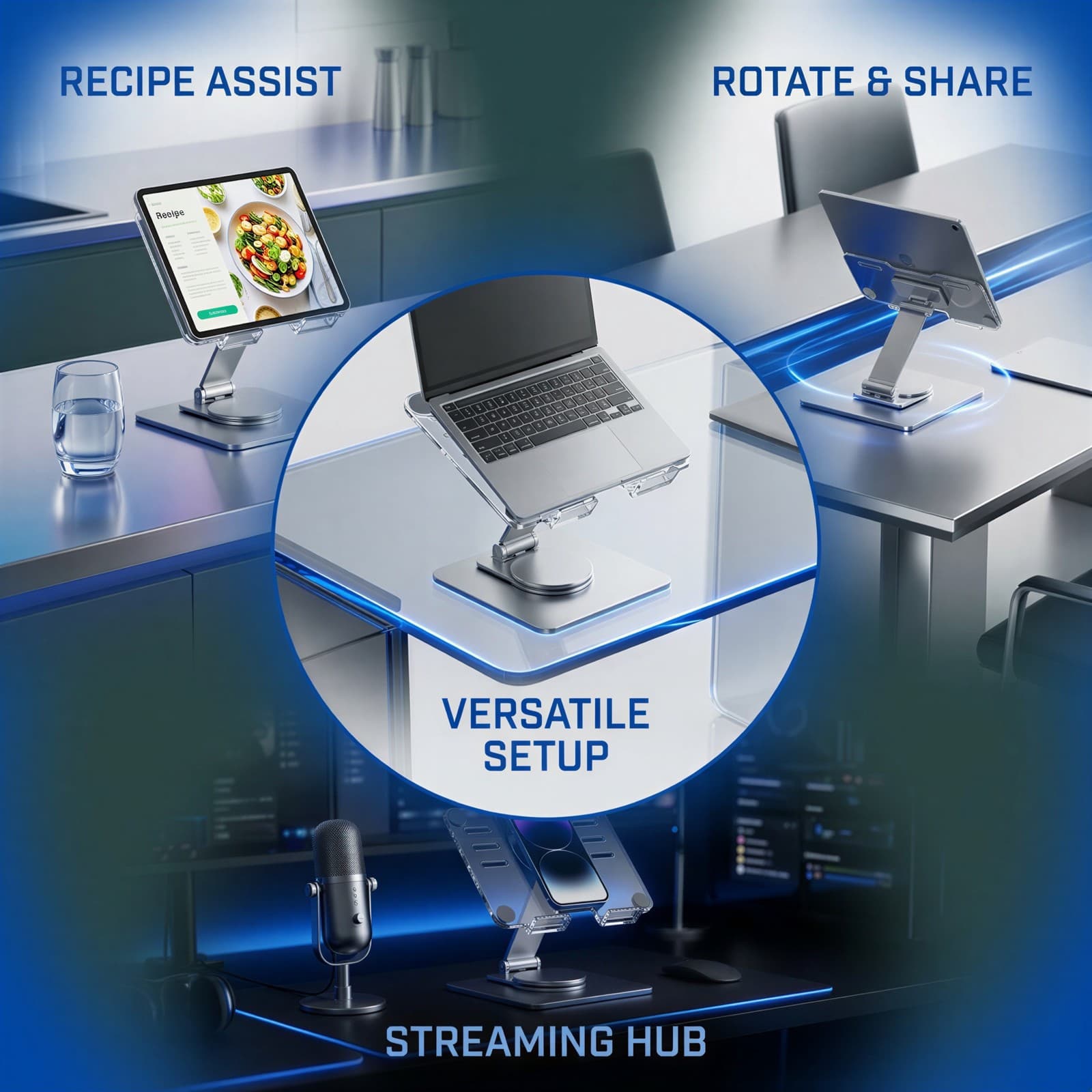
Multi-Scenario Image
Demonstrate versatility by showing use cases outside of just the traditional office desk.
Showing multiple scenarios increases the customer's perceived utility of the stand. It shifts the product from a simple luxury to an indispensable household tool.
- Blend three scenes smoothly using modern color gradients without harsh border splits.
- Label each scenario with clean, functional text such as 'RECIPE ASSIST' and 'STREAMING HUB'.
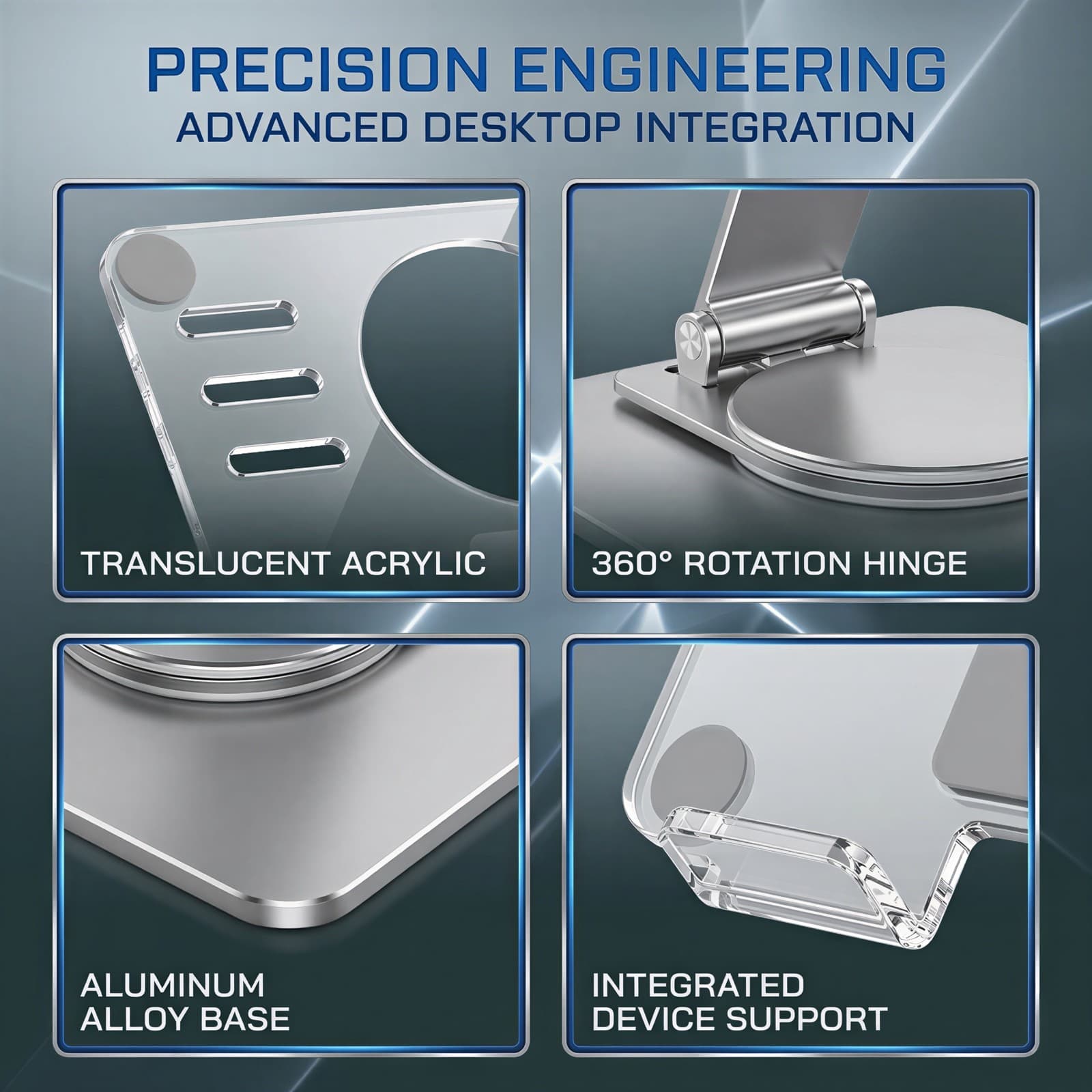
Detail Image
Reassure quality-conscious buyers of meticulous manufacturing and high durability.
Addressing quality concerns directly prevents return rates. A 2x2 grid of close-ups proves that every curve, hinge, and pad is manufactured to high standards.
- Use sharp macro focus on the metal pivot joint and the laser-cut edges of the acrylic panel.
- Incorporate neat, thin silver frames around each close-up panel for an organized, high-tech grid look.
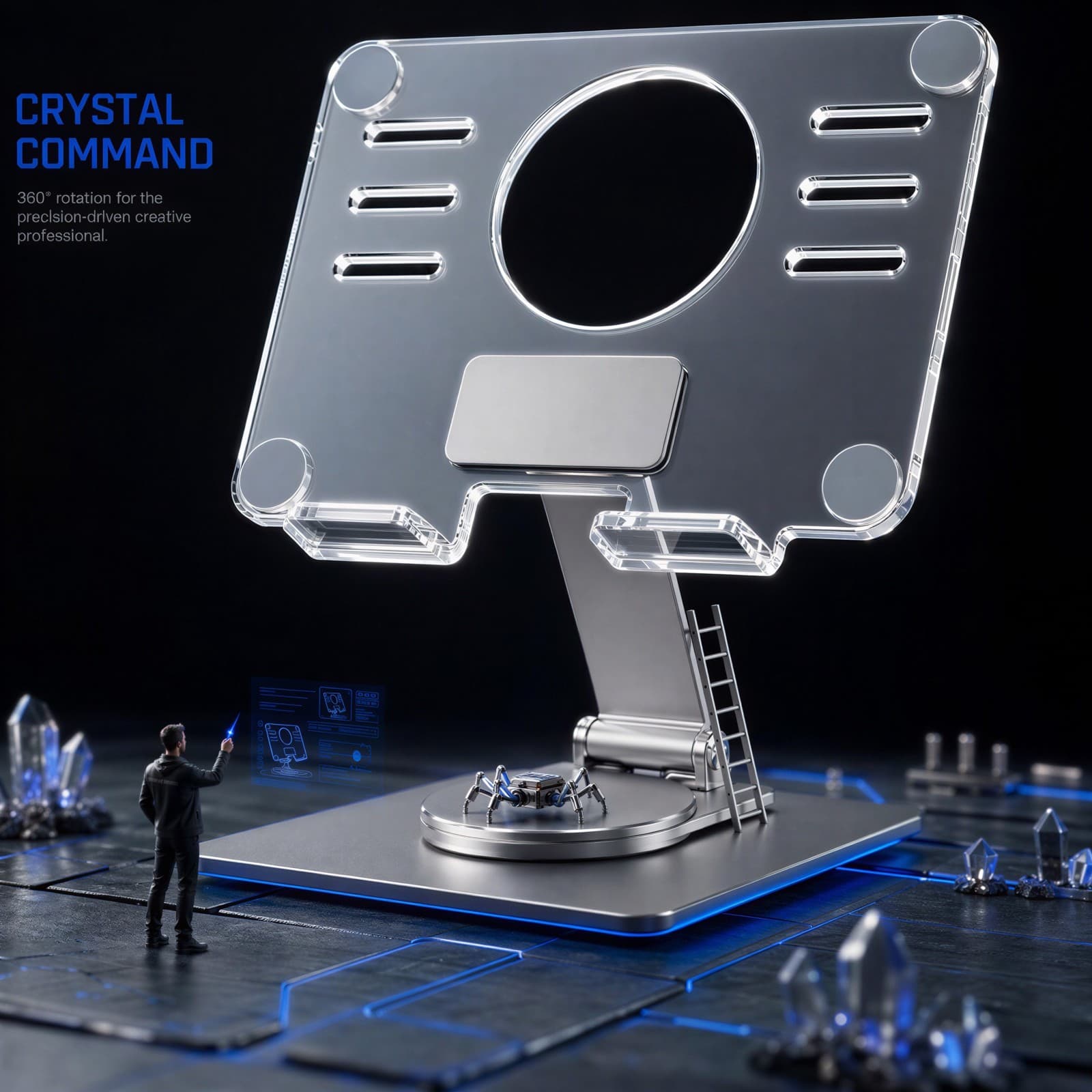
Creative Poster Image
Create a memorable brand image with high engagement using a creative cinematic diorama.
A creative architectural perspective elevates the product into a statement piece. It engages the viewer's imagination and solidifies the brand as innovative.
- Position a micro-scale designer figure on the base looking up at the clear acrylic to create a grand sense of scale.
- Apply cinematic architectural lighting to evoke a high-end, futuristic studio atmosphere.
Size Image
Remove purchase friction by displaying clear and complete physical dimensions.
Sizing is a common hesitation for desk accessories. A visual dimension chart quickly tells the customer if the stand fits their device and desk space.
- Overlay clear lines and labels showing the exact width, height, and depth metrics.
- Keep the stand graphic simple and schematic to ensure size numbers are immediately legible.
Checklist Image
Build trust by showing exactly what comes in the box, setting clean shipping expectations.
Showing the completeness of the package reassures the customer that the product is ready to use and professionally supported.
- Arrange the main stand, instructions, and tools in a balanced, clean flat lay.
- Use a neutral, shadows-only background to focus attention entirely on the package contents.
A+ Image
Demonstrate the ease and convenience of the 360-degree rotation base.
Smooth mechanical rotation is our core differentiator. Showing a physical hand effortlessly turning the stand emphasizes how natural it is to share screen content.
- Capture a model's hand actively rotating the stand during a natural meeting scenario.
- Add clean, circular overlay arrows to visually communicate the 360-degree rotation direction.
A+ Image
Promote clean and safe usage in messy cooking environments.
Kitchen use is a highly relatable scenario for tablet stands. Showing the stand elevating the device above potentially wet or dirty counters highlights practical safety.
- Place the stand in a clean kitchen setting with a tablet showing a recipe app.
- Emphasize the elevated height of the tablet relative to the clean counter surface.
A+ Image
Validate ergonomic health benefits to target buyers working long hours.
Health is a major purchasing driver. Visualizing how the stand prevents neck slouching directly connects with professionals suffering from screen-time fatigue.
- Incorporate a simple line drawing showing correct viewing posture alongside the product.
- Add a clear callout text like 'Eye-Level Comfort' to quickly communicate the physical benefit.