
LED Desktop MagnifierAmazon A+ Case Study
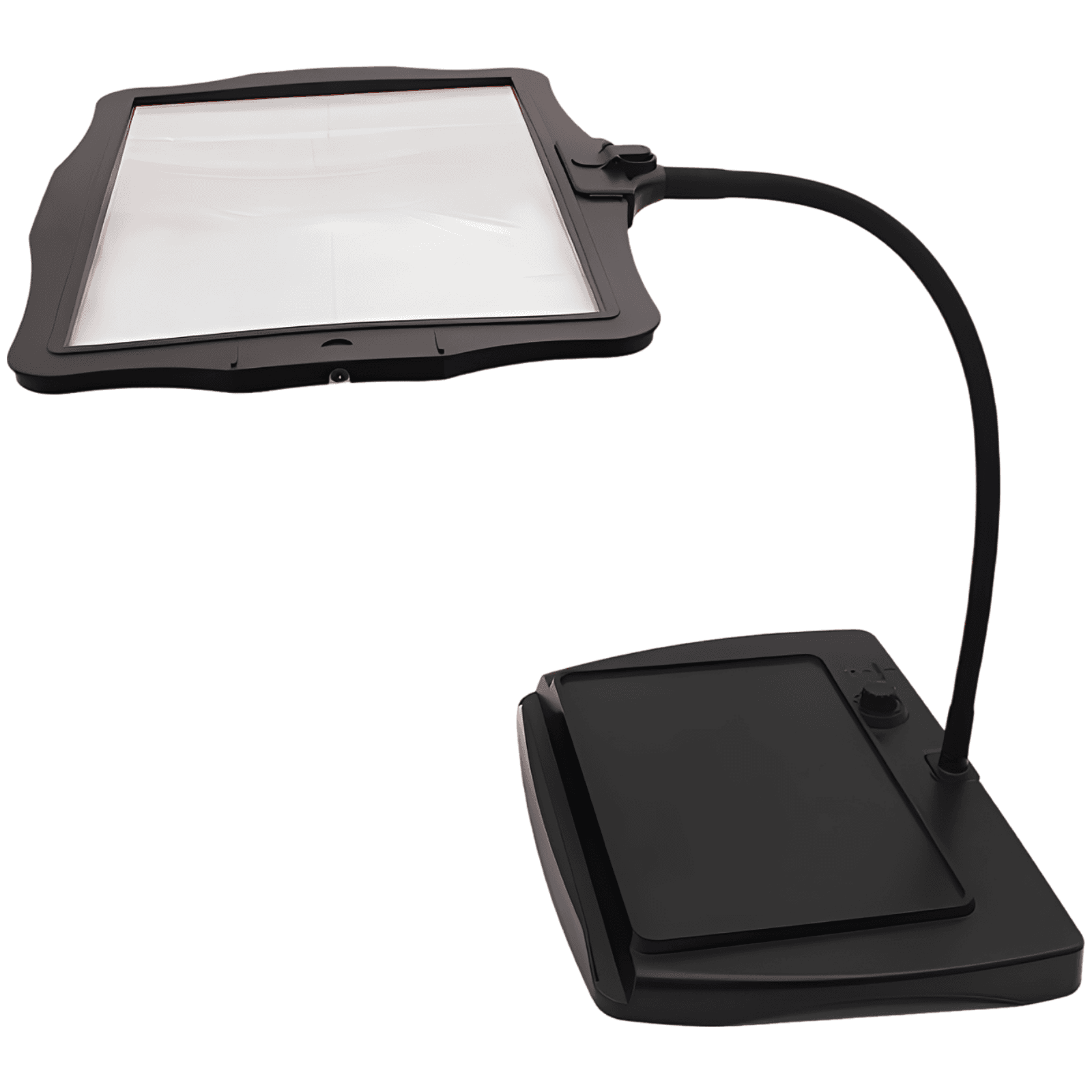
Experience ultimate precision with our 3X large desktop magnifier. Equipped with 48 eye-care LEDs, a flexible gooseneck, and a powerful rechargeable battery, it is designed to bring absolute clarity to reading, soldering, crafting, and professional tasks.
A+ Marketing Plan
Clarity in Every Detail, Comfort in Every Light
Start from a Small Set of Product Inputs
Capture source image, product facts, and style.
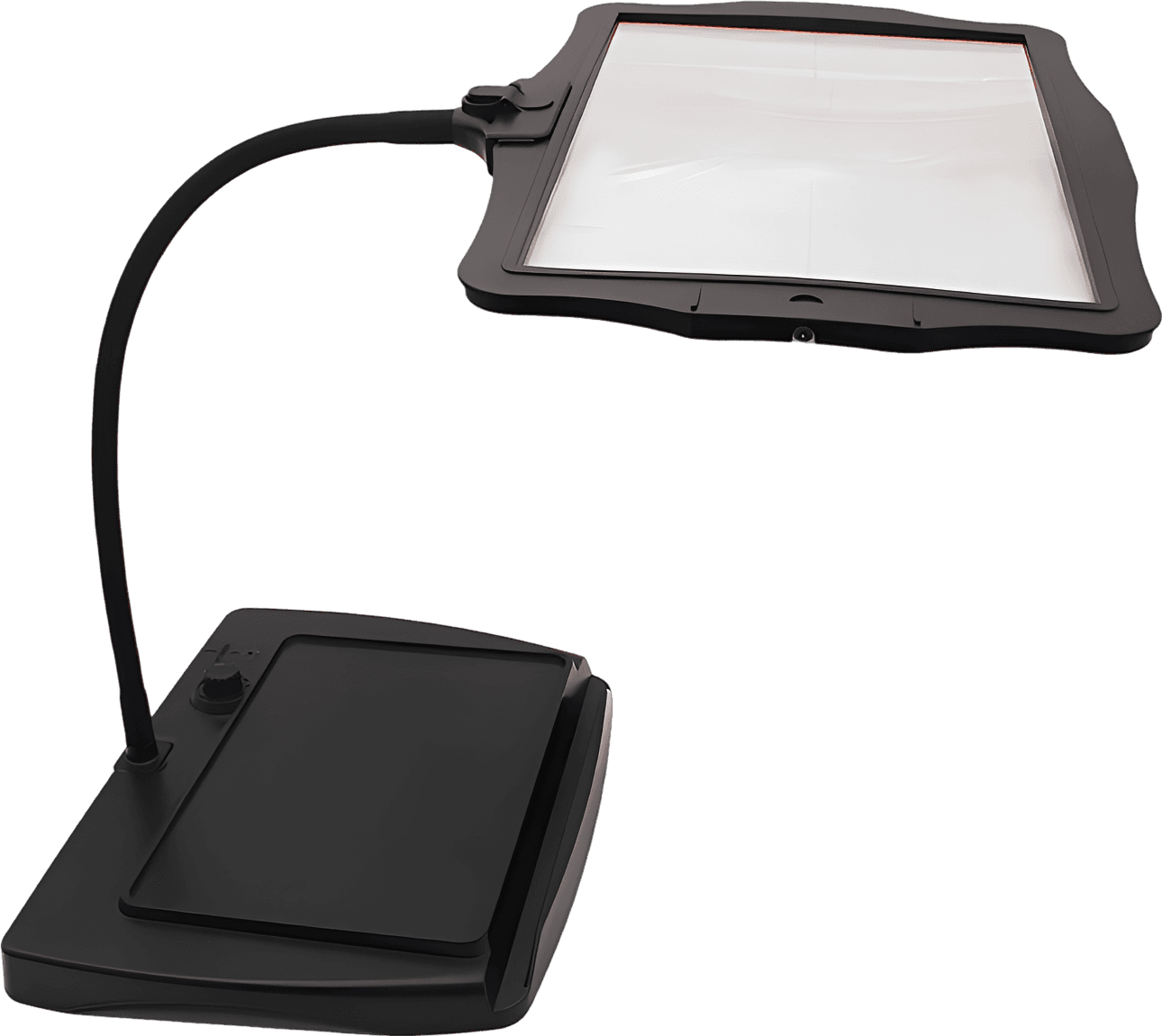
- Product title: Rechargeable LED Desktop Magnifier
- Set details: 1 pc
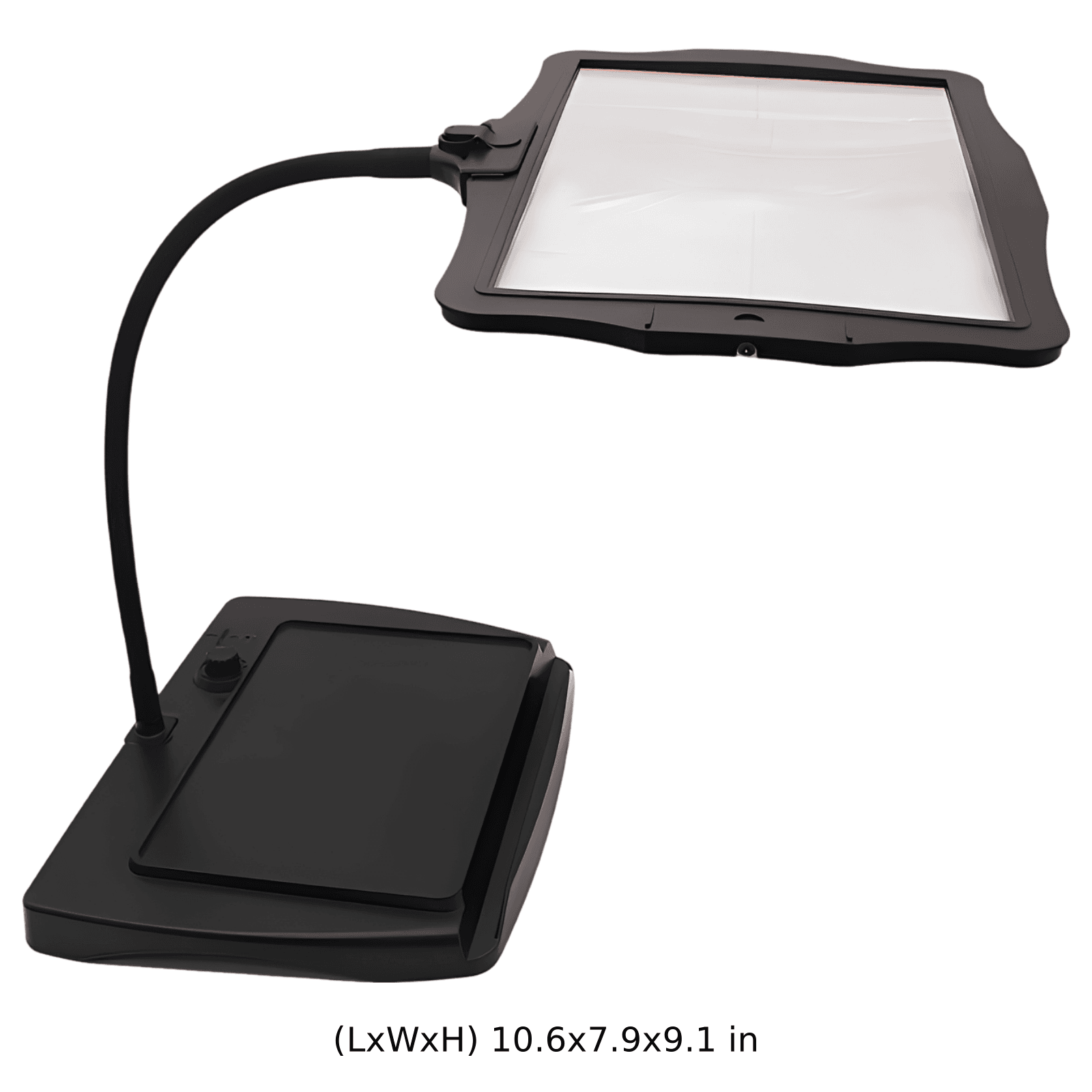
- Dimensions: 27.0 x 20.0 x 23.2 cm
- Style judgment: Modern, Professional, and Ergonomic
Discover Search Terms and Read Purchase Intent
BeePOP expands the keyword set, completes keyword research, and identifies what buyers care about in real search demand.
| Keyword | Type | Monthly Search Volume |
|---|---|---|
| magnifier with light | Core Function | 4493 |
| reading magnifier with light | Primary Use Case | 18663 |
| desktop magnifier with light | Form Factor | 4572 |
| led magnifying lamp | Lighting & Style | 4754 |
| magnifying glass with light for jewelry | Secondary Use Case | 3866 |
Keyword Insight
Customers searching for desktop magnifiers prioritize clear visual fields, adjustable and bright LED lighting, sturdy stability, and hands-free adjustability for long-duration tasks like reading and intricate crafts.
Design the Marketing Strategy from Buyer Demand
BeePOP turns search and product understanding into audience definition, selling points, differentiation, and a conversion path.
- Target users: Hobbyists & Craft Enthusiasts, Seniors & Avid Readers, Electronics Repair Technicians, Jewelry Appraisers & Designers
- Usage scenarios: Late-night reading in a cozy armchair, Soldering intricate circuit boards on a workbench, Painting miniatures and detailed model crafting, Inspecting fine details on jewelry and gemstones
- Pain points: Eye strain and headaches from poor lighting and low clarity, Flimsy, unstable magnifier stands that sag or tip over, Short cords that restrict movement or require constant power outlets, Small visual lens fields that cause frequent re-adjustments
- Core advantages: Ultra-large 8.9x6.1 in high-definition 3X acrylic lens, 48 surround eye-care LEDs with seamless stepless dimming, 13.8 in flexible silicone gooseneck with ultra-stable 1.5 lbs base, Up to 10 hours of cordless power via Type-C rechargeable battery
- Differentiation: Extraordinary visual coverage supporting both vertical and horizontal viewing, Dual-powered design supporting cordless freedom or plug-in continuous use, Extremely stable heavy-duty ABS base preventing tipping during adjustments
- Buyer focus: Clarity and lack of distortion across the entire lens surface, Comfortable, flicker-free light to prevent long-term visual fatigue, Easy, hands-free posture alignment for relaxed working sessions
- Main message: Bring absolute precision, clarity, and comfort to every intricate task.
- Delivery method: Combine professional scientific workbench aesthetics with cozy, realistic home environments to demonstrate both professional reliability and lifestyle comfort.
- Priority: Highlighting the ultra-large clear visual lens first, followed closely by the custom lighting and cordless flexibility, and lastly demonstrating structural stability.
Generate the Full A+ Plan
Based on the strategy layer, BeePOP defines how many images are needed, what each panel should communicate, and what conversion job each visual should perform.
Hero Image
Showcases the desktop magnifier standing stably on a modern clean workspace, highlighting its large acrylic lens and sleek design with professional studio lighting.
Benefit Image
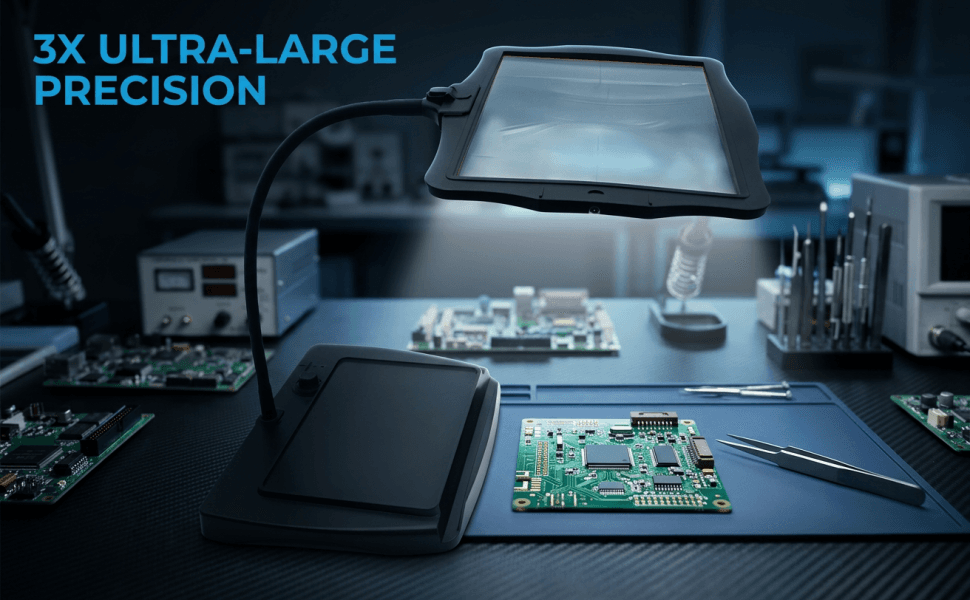
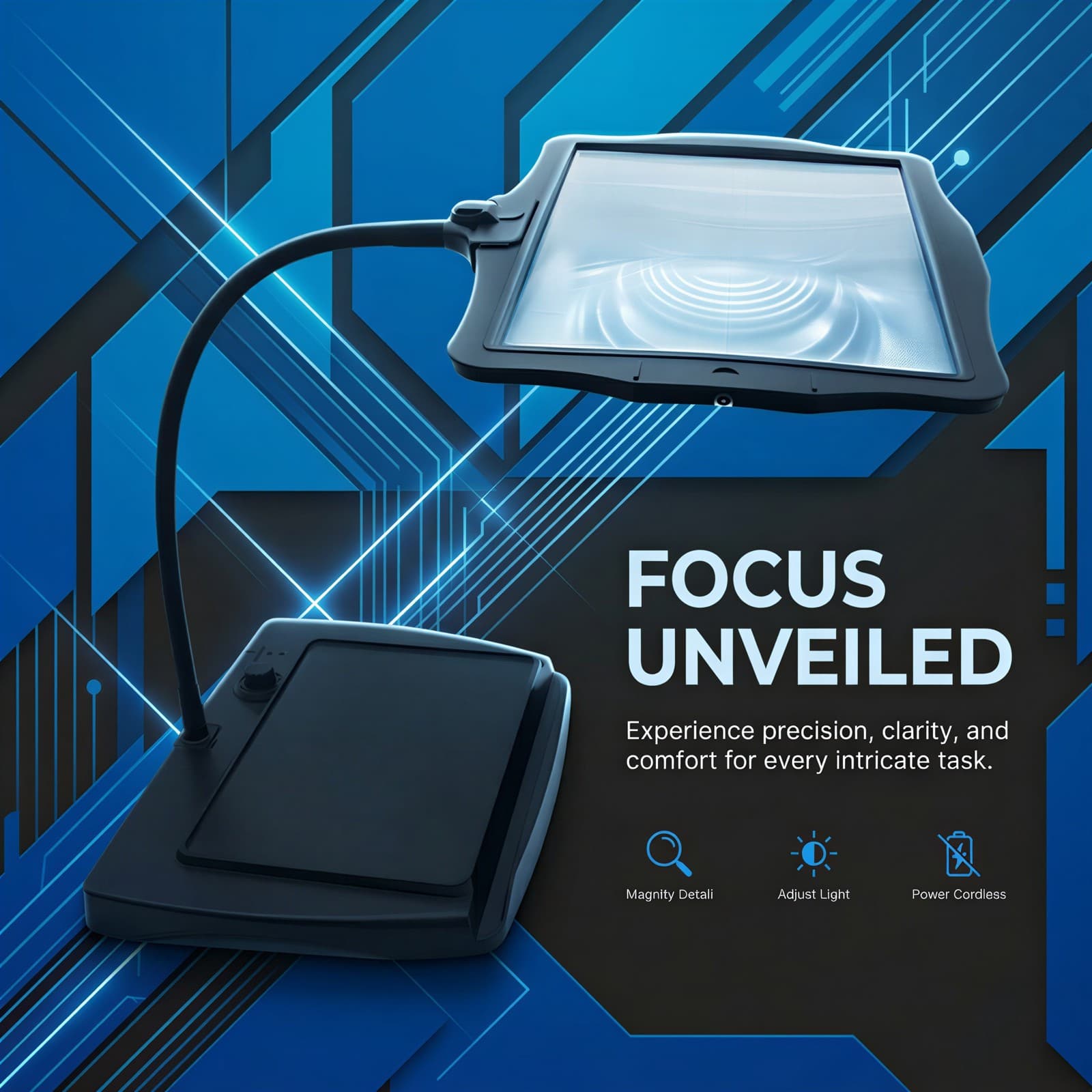
A technical graphic poster styled layout highlighting precision and modern technology with clean abstract geometric lines and carbon-toned background.
Scenario Image
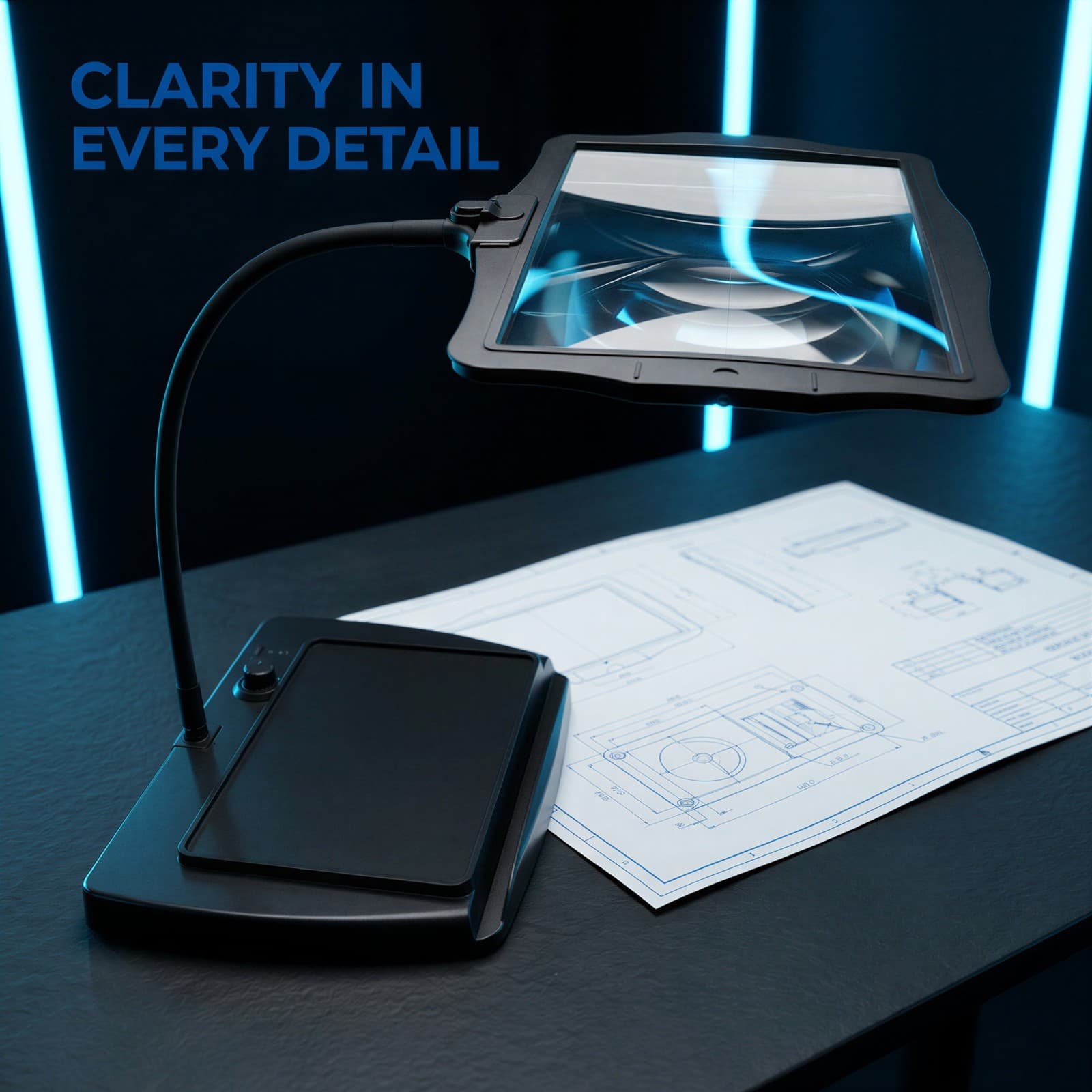
Shows the desktop magnifier positioned over a detailed technical schematic document on a dark carbon slate workbench in a modern research lab.
Multi-Scenario Image
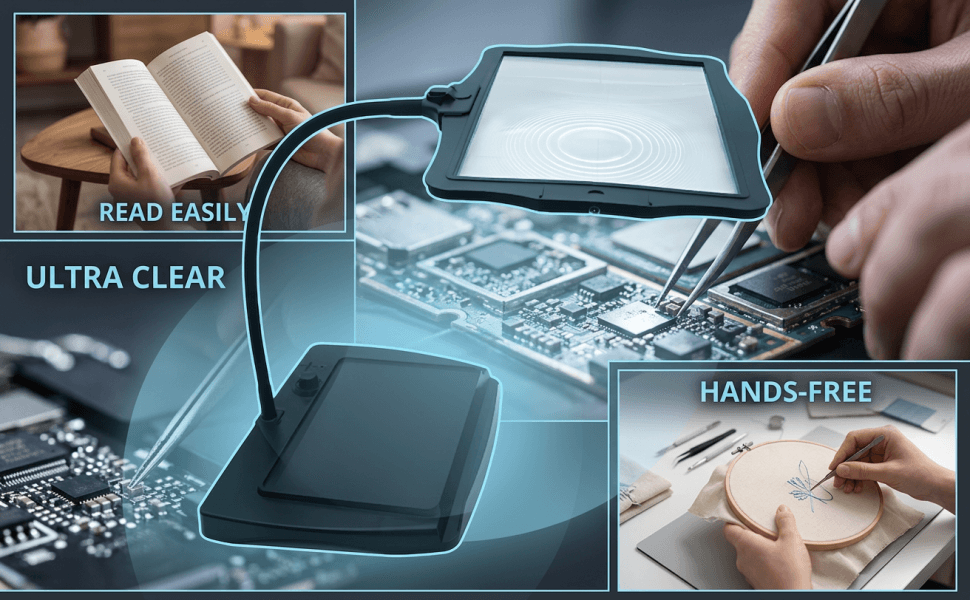
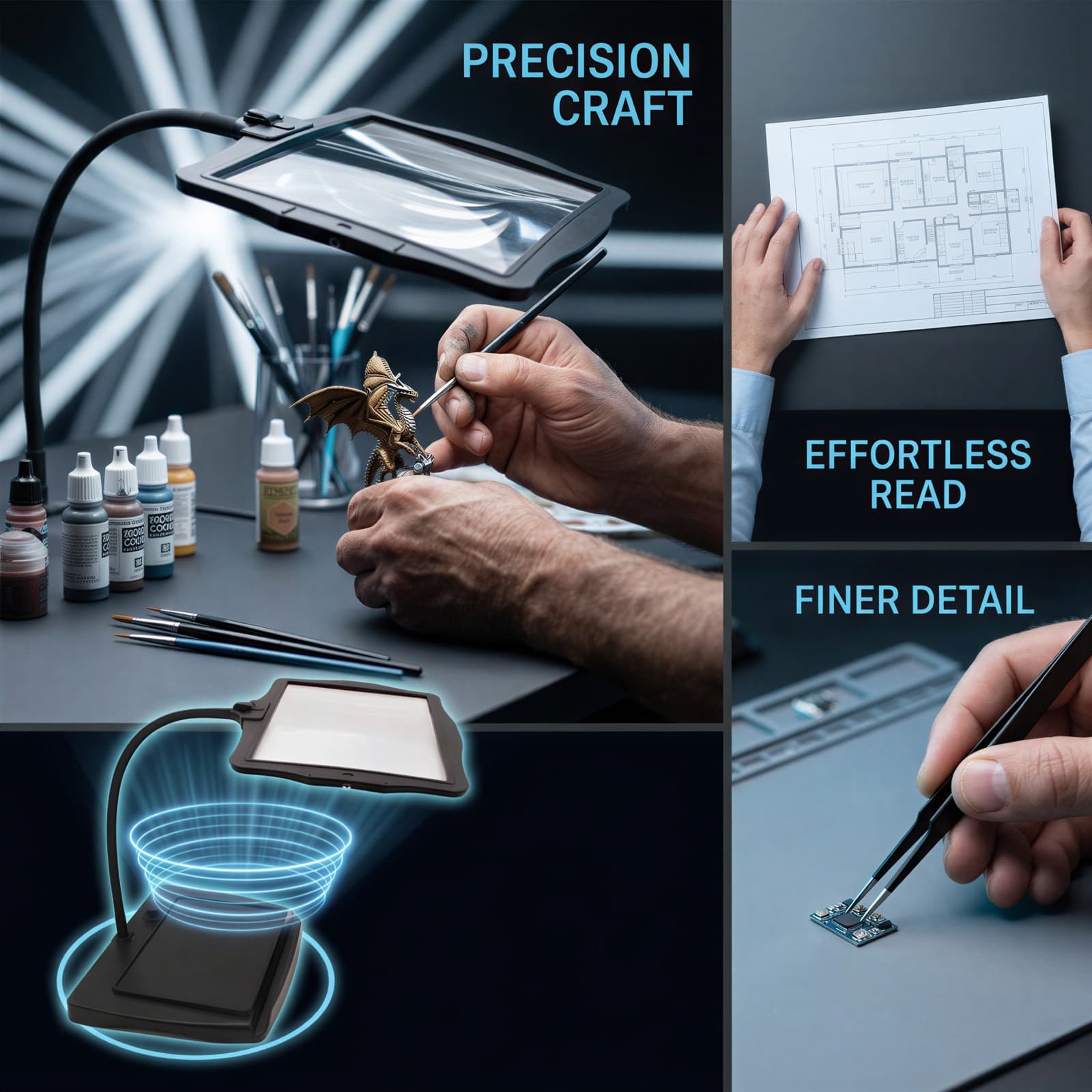
A multi-panel layout showing diverse precision activities, including hands painting a miniature figure, reading blueprints, and handling tiny electronic components.
Size Image
A clean product shot with clear dimension lines, showing the flexible hose length, lens width, and overall height specifications.
Checklist Image
Displays the desktop magnifier, its USB charging cable, and the user manual organized neatly in a modern, professional layout.
A+ Scenario Image
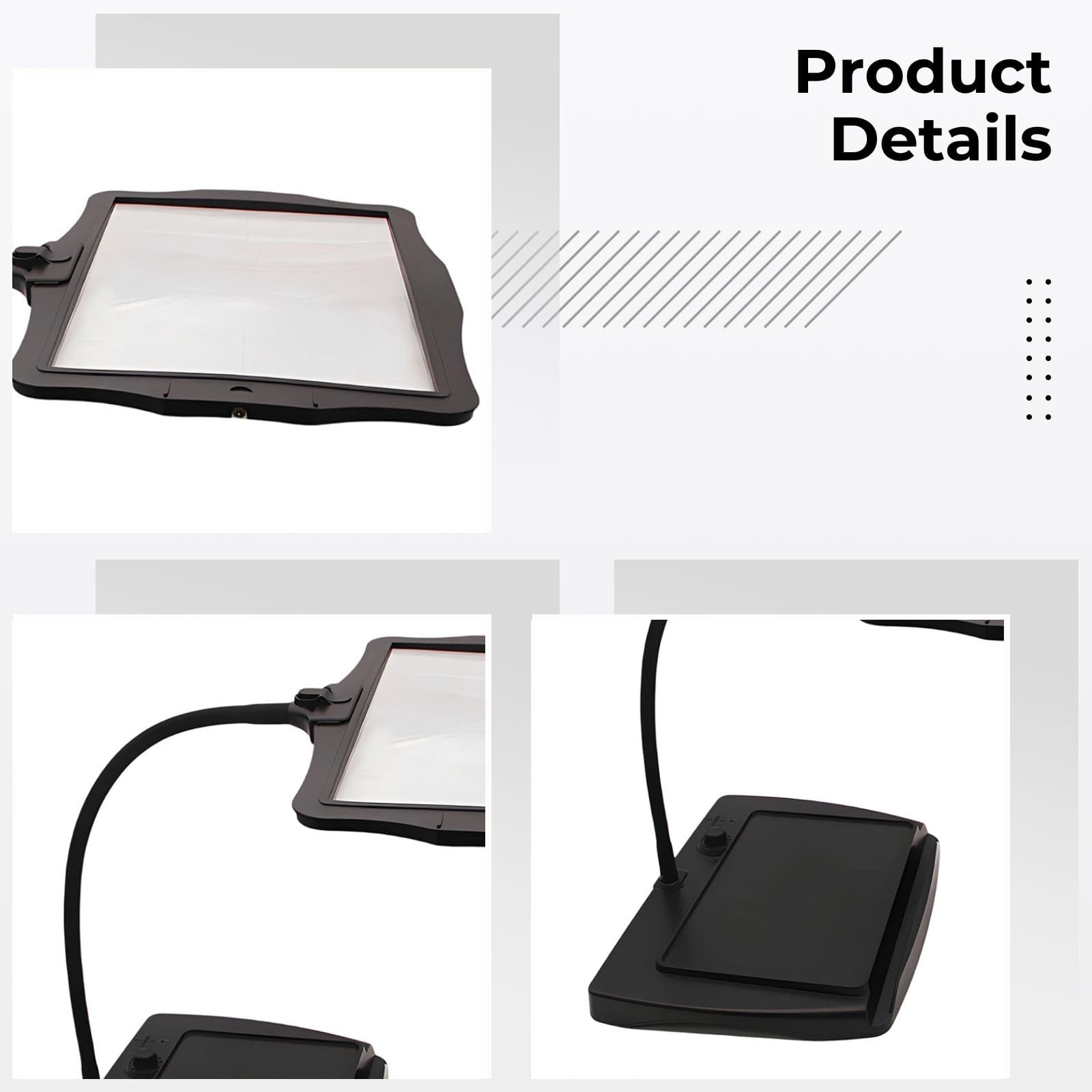
A close-up view focusing on the flexible silicone gooseneck and the sturdy ABS base sitting securely on a wooden home office desk.
A+ Comparison Image
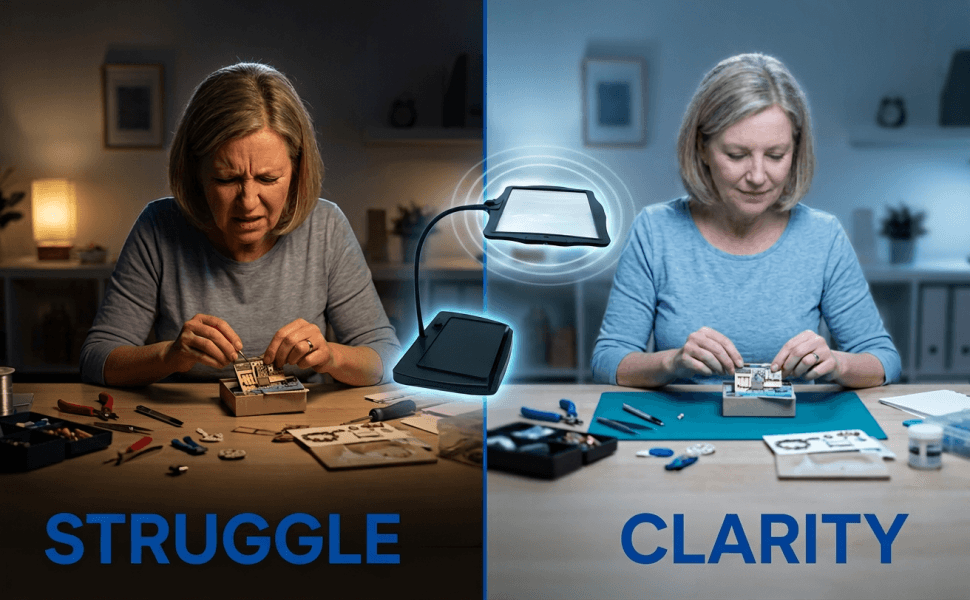
A split-screen comparison showing a blurred, hard-to-read text section on one side and a perfectly clear, magnified, and brilliantly lit section on the other.
A+ Multi-Scenario Image
A multi-view showcase highlighting the magnifier used during late-night reading and delicate jewelry appraisal under warm, comfortable lighting.
A+ Visual Creation
BeePOP treats every image as an independent module to refine. Under the guidance of the A+ plan, it clarifies image purpose, breaks down execution points, and produces visuals that support the full page conversion goal.
Hero Image
To capture immediate attention and clearly convey the product's main function as a premium lighted desktop magnifier.
We place the product in a pristine, professional environment to establish a high-quality, reliable brand image from the very first glance. The neutral lighting highlights the premium texture of the ABS and silicone materials, appealing to both hobbyists and professionals.
- Position the magnifier centrally with a slight three-quarter angle to show its depth and base stability.
- Apply high-fidelity studio lighting with a strong key light to create sharp highlights on the lens and neck.
Benefit Image
To explain the core technical advantages of the product in a structured, professional, and visually engaging manner.
Using a dark, tech-inspired background with sharp vectors builds immediate professional credibility. The contrast helps technical features like magnification and light adjustments stand out clearly to detail-oriented buyers.
- Utilize a Cyanine Blue and Carbon Slate color palette for a futuristic, micro-circuitry aesthetic.
- Incorporate minimal feature icons with short labels for quick scanning of key benefits.
Scenario Image
To demonstrate the product in a professional, real-world application, proving its utility for intricate technical tasks.
By showing the magnifier directly above a blueprint schematic, we trigger the user's imagination of how they would use it for their own precision work. The shallow depth of field keeps the focus squarely on the product's magnifying capability.
- Use vertical blue light bars in the background to build depth while keeping the workbench surface sharp.
- Display the lens magnifying the technical document clearly to prove the 3X magnification effect.
Multi-Scenario Image
To showcase the extreme versatility of the magnifier across hobbies, reading, and professional repair tasks.
By illustrating three distinct use cases (crafting, reading, electronics), we expand our target audience from seniors reading books to young hobbyists doing delicate crafts. This maximizes the product's perceived value.
- Arrange the layout with a large central scene on the left and two smaller stacked scenes on the right.
- Maintain a consistent 6000K lighting temperature across all panels to ensure visual cohesion.
Size Image
To provide accurate spatial dimensions, helping buyers understand how the product fits onto their desks.
Clear dimensions reduce purchasing anxiety by assuring customers that the unit is compact enough for their workspace yet large enough to offer a broad field of view. Using precise annotations builds trust.
- Use clear, high-contrast dimension lines and clean typography that stands out against the background.
- Ensure the magnifier is positioned to show both its vertical height and the base footprint clearly.
Checklist Image
To set clear expectations of what is included in the box, reassuring the customer of a complete and ready-to-use package.
Showing the full package highlights the rechargeable nature (Type-C cable included) and assures buyers of a straightforward setup. Neat organization implies premium product quality.
- Arrange all accessories neatly on a clean, neutral background to emphasize order and quality.
- Add short labels identifying each component clearly with minimalist, sans-serif typography.
A+ Scenario Image
To emphasize the high-quality build materials and the highly flexible nature of the hands-free design.
We focus closely on tactile elements like the silicone gooseneck and sturdy base to address the buyer's pain point of weak, sagging magnifier stands. This visualizes stability and comfortable adjustment.
- Use a tight macro angle to showcase the premium texture of the silicone hose and the solid base.
- Keep the background warm and inviting to fit perfectly into a home office or crafting room environment.
A+ Comparison Image
To provide a powerful visual proof of the 3X magnification and eye-care LED lighting performance.
Before-and-after comparison is the most effective conversion tool. Seeing the stark difference in legibility directly addresses the primary pain point of eye strain and reading difficulties.
- Place a clear dividing line down the center of the text page to isolate the magnified area.
- Simulate realistic lens refraction and bright, uniform light on the magnified side to show performance.
A+ Multi-Scenario Image
To emphasize the eye-care stepless dimming feature and long cordless battery life in relaxing settings.
Showing cozy evening usage highlights the benefit of the built-in rechargeable battery and flicker-free lighting. It shifts the product's identity from a cold industrial tool to a comfortable home companion.
- Utilize warm ambient lighting to evoke a sense of comfort, relaxation, and focus.
- Use clean visual boundaries or soft fades to separate the reading scene from the appraisal scene.
FAQ
More Use Cases
Industrial & Scientific
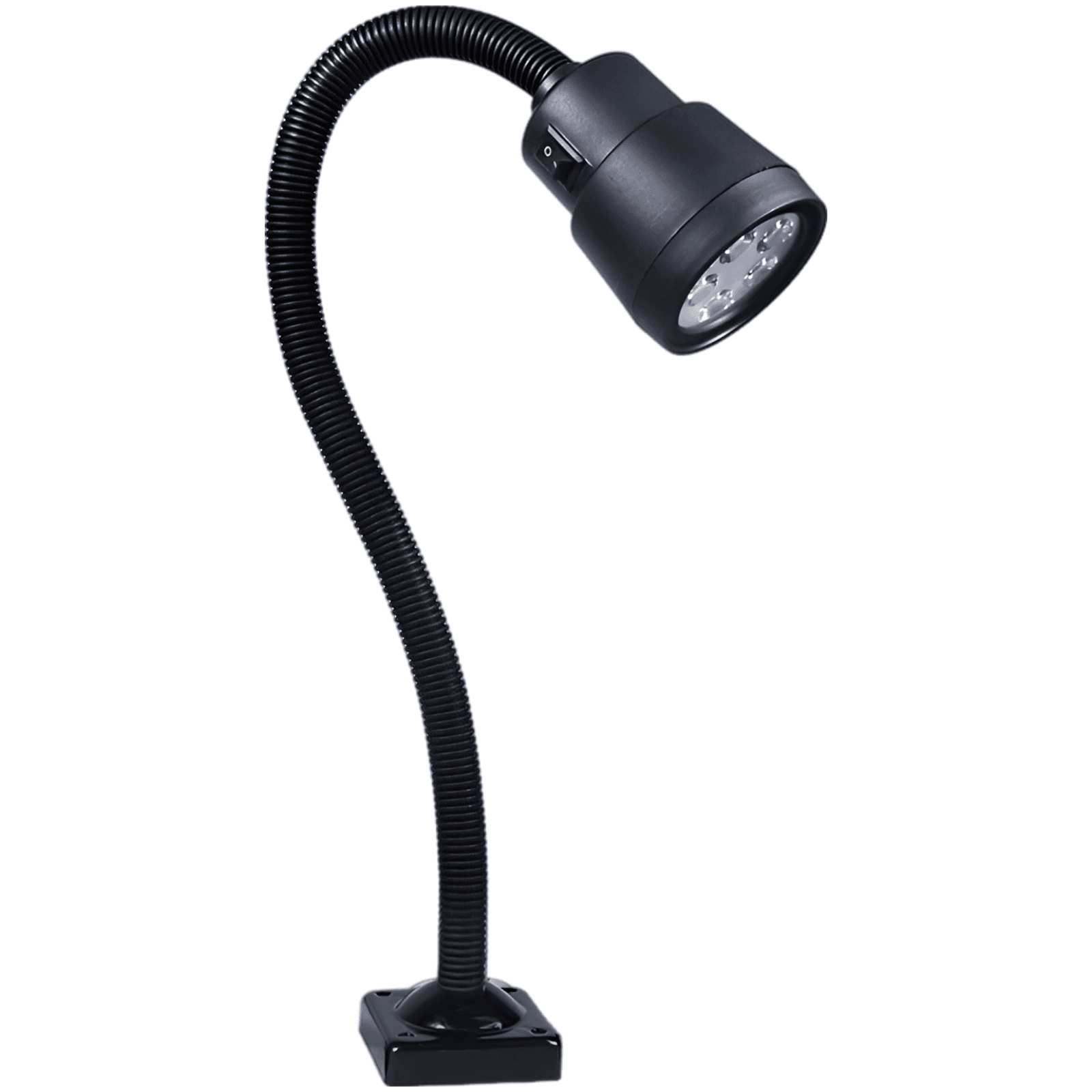
5W LED Flexible Gooseneck Work Light
Engineered for demanding industrial workshops, this 5W LED work light features a 19.7-inch flexible gooseneck, IP55 waterproof protection, and a robust 3.2-inch bolted base to deliver vibration-resistant, ultra-bright illumination for CNC machines, lathes, and milling setups.
Jun 29, 2026
Industrial & Scientific
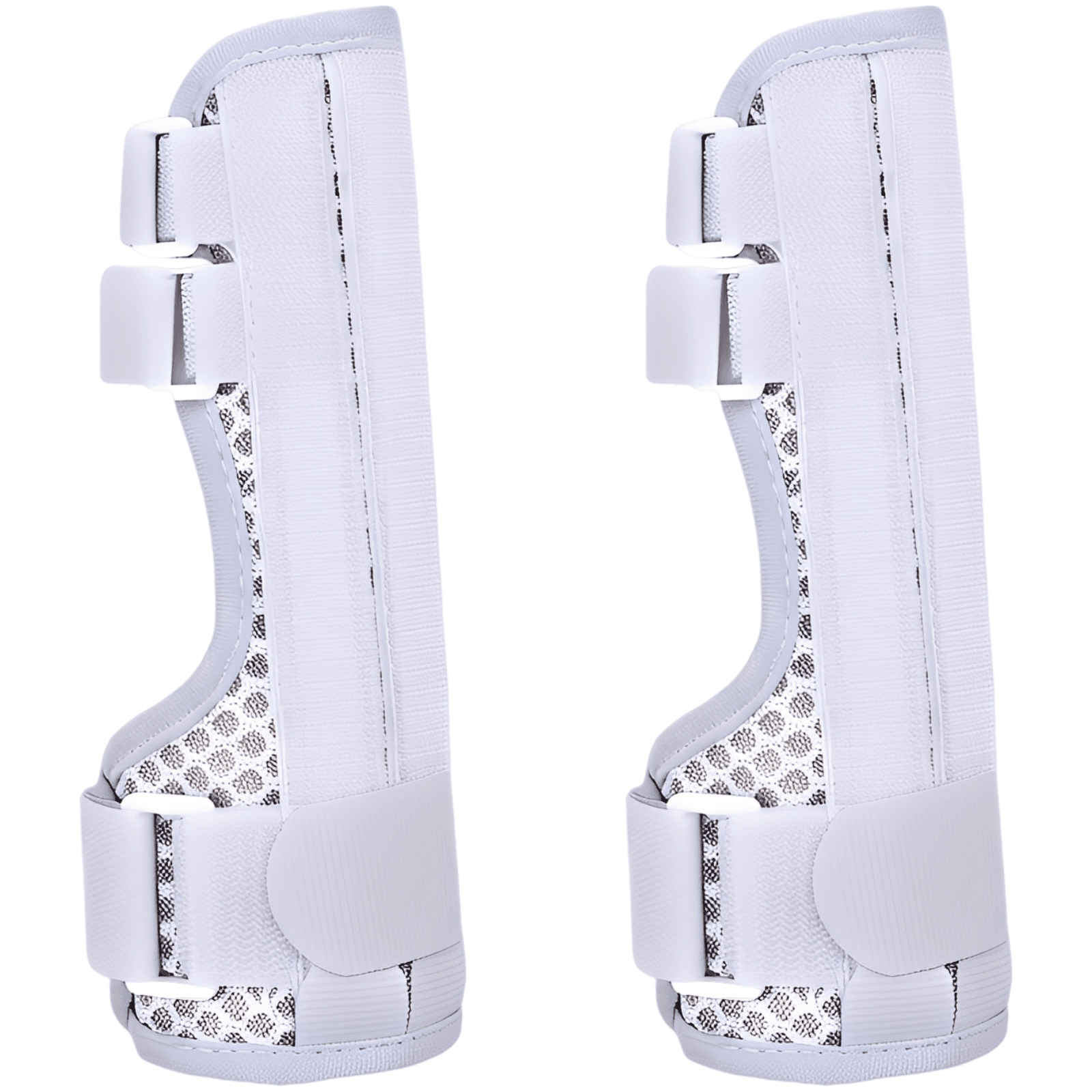
Advanced Hand Brace with Finger Support
An adjustable ambidextrous hand and wrist support featuring a removable aluminum alloy bar, multiple side stabilizers, and a highly ventilated honeycomb mesh fabric for ultimate comfort and secure finger compression.
Jun 26, 2026